
Refero Skill
An agent skill that makes design research mandatory before implementation: styles-first visual research, real-screen pattern research, flow reasoning, reference locks, optional visual exploration, post-build QA, and craft guidance. When Refero MCP is available, it can use curated visual styles, 150,000+ real app screens, and 6,000+ user flows from Stripe, Linear, Notion, Figma, and the best-designed products ever built.
Install
Works with Claude Code, Cursor, Gemini CLI, Lovable, and any MCP-compatible agent.
npx skills add https://github.com/referodesign/refero_skill --skill refero-design
Craft knowledge loads immediately. No account required.
git clone https://github.com/referodesign/refero_skill.git ~/.claude/skills/refero-design
On Claude.ai, add the contents of SKILL.md to your project knowledge.
What it does
- Researches styles, screens, and flows — starts with visual styles for taste and direction, then uses real screens and user flows for product patterns and journey logic when live Refero MCP tools are available.
- Extracts patterns — identifies specific design decisions and builds a reference list before touching code.
- Routes the workflow — goes directly to code for clear edits, or creates three reference-locked directions when exploration is valuable.
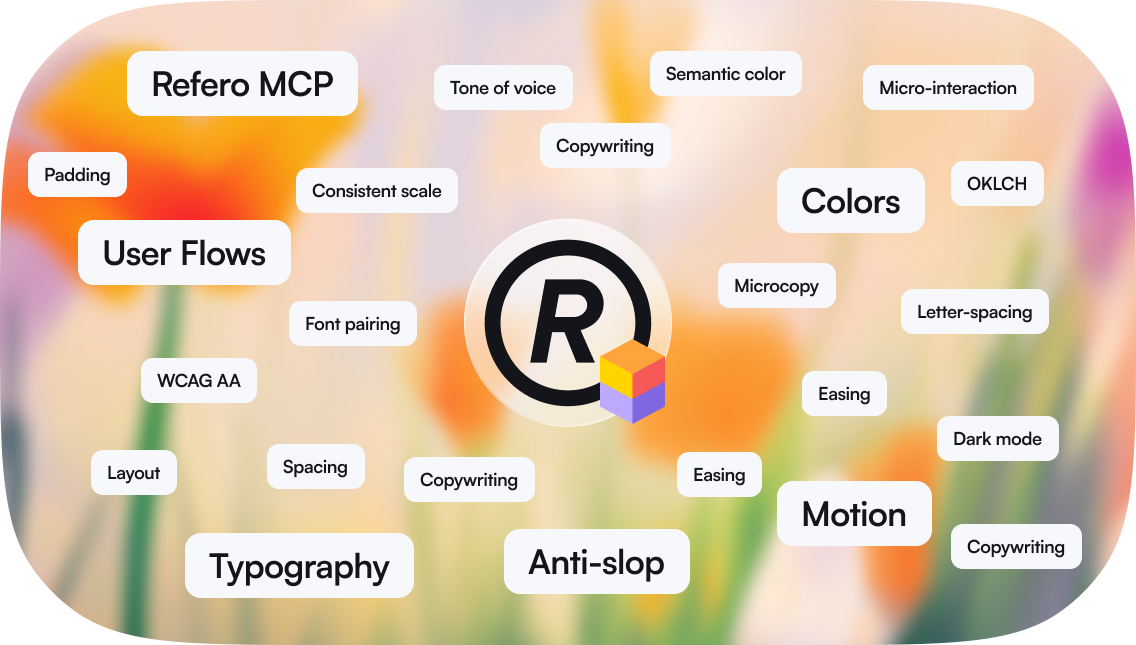
- Applies craft knowledge — uses built-in guides on typography, color, spacing, motion, icons, and copywriting. Flags anti-slop patterns before they appear.
- Designs and validates with evidence — every decision traces back to a real product or a craft rule, and substantial visual work gets checked against the locked target before handoff.
SKILL.md — Research-first methodology: styles-first visual research, screen/flow routing, optional visual exploration, synthesis, craft guidance, quality gates.
Reference guides: typography.md, color.md, motion.md, icons.md, craft-details.md, anti-ai-slop.md, copywriting.md, visual-workflow.md, mcp-tools.md, example-workflow.md
Connect live design research
Set up Refero MCP from refero.design/mcp, then connect your tool:
claude mcp add --transport http refero https://api.refero.design/mcp --header "Authorization: Bearer <token>"
Add to .cursor/mcp.json:
{
  "mcpServers": {
    "refero": {
      "url": "https://api.refero.design/mcp",
      "headers": { "Authorization": "Bearer <token>" }
    }
  }
}
gemini mcp add --transport http refero https://api.refero.design/mcp --header "Authorization: Bearer <token>"
Settings → Connectors → New MCP server → https://api.refero.design/mcp → Bearer token
URL: https://api.refero.design/mcp
Auth: Bearer <token>
The first time you call Refero, a browser window opens to sign in. After that it's automatic.
Contributing
To improve this skill, keep SKILL.md focused on the core workflow and put detailed,
conditional guidance in references/.
License
MIT
No comments yet
Be the first to share your take.