
Paper Pilot
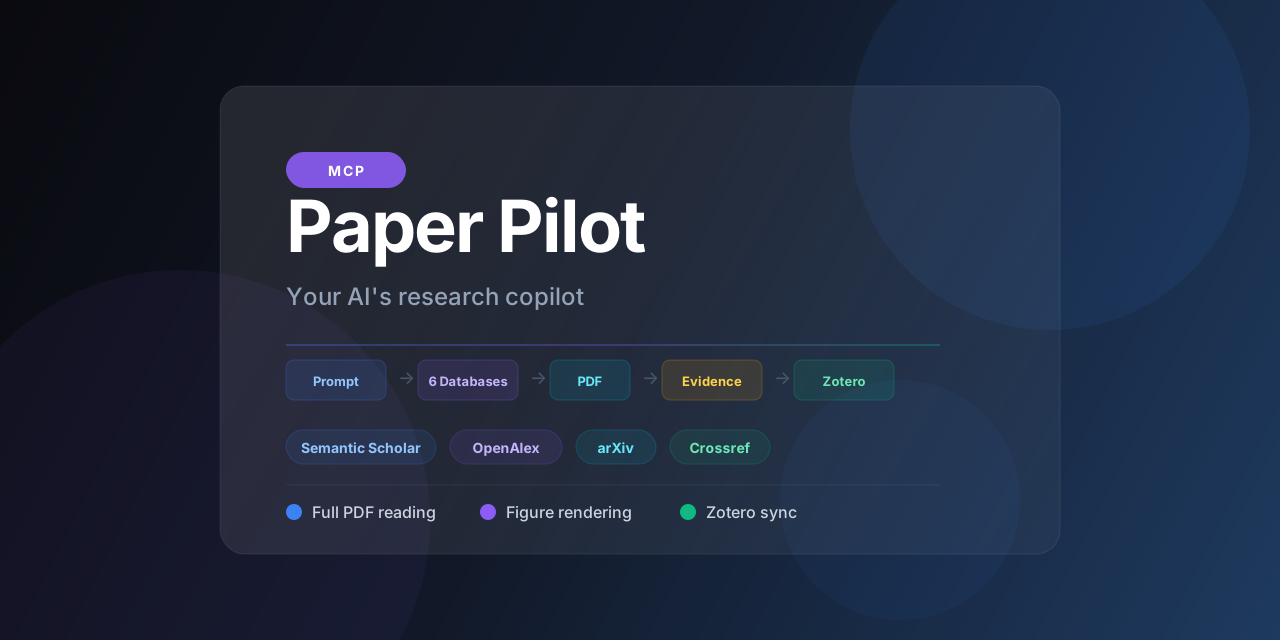
Give any MCP-capable agent real academic research: 16 tools over 6 scholarly databases, open-access PDF full-text reading, cited evidence extraction, citation graphs, and Zotero sync.
Your AI Googles when you say "research." Paper Pilot searches real academic databases, downloads the PDFs, reads them cover to cover, renders the figures, gives you evidence with citations, and files it all in your Zotero library.


Quick start
Try it in 30 seconds. No MCP client, no config:
# straight from GitHub (works today):
uvx --from git+https://github.com/aytzey/paper-pilot paper-pilot demo "retrieval augmented generation"

# once published to PyPI:
uvx paper-pilot demo "retrieval augmented generation"
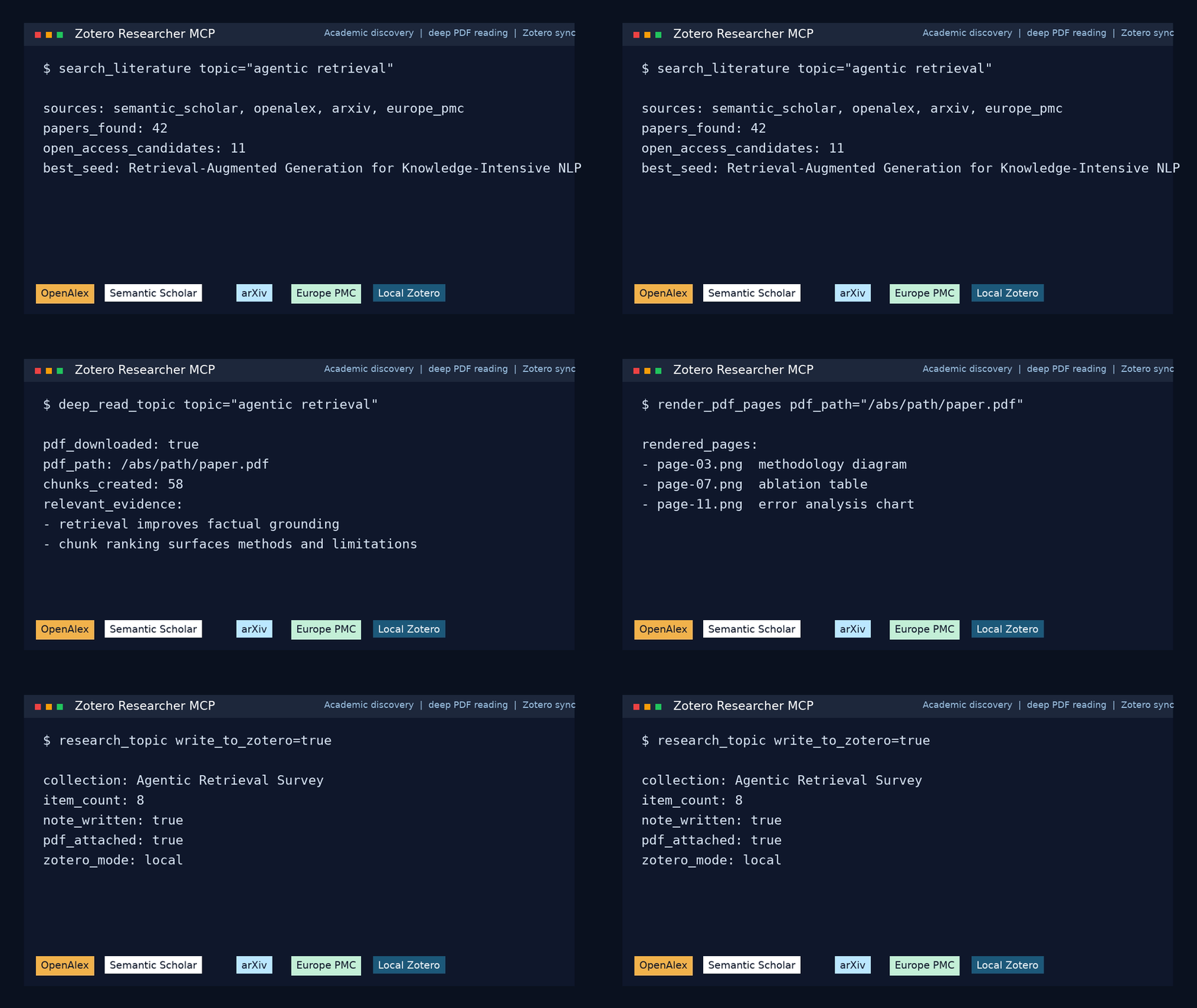
This searches 6 academic databases, downloads the open-access PDFs, reads them, writes a structured report, and opens an interactive citation graph in your browser.
👉 See a real run, no install needed: sample report · interactive citation graph
Then plug it into your AI agent
Wire it into your MCP client (setup below), set a free OPENALEX_EMAIL, and ask:
Research retrieval-augmented generation, deep-read the top papers, and compare the methods.
How it works
graph LR
    A[Prompt] --> B[Search 6 databases]
    B --> C[Resolve OA PDFs]
    C --> D[Download & read]
    D --> E[Extract evidence]
    E --> F[Render figures]
    F --> G[Markdown report]
    G --> H[Zotero sync]
One prompt searches six academic databases, downloads the real PDFs, and returns real citations.
Research retrieval-augmented generation, deep-read the top papers, and compare the methods.
Your AI will:
- Search Semantic Scholar, OpenAlex, arXiv, Crossref, Europe PMC, and DOAJ
- Find the open-access PDFs, not abstracts
- Download and read them cover to cover
- Extract evidence chunks with source attribution
- Give the model every PDF's local path to open on demand, and render pages as images or embed the PDF when you ask for it
- Write a structured Markdown report
- Save everything into your Zotero library
vs. alternatives
| ChatGPT Deep Research | Gemini Deep Research | Perplexity Pro | Paper Pilot | |
|---|---|---|---|---|
| Reads actual PDFs | Web summaries | Web summaries | Web summaries | Full text extraction |
| Figures and tables | Text only | Text only | Text only | Page rendering to PNG |
| Your library | Locked in their UI | Locked in Google | Locked in Perplexity | Syncs to Zotero |
| Sources | Generic web search | Generic web search | Web search | 6 academic databases |
| Cost | $200/month | $20/month | $20/month | Free, MIT licensed |
| Your data | Their cloud | Their cloud | Their cloud | Your machine |
| Open source | No | No | No | Yes |
MCP client setup
Works on Claude Desktop, Cursor, Claude Code, and Codex, across Windows, macOS, and Linux. Full per-OS config-file locations, the Windows spawn uv ENOENT fix, and a per-client capability matrix are in docs/CLIENTS.md.
Claude Desktop
Add to claude_desktop_config.json (macOS: ~/Library/Application Support/Claude/, Windows: %APPDATA%\Claude\; Claude Desktop has no Linux build, so use Claude Code on Linux):
{
  "mcpServers": {
    "paper-pilot": {
      "command": "uv",
      "args": ["--directory", "/path/to/paper-pilot", "run", "paper-pilot"],
      "env": {
        "OPENALEX_EMAIL": "[email protected]",
        "UNPAYWALL_EMAIL": "[email protected]",
        "ZOTERO_LOCAL": "true"
      }
    }
  }
}
Claude Code
claude mcp add --scope user paper-pilot -- uv --directory /path/to/paper-pilot run paper-pilot
Codex
Add to ~/.codex/config.toml:
[mcp_servers.paper_pilot]
command = "uv"
args = ["--directory", "/path/to/paper-pilot", "run", "paper-pilot"]

[mcp_servers.paper_pilot.env]
OPENALEX_EMAIL = "[email protected]"
ZOTERO_LOCAL = "true"
Cursor
Put this at .cursor/mcp.json (this repo) or ~/.cursor/mcp.json (global), then enable it in Settings (Cmd/Ctrl+Shift+J) under Model Context Protocol. See examples/cursor.mcp.json.
{
  "mcpServers": {
    "paper-pilot": {
      "command": "uv",
      "args": ["--directory", "/path/to/paper-pilot", "run", "paper-pilot"],
      "env": { "OPENALEX_EMAIL": "[email protected]", "UNPAYWALL_EMAIL": "[email protected]", "ZOTERO_LOCAL": "true" }
    }
  }
}
Windows note
Claude Desktop and Cursor spawn the command without a shell, so a bare uv/uvx can fail with spawn uv ENOENT. Wrap it ("command": "cmd", "args": ["/c", "uv", "--directory", "C:\\path\\to\\paper-pilot", "run", "paper-pilot"]) or use the full path from where uv.
Streamable HTTP mode
paper-pilot --transport streamable-http --host 127.0.0.1 --port 8000
Tools
| Tool | What it does |
|---|---|
research_topic |
Full pipeline: search, download, report, optional citation graph + Zotero sync |
deep_read_topic |
Everything above + full-text extraction with evidence chunks |
graph_topic |
Render an interactive citation / relatedness graph (HTML) for a topic |
render_pdf_pages |
Render PDF pages as images the model can see (figures, tables, layout) |
read_pdf_document |
Return a downloaded PDF's local path and resource link (embed base64 only on request) |
get_pdf_page_text |
Exact text of specific PDF pages as JSON, for fine-grained lookups (no base64) |
search_literature |
Fine-grained multi-source academic search (6 databases) |
find_similar_papers |
Related work expansion from a seed paper |
inspect_open_access_pdf |
OA availability check and PDF preview |
extract_local_pdf_text |
Text extraction from any local PDF |
list_zotero_collections |
List collections in your local or web Zotero library |
healthcheck |
Verify all connections are up |
Four additional optional tools (disabled by default) are documented in docs/EXTRAS.md.
Prefer the CLI?
paper-pilot demo "<topic>"runs the whole pipeline and opens the citation graph. No MCP client required.
Who uses this
PhD students that don't want to spend a week on a literature review. Point it at your thesis topic, get back a structured comparison with real citations and the PDFs already in Zotero.
Research labs that want to scan preprints weekly and auto-file them. Run research_topic on a schedule and keep your group library current.
AI builders that need their agents to work with real academic papers instead of web scraping snippets.
Configuration
[email protected]        # Required for polite API access
[email protected]       # Required for OA resolution
SEMANTIC_SCHOLAR_API_KEY=             # Optional, higher rate limits

# Local Zotero
ZOTERO_LOCAL=true
ZOTERO_LIBRARY_TYPE=user
ZOTERO_DATA_DIR=                       # optional: relocated/sandboxed Zotero data dir (default ~/Zotero)

# Web Zotero API (alternative)
ZOTERO_LIBRARY_ID=
ZOTERO_API_KEY=

# Storage
PAPER_PILOT_DATA_DIR=./data
MAX_DOWNLOAD_MB=75                     # per-PDF download size cap
PAPER_PILOT_ALLOW_EXTERNAL_PDF=true   # read PDFs outside the data dir (set false on networked transports)
PDF_EMBED_MAX_MB=5                     # size cap for an embedded PDF resource
PDF_EMBED_MAX_PAGES=60                 # page cap for an embedded PDF resource

# Institutional networks
HTTP_PROXY=
HTTPS_PROXY=
SSL_CERT_FILE=
Project structure
src/paper_pilot/
  server.py              MCP tools and pipeline orchestration
  cli.py                 Server entry point + `demo` subcommand
  demo.py                Zero-config one-command demo runner
  config.py              Environment and settings
  services/
    academic.py          Multi-source scholarly search (6 databases)
    open_access.py       OA resolution and PDF downloads
    scihub.py            Sci-Hub paper resolution (opt-in)
    deep_read.py         Full-text extraction and page rendering
    zotero.py            Local and web Zotero integration
    reporting.py         Markdown report + synthesis comparison tables
    graphing.py          Interactive citation-graph HTML export
    content.py           PDF/image MCP content blocks (pages as images, embedded PDF)
    libgen.py            Supplementary LibGen support
    net.py               SSRF guard + size-capped downloads
Architecture details: docs/ARCHITECTURE.md
For AI agents
- AGENTS.md: shared operating guide
- CLAUDE.md: Claude Desktop and Claude Code setup
- CODEX.md: Codex setup
- docs/CLIENTS.md: side-by-side client comparison
Contributing
PRs welcome. The most impactful areas:
- New scholarly source adapters
- Better OA resolution logic
- PDF parsing improvements
- More MCP client configs
See CONTRIBUTING.md.
Disclaimer
This tool is designed for academic research and educational purposes only. Open-access features use only legal, publicly available sources. Optional, disabled-by-default integrations are covered in docs/EXTRAS.md.
License
MIT. Do whatever you want with it.
If this helps your research, star the repo and tell a colleague.
No comments yet
Be the first to share your take.