
DocsReader
The human window into an agent-managed markdown corpus. Your AI agents write docs, memory, and tasks through the bundled MCP server; you read the same plain files in a clean native app. It also works as a fast reader for any folder of markdown - macOS, Linux, Windows.







Linux AppImage works on most distros; for .deb or .rpm see Releases. Or install via Homebrew or one-liner.
How it works
Everything is plain markdown on disk - no database, greppable, versionable with git. A workspace is a folder of markdown (your default ~/notes, or a project's <project>/notes) with three namespaces:
| Namespace | Lives in | Holds |
|---|---|---|
| Docs | research/ in-progress/ done/ archived/ |
Research, plans, decisions. The folder IS the status - moving the file IS the status change. Phase subfolders (research/v2-launch/) group work. |
| Memory | memory/ |
Short topic-addressed facts, one entry per topic, rewritten wholesale. |
| Tasks | tasks/ |
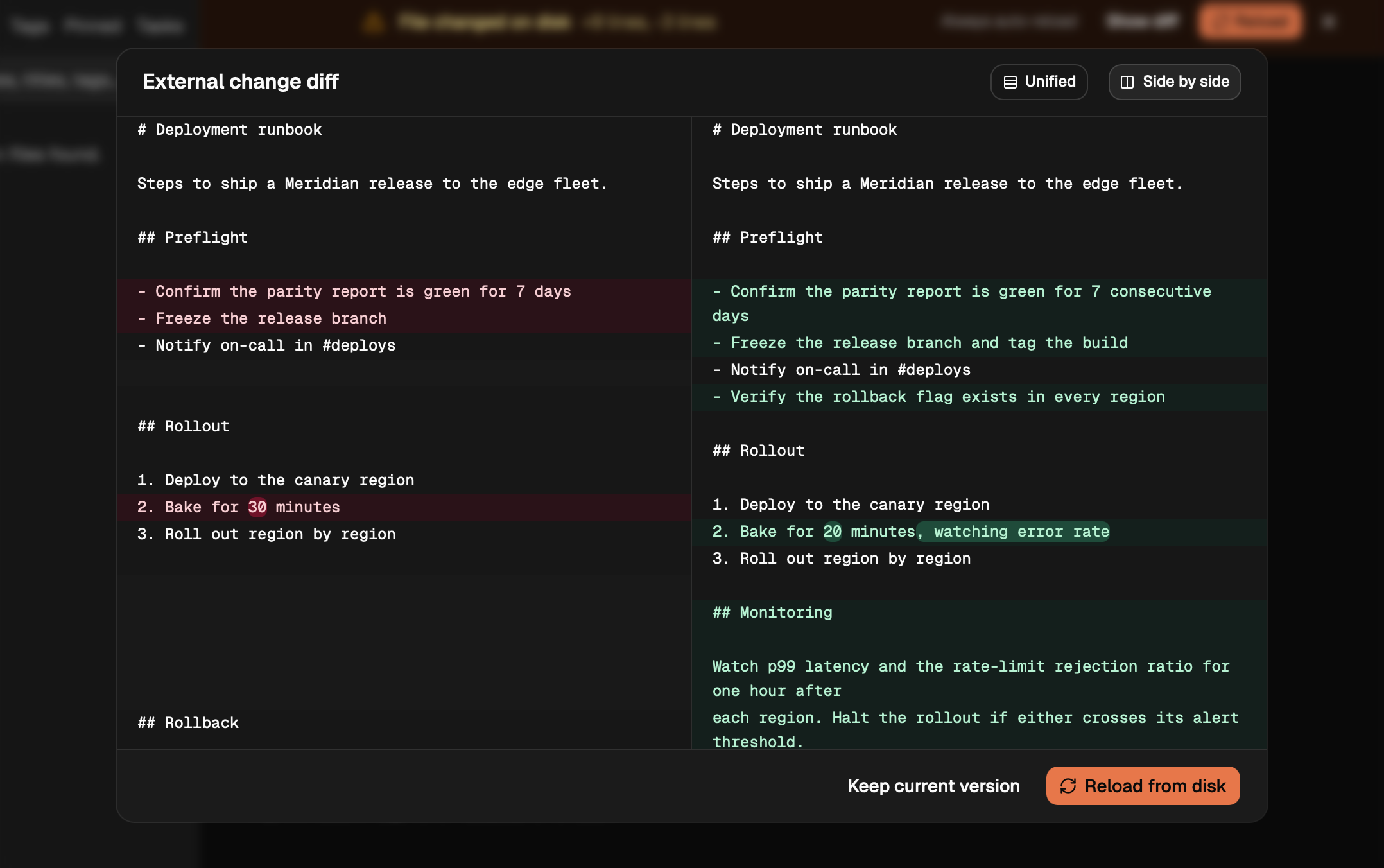
Backlog.md-shaped files: task-N ids, status in frontmatter, an acceptance-criteria checklist. |
Agents write through the MCP server; open docs reload live as they write. A docsreader://onboarding resource teaches agents the model, and tool errors carry recovery hints so they self-correct instead of stalling.
Connect your AI agents
Settings → AI agents → Connect detects installed clients (Claude Code, Cursor, Windsurf, VS Code, Codex) and registers the bundled docsreader-mcp with each in one click. Prefer the terminal? For Claude Code:
claude mcp add --scope user docsreader -- docsreader-mcp
Other clients, binary paths, the full tool reference, and the docsreader:// resources are in docs/MCP.md.
Claude Code plugin
If you use Claude Code, the bundled plugin surfaces DocsReader tasks in the terminal - a /docsreader:board printout, a /docsreader:sync command, a live task-count statusline, and an auto-sync hook:
/plugin marketplace add anbturki/docsreader
/plugin install docsreader@docsreader
Needs docsreader-mcp on your PATH and jq. Full setup in the plugin README.
Features
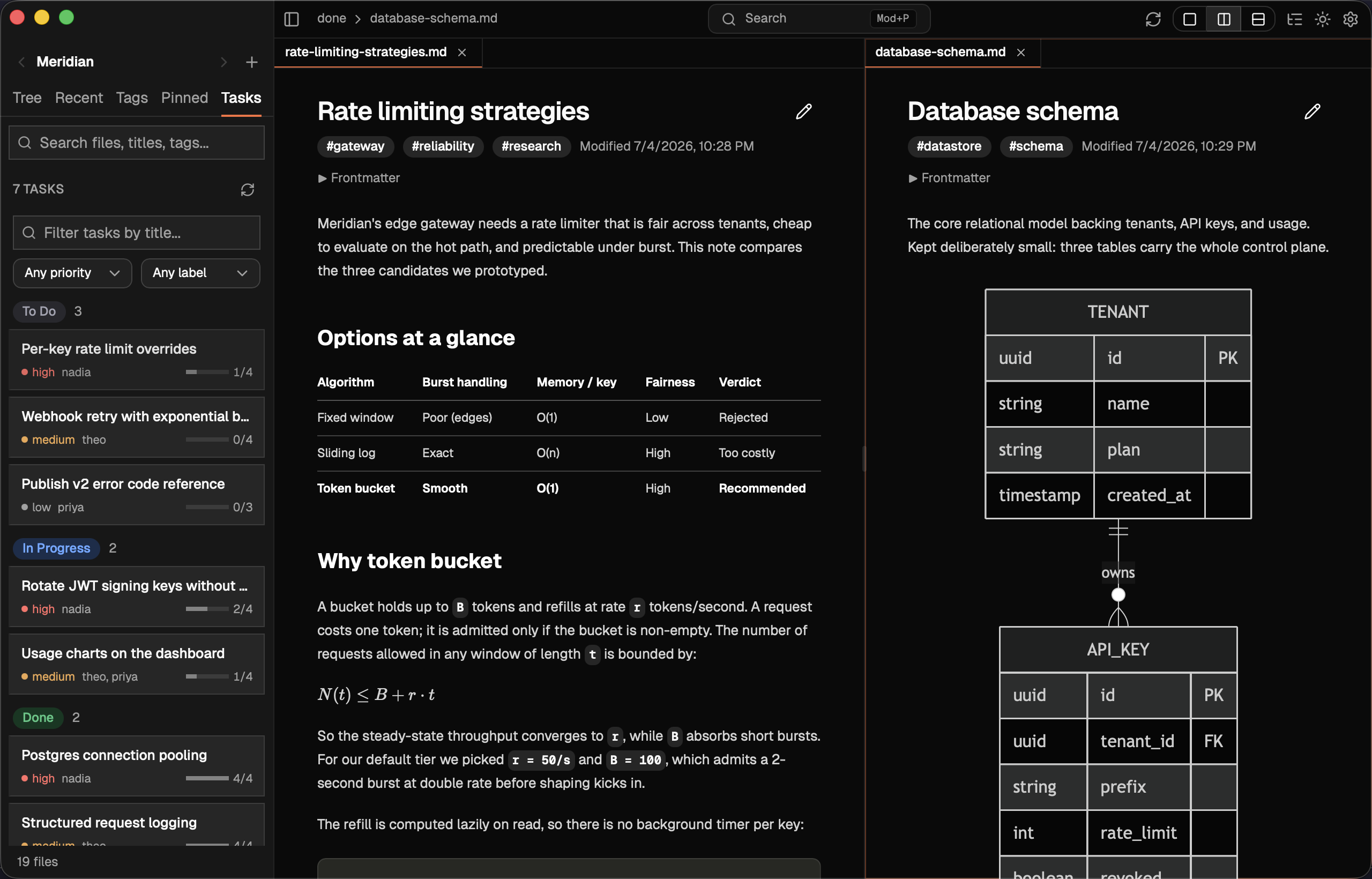
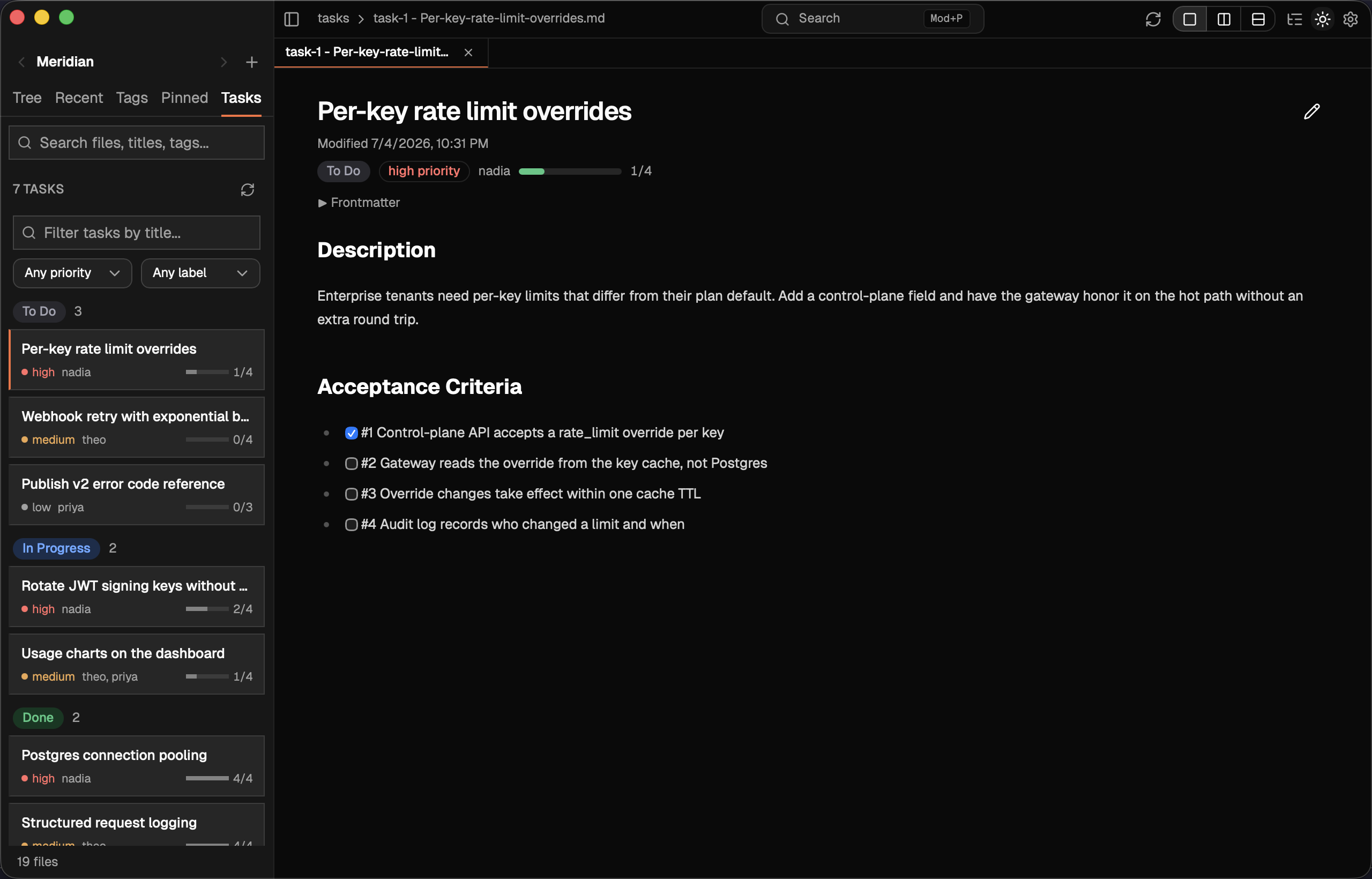
| Rich rendering | GitHub-flavored Markdown, KaTeX math, Mermaid diagrams, Shiki highlighting across twelve themes |
| Interactive checklists | Toggle any checkbox from the rendered view; the change writes back to the file |
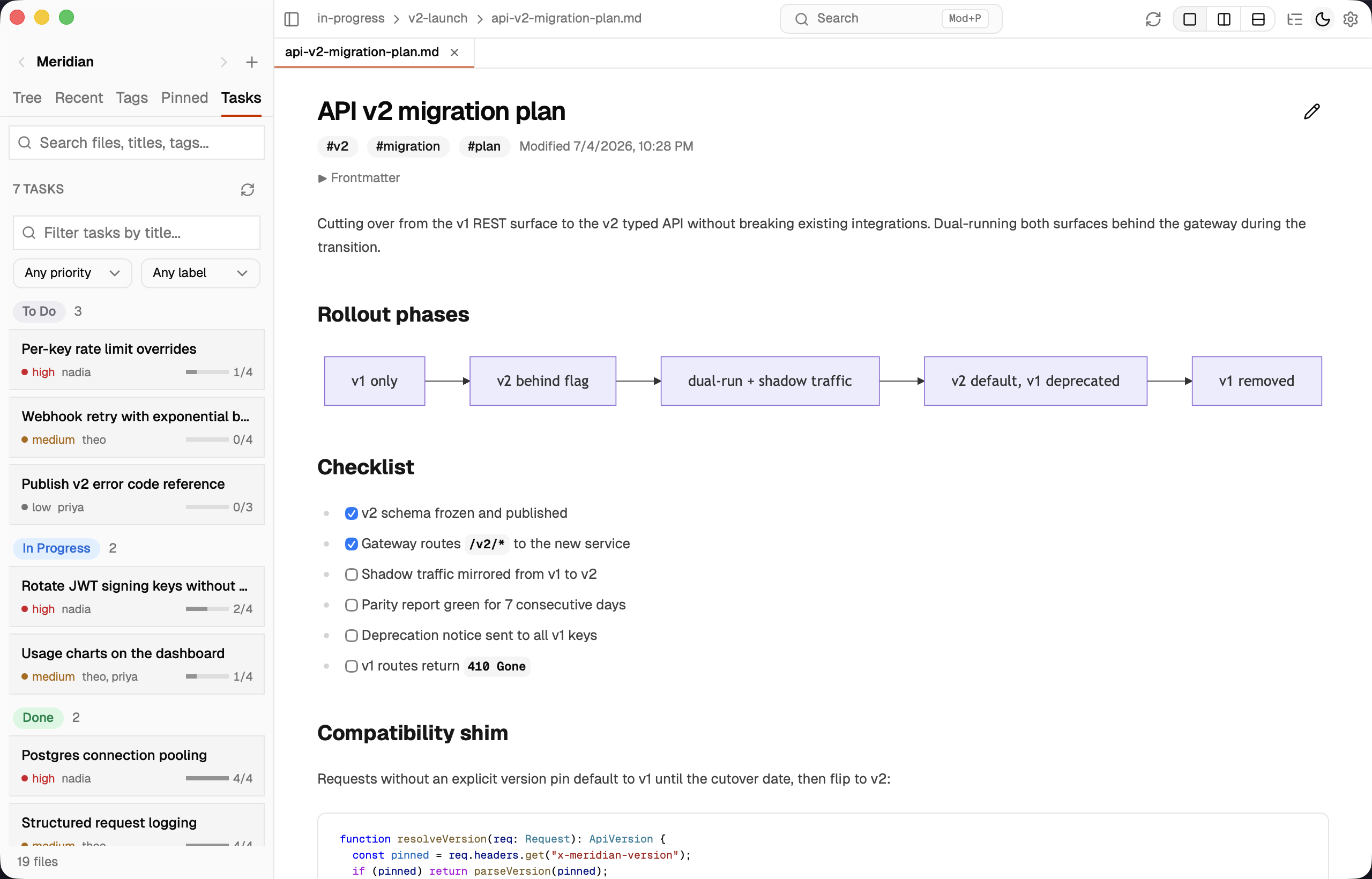
| Five lenses | Tree, Recent, Tags, Pinned, and Tasks over one library, on a rail the sidebar collapses to |
| Split view | Two docs side-by-side or stacked, each with its own tabs and scroll |
| Full-text search | Search names, tags, and the text inside documents, from the toolbar's search or the magnifier in the sidebar header; narrow to files, contents, or tags |
| Open with | Double-click a .md in Finder or "Open With DocsReader" to jump straight to a file or folder |
| Tasks board or list | Tasks open full-window as a board of To Do / In Progress / Done columns, or as grouped rows; switch from the toolbar, drag a card to change its status, and see acceptance-criteria progress, all consistent with the MCP |
| Agent-aware | Open docs reload live as agents write; on-disk changes surface a diff; git status shows in the tree |
| Quiet and local | Minimal chrome, no telemetry, signed updates, notarized on macOS |
Full list with screenshots in docs/FEATURES.md. Found a bug or want a feature? Open an issue.
Screenshots
 |
 |
 |
 |
More views in docs/FEATURES.md.
Install
| Method | Command |
|---|---|
| macOS (Homebrew) | brew install --cask anbturki/tap/docsreader |
| macOS / Linux (curl) | curl -fsSL https://raw.githubusercontent.com/anbturki/docsreader/main/install.sh | bash |
| Manual | Download from Releases |
Manual downloads: DocsReader_*_universal.dmg (macOS Intel + Apple Silicon), DocsReader_*_amd64.AppImage or .deb (Linux), DocsReader_*_x64-setup.exe (Windows).
macOS requirement: macOS 11 Big Sur or later, with Safari 16.4 or later installed. The app renders in the system WebView, so the installed Safari version decides which CSS features are available. macOS 13.3 Ventura and later ship Safari 16.4 or newer; on Big Sur and Monterey, install the latest Safari from Software Update first.
More
- CHANGELOG.md - what changed in each version
- What's new - downloads for every release
- docs/MCP.md - connect agents, every tool, the
docsreader://resources - docs/FEATURES.md - the full feature list
- docs/DEVELOPMENT.md - build from source, release process
- SECURITY.md - security policy
No comments yet
Be the first to share your take.