
cisco-pt-mcp
Let AI clients control a running Cisco Packet Tracer instance. Open source.
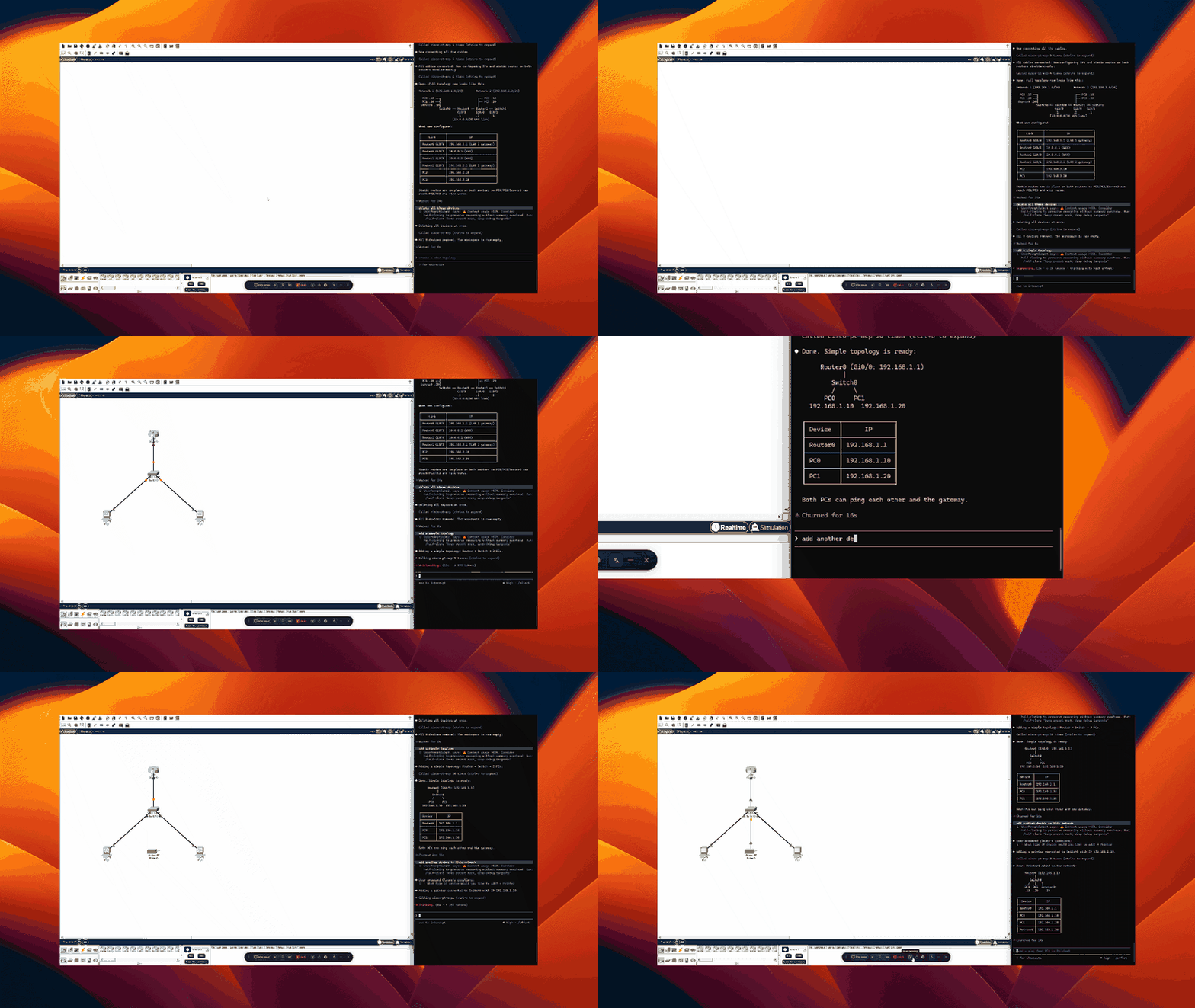
Install
Two components. Five minutes.
1. MCP Server
Install uv if you don't have it, then register with your client:
Claude Code
claude mcp add cisco-pt-mcp --scope user -- uvx cisco-pt-mcp
Cursor (~/.cursor/mcp.json or .cursor/mcp.json per project)
{
  "mcpServers": {
    "cisco-pt-mcp": { "command": "uvx", "args": ["cisco-pt-mcp"] }
  }
}
VS Code (.vscode/mcp.json)
{
  "servers": {
    "cisco-pt-mcp": {
      "type": "stdio",
      "command": "uvx",
      "args": ["cisco-pt-mcp"]
    }
  }
}
Codex CLI (~/.codex/config.toml)
[mcp_servers.cisco-pt-mcp]
command = "uvx"
args = ["cisco-pt-mcp"]
2. Packet Tracer Extension
- Open Packet Tracer.
- Go to Extensions → Scripting → Configure PT Script Modules…
- Click Add and select
cisco-pt-mcp.pts. - Restart Packet Tracer.
3. Run
Click Extensions → Packet Tracer MCP to open the bridge window, then start your MCP client. The status pill flips to connected within a second. Start prompting.
Tools
| Tool | Description |
|---|---|
addDevice |
Drop a router, switch, or PC onto the canvas |
addModule |
Install an interface module into a device slot |
addLink |
Connect two devices with a cable |
removeDevice |
Delete one or more devices |
removeLink |
Delete one or more cables |
renameDevice |
Rename an existing device |
moveDevice |
Reposition a device on the canvas |
setPower |
Power a device on or off |
configurePcIp |
Set IP, subnet, gateway, DNS, or enable DHCP on a PC |
configureIosDevice |
Run IOS CLI commands on a router or switch |
getNetwork |
Snapshot of all devices, interfaces, and cables |
getDeviceInfo |
Detailed view of a single device |
setSimulationMode |
Switch between simulation and realtime mode |
getSimulationStatus |
Query simulation state and frame count |
stepSimulation |
Step the simulation forward, backward, or reset |
sendPdu |
Add an ICMP ping PDU between two devices |
getPduResults |
Read PDU outcomes after stepping the simulation |
getCommandLog |
Read the IOS command history logged by Packet Tracer |
License
MIT
No comments yet
Be the first to share your take.