
baoyu-skills
English | 中文
Skills shared by Baoyu for improving daily work efficiency with AI Agents (Claude Code, Codex, etc.).
Prerequisites
- Node.js environment installed
- Ability to run
npx buncommands
Installation
Tip: This repository contains 20+ skills. Install only the ones you actually need — bulk-installing every skill adds unnecessary context overhead for your AI agent on every run.
Quick Install (Recommended)
npx skills add jimliu/baoyu-skills
Codex Project-Level Install
If you only need a subset of skills in one project, you do not need to install the full plugin. Codex scans .agents/skills inside a project, so copy or symlink each needed skill as a full directory:
<project>/.agents/skills/baoyu-cover-image/SKILL.md
<project>/.agents/skills/baoyu-article-illustrator/SKILL.md
<project>/.agents/skills/baoyu-post-to-wechat/SKILL.md
For a WeChat Official Account article workflow, the usual minimal set is:
baoyu-cover-imagebaoyu-article-illustratorbaoyu-post-to-wechat
You do not need to install baoyu-markdown-to-html separately. baoyu-post-to-wechat already includes the Markdown to WeChat-ready HTML conversion flow. Install baoyu-format-markdown only if you need to first turn raw text or drafts into structured Markdown articles with titles, summaries, headings, bold text, lists, and similar formatting.
Place WeChat API credentials according to the scope you want:
- User-level:
~/.baoyu-skills/.env - Project-level:
<project>/.baoyu-skills/.env
Project-level .env files are useful when credentials should apply only to the current project. Do not commit them to Git.
Publish to ClawHub / OpenClaw
This repository now supports publishing each skills/baoyu-* directory as an individual ClawHub skill.
# Preview what would be published
./scripts/sync-clawhub.sh --dry-run

# Publish all changed skills from ./skills
./scripts/sync-clawhub.sh --all
ClawHub installs skills individually, not as one marketplace bundle. After publishing, users can install specific skills such as:
clawhub install baoyu-image-gen
clawhub install baoyu-markdown-to-html
Publishing to ClawHub releases the published skill under MIT-0, per ClawHub's registry rules.
Register as Plugin Marketplace
Run the following command in the Agent:
/plugin marketplace add JimLiu/baoyu-skills
Install Skills
Option 1: Via Browse UI
- Select Browse and install plugins
- Select baoyu-skills
- Select the baoyu-skills plugin
- Select Install now
Option 2: Direct Install
# Install the marketplace's single plugin
/plugin install baoyu-skills@baoyu-skills
Option 3: Ask the Agent
Simply tell the Agent:
Please install Skills from github.com/JimLiu/baoyu-skills
Available Plugin
The marketplace now exposes a single plugin so each skill is registered exactly once.
| Plugin | Description | Includes |
|---|---|---|
| baoyu-skills | Content generation, AI backends, and utility tools for daily work efficiency | All skills in this repository, organized below as Content Skills, AI Generation Skills, and Utility Skills |
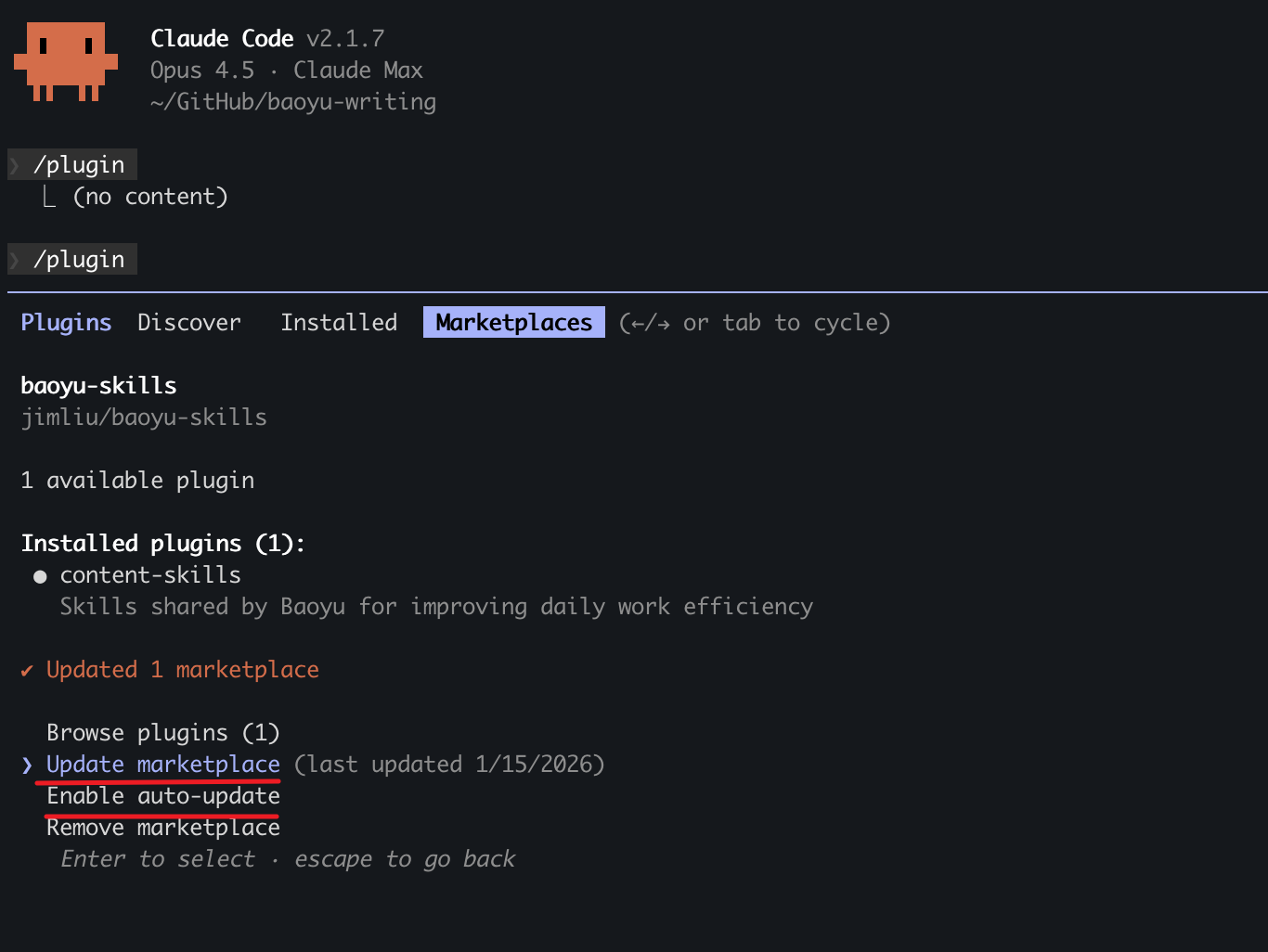
Update Skills
To update skills to the latest version:
- Run
/pluginin the Agent - Switch to Marketplaces tab (use arrow keys or Tab)
- Select baoyu-skills
- Choose Update marketplace
You can also Enable auto-update to get the latest versions automatically.
Available Skills
Skills are organized into three categories:
Featured Design Skill: baoyu-design
If you want a design-focused Agent Skill, check out JimLiu/baoyu-design. It is a separate project that runs Claude Design locally in Cursor, Claude Code, Codex, Claude Desktop, or any file-capable coding agent, producing polished UI mockups, interactive prototypes, wireframes, landing pages, dashboards, mobile apps, and slide decks as self-contained HTML.
npx skills add JimLiu/baoyu-design
Content Skills
Content generation and publishing skills.
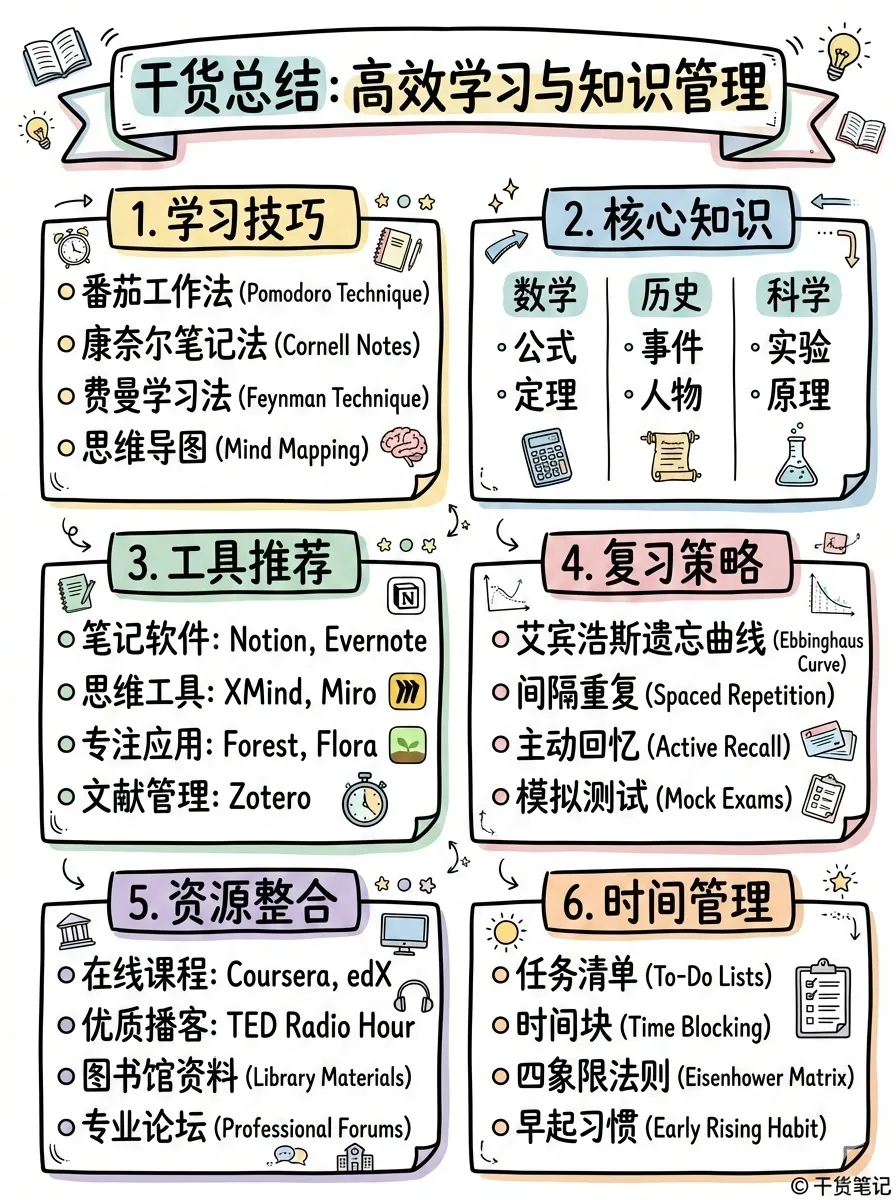
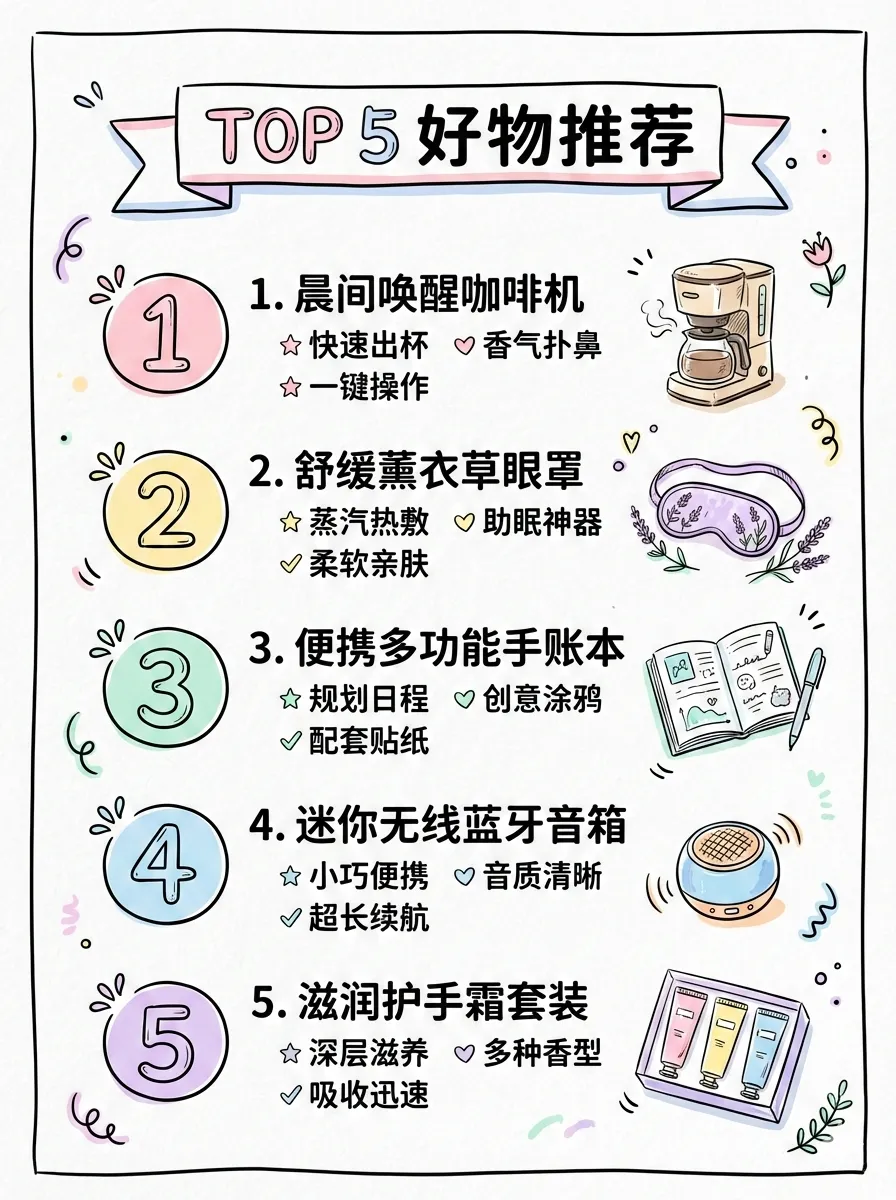
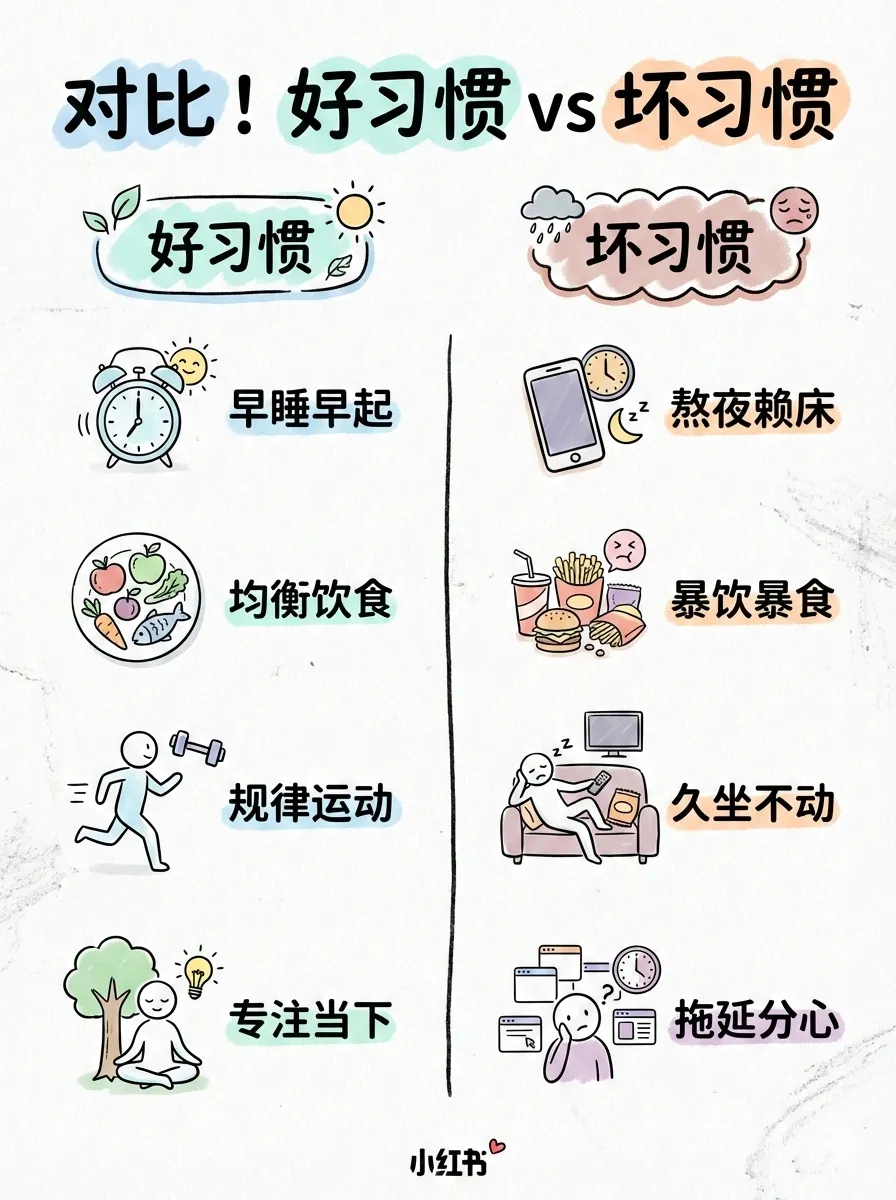
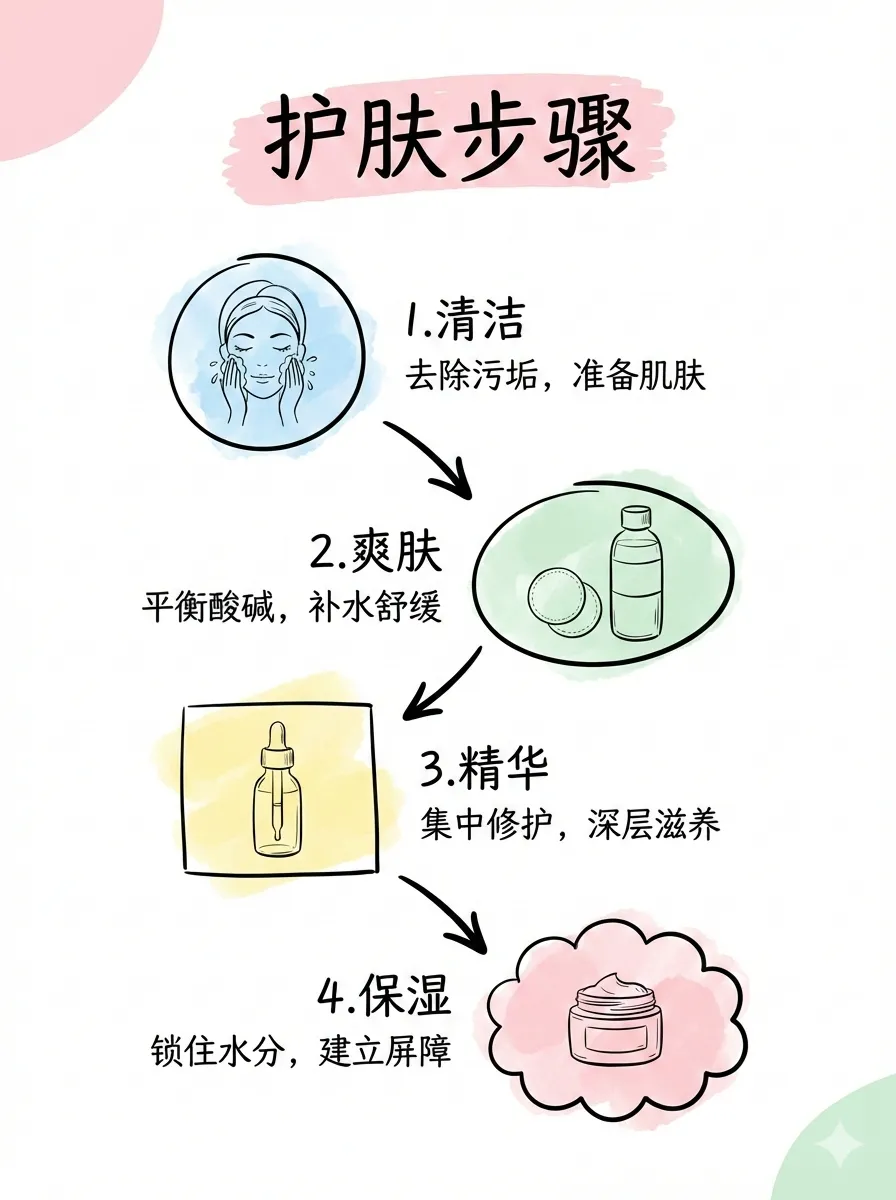
baoyu-xhs-images
Xiaohongshu image card series generator. Breaks down content into 1-10 cartoon-style image cards with Style × Layout system and optional palette override.
# Auto-select style and layout
/baoyu-xhs-images posts/ai-future/article.md

# Specify style
/baoyu-xhs-images posts/ai-future/article.md --style notion

# Specify layout
/baoyu-xhs-images posts/ai-future/article.md --layout dense

# Combine style and layout
/baoyu-xhs-images posts/ai-future/article.md --style notion --layout list

# Override palette
/baoyu-xhs-images posts/ai-future/article.md --style notion --palette macaron

# Direct content input
/baoyu-xhs-images 今日星座运势

# Non-interactive (skip all confirmations, for scheduled tasks)
/baoyu-xhs-images posts/ai-future/article.md --yes
/baoyu-xhs-images posts/ai-future/article.md --yes --preset knowledge-card
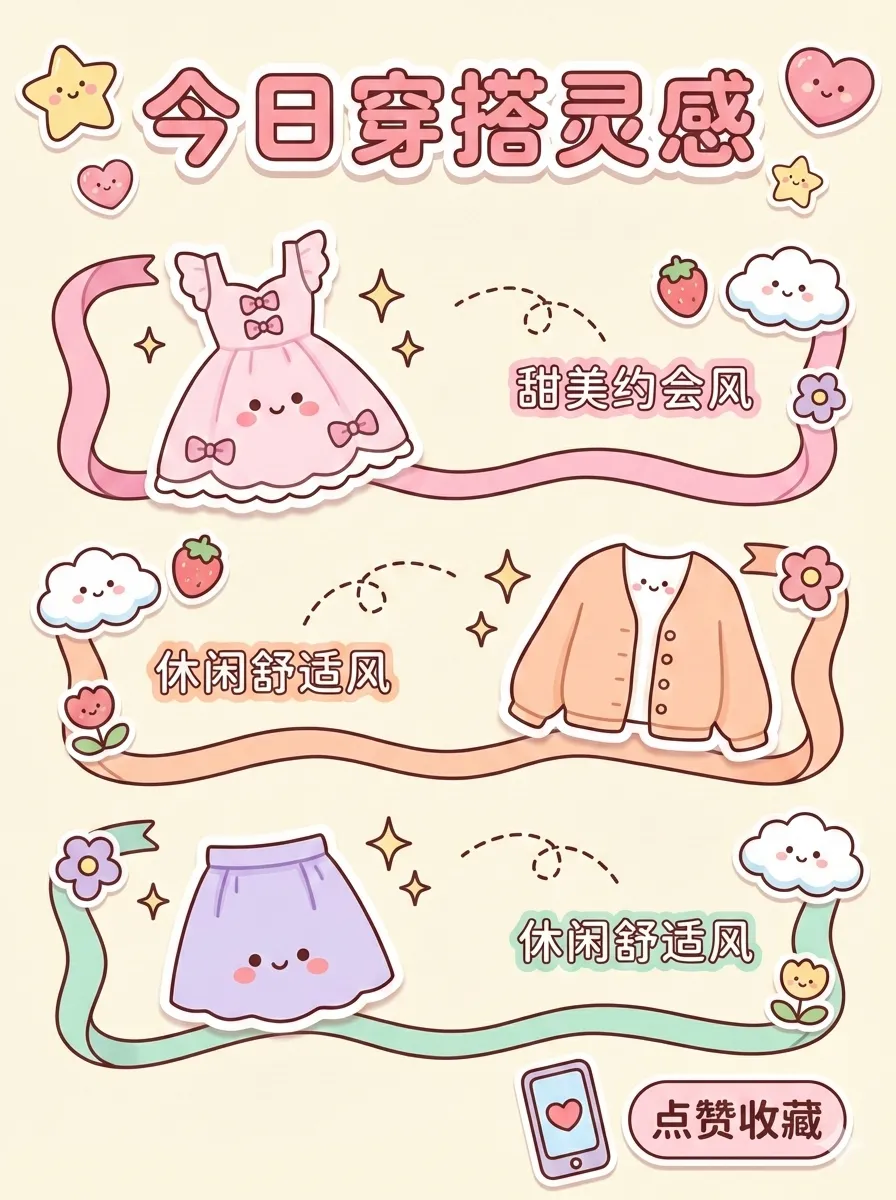
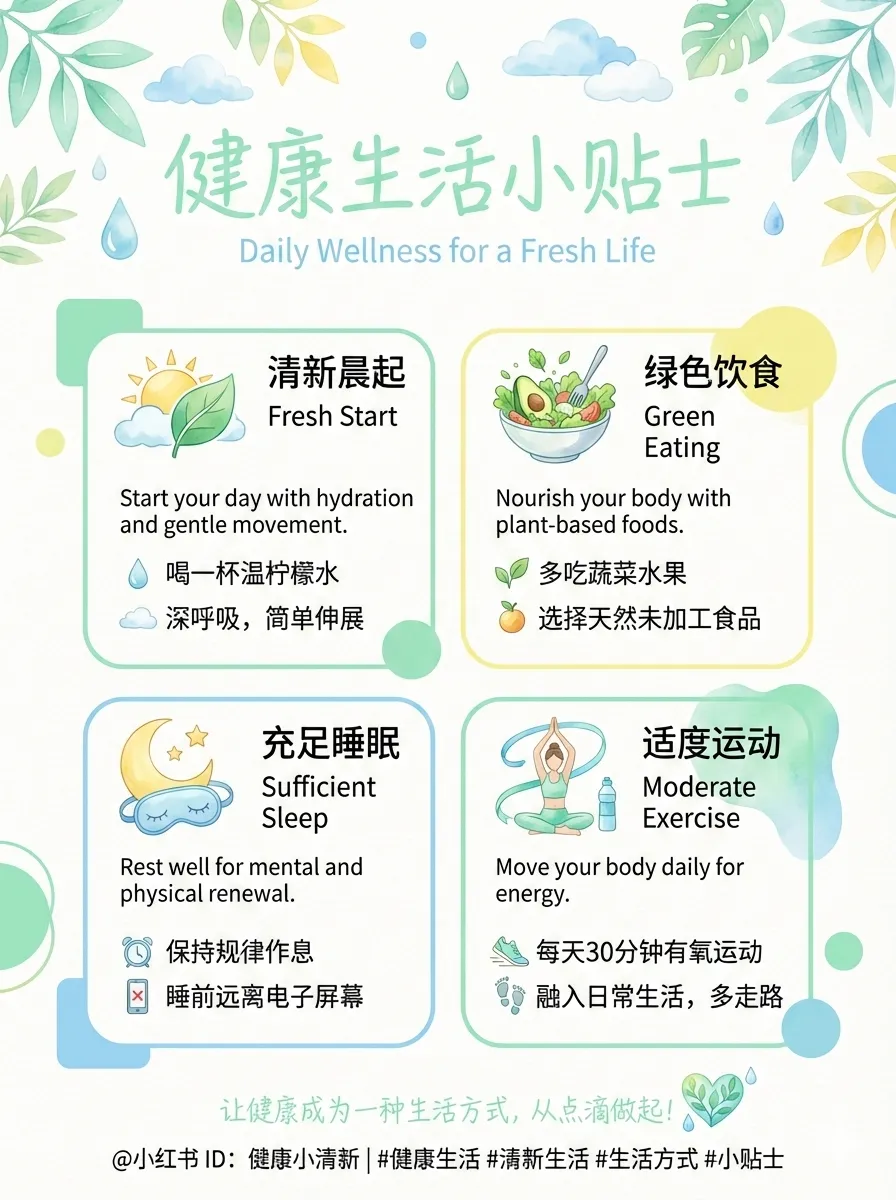
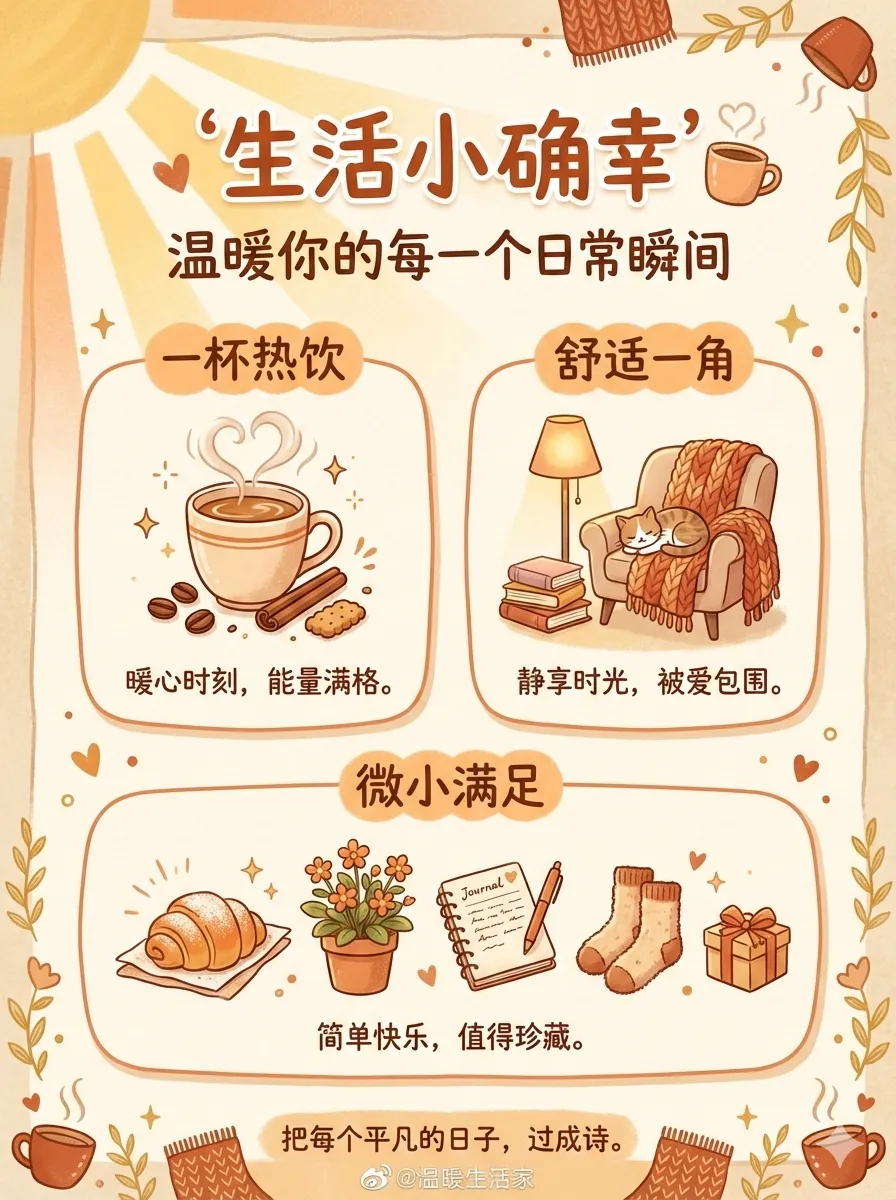
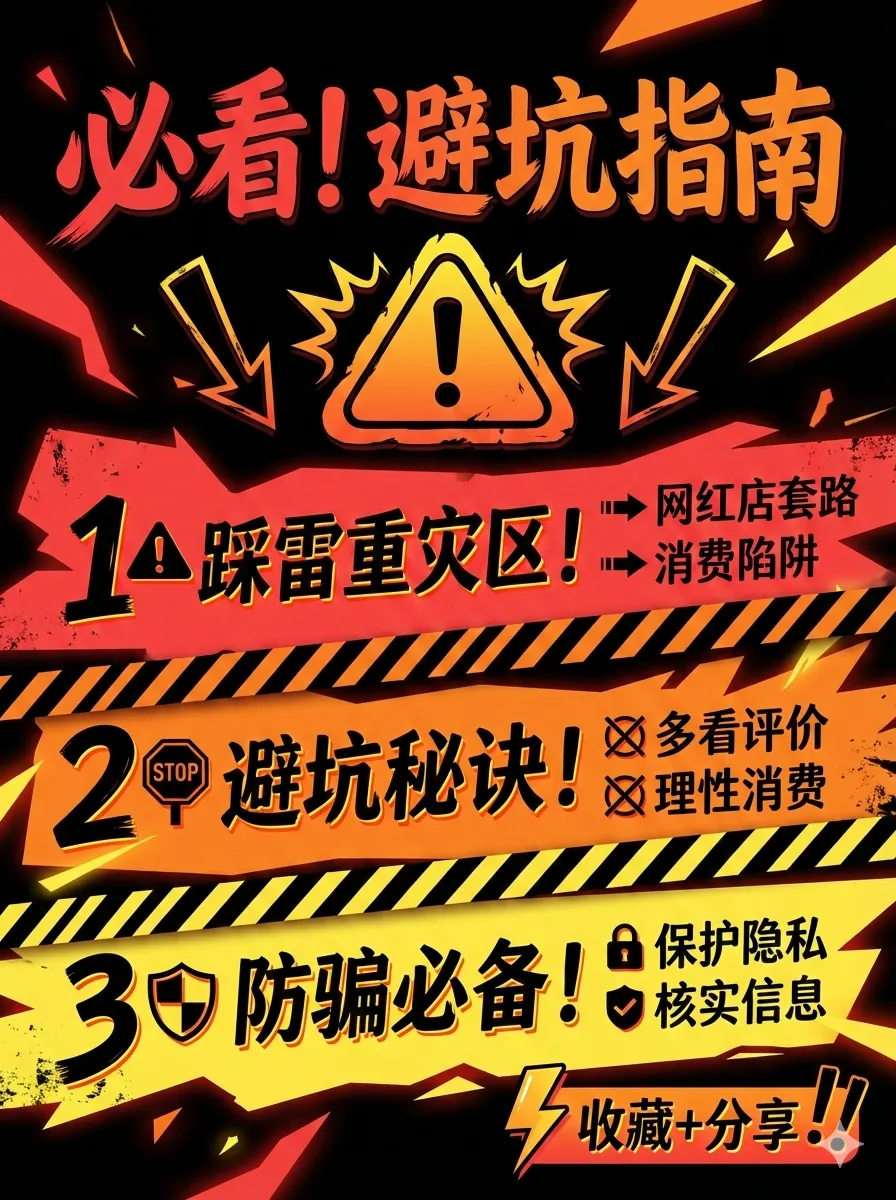
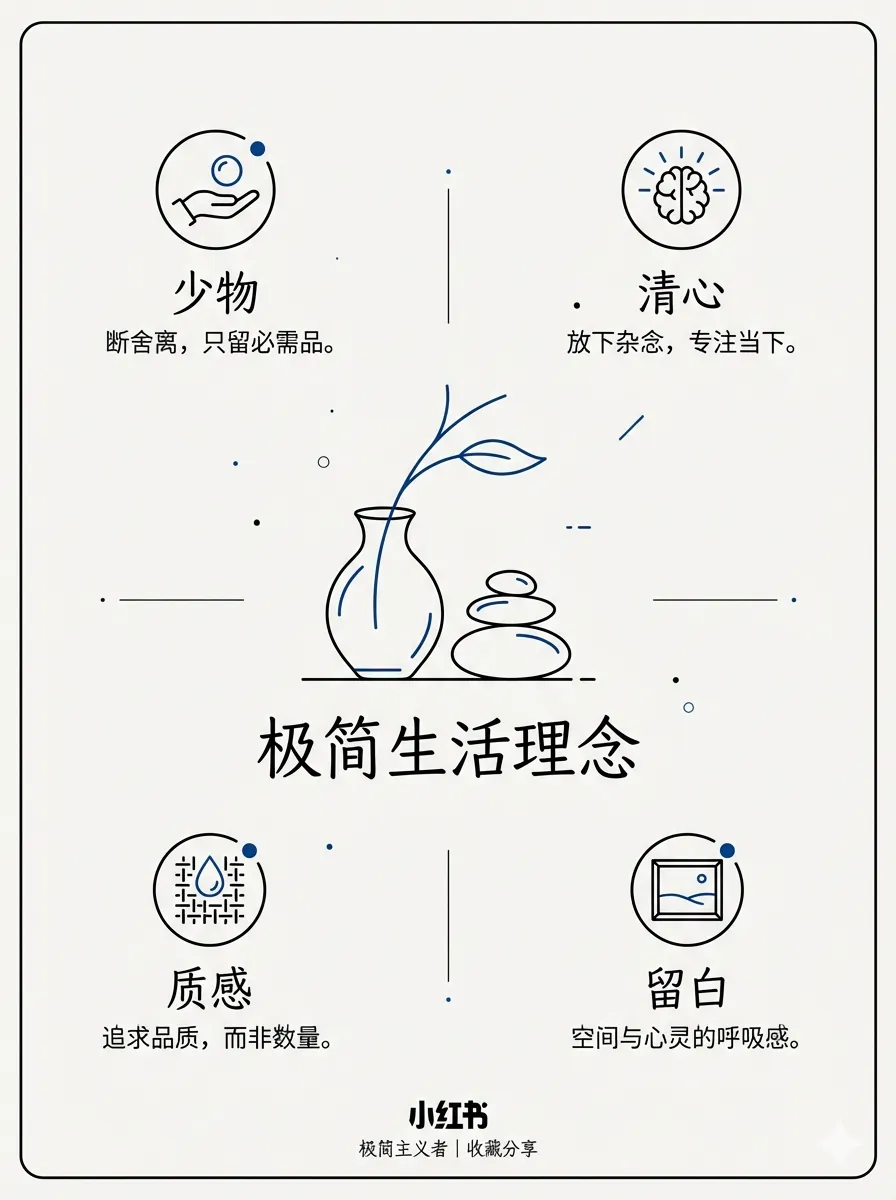
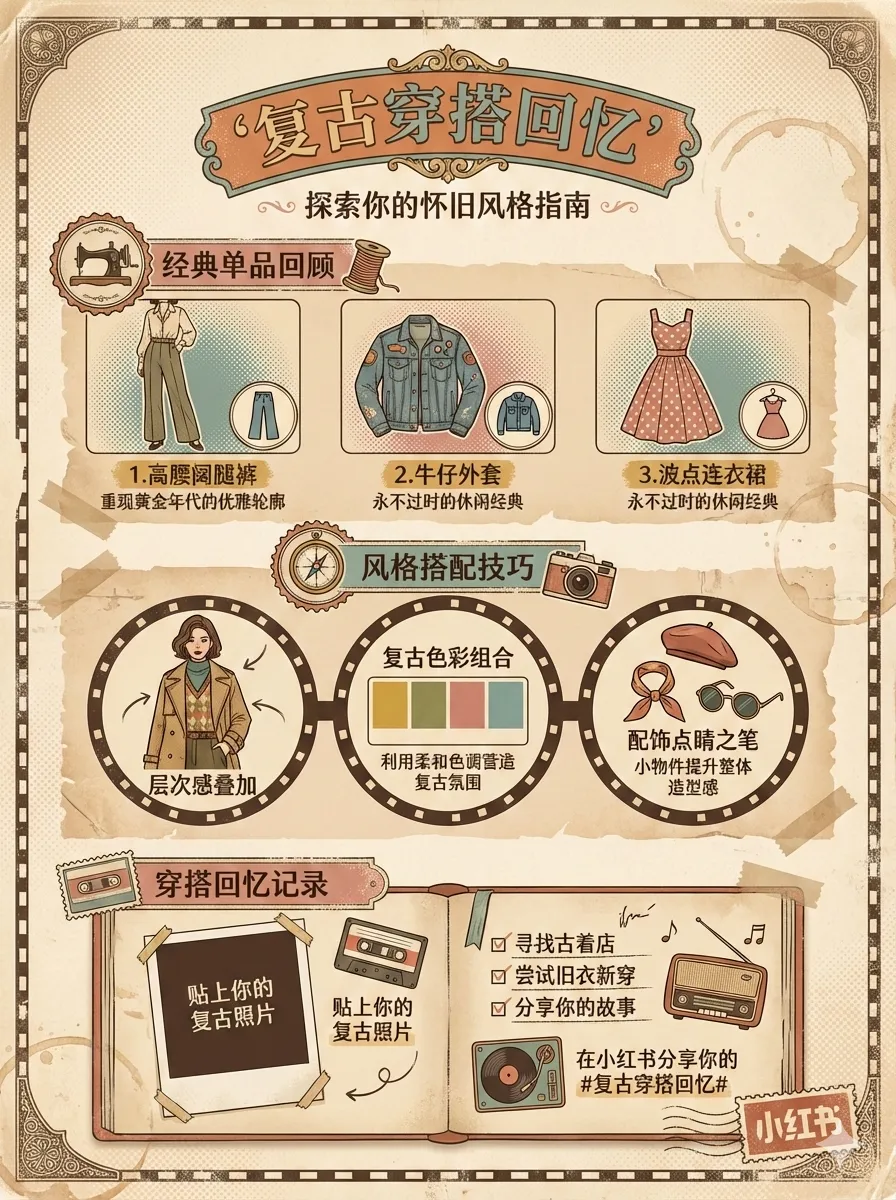
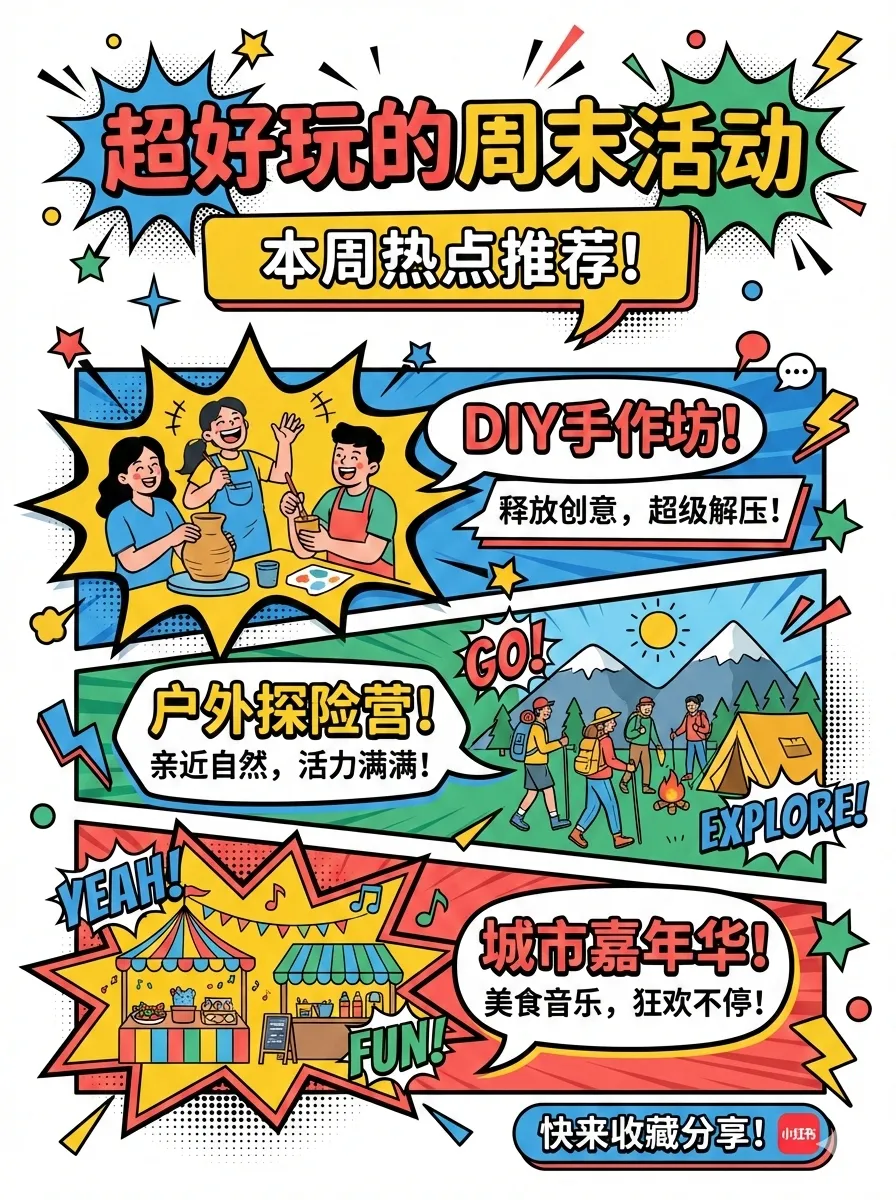
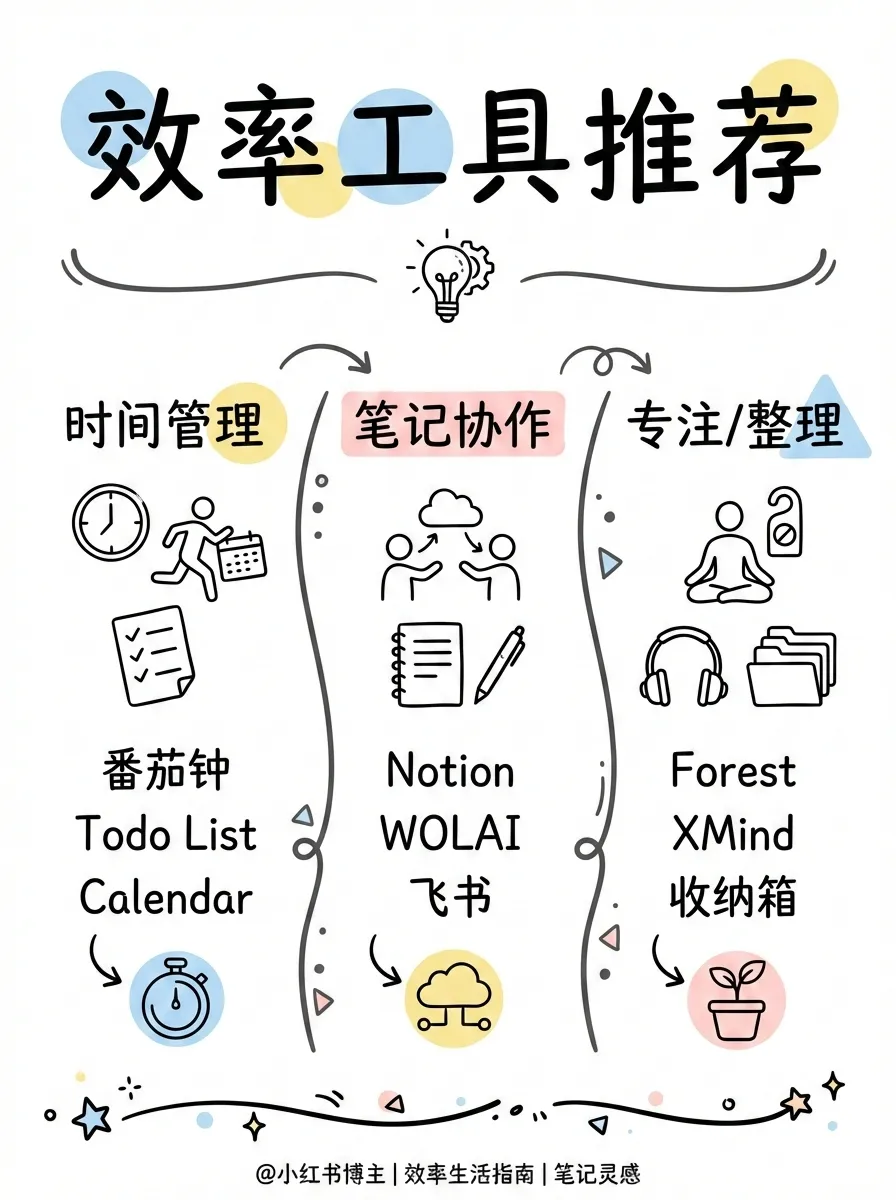
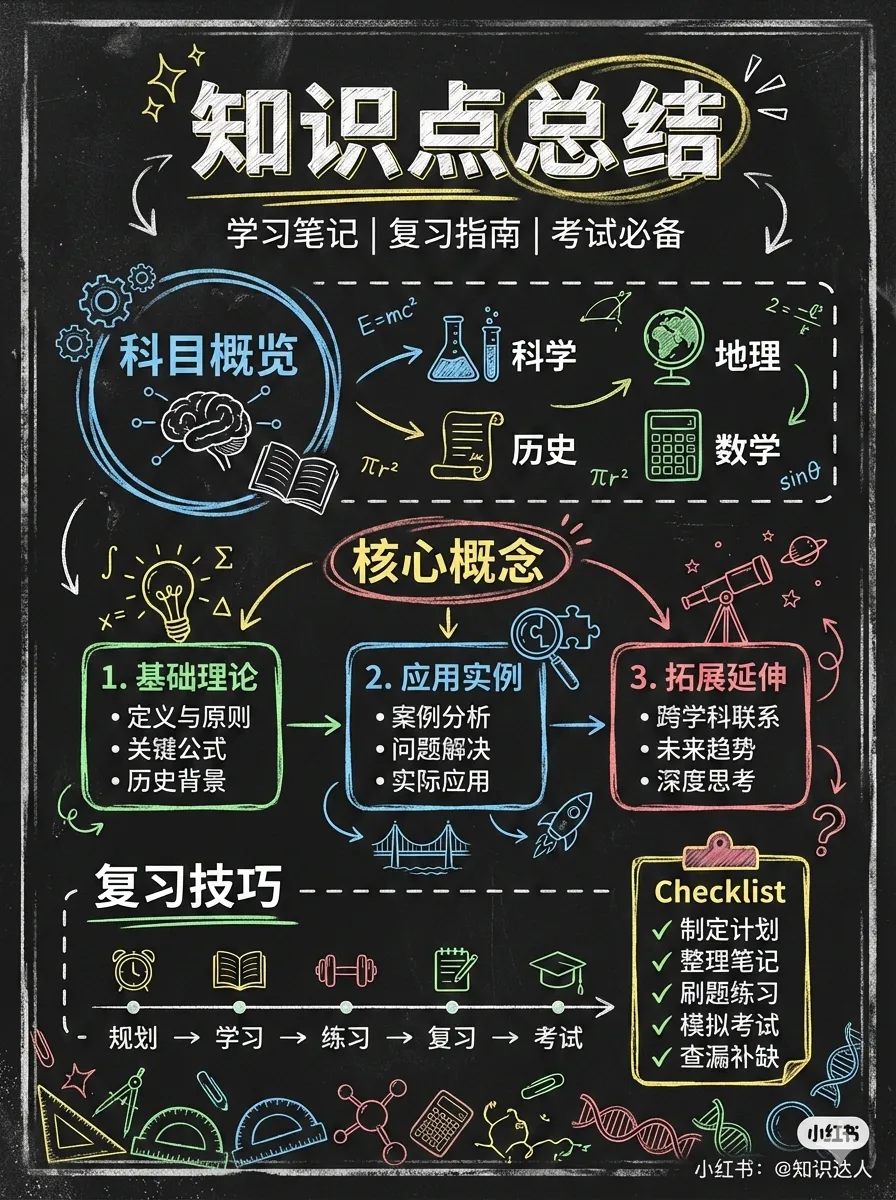
Styles (visual aesthetics): cute (default), fresh, warm, bold, minimal, retro, pop, notion, chalkboard, study-notes, screen-print, sketch-notes
Palettes (optional color override): macaron, warm, neon
Style Previews:
 |
 |
 |
| cute | fresh | warm |
 |
 |
 |
| bold | minimal | retro |
 |
 |
 |
| pop | notion | chalkboard |
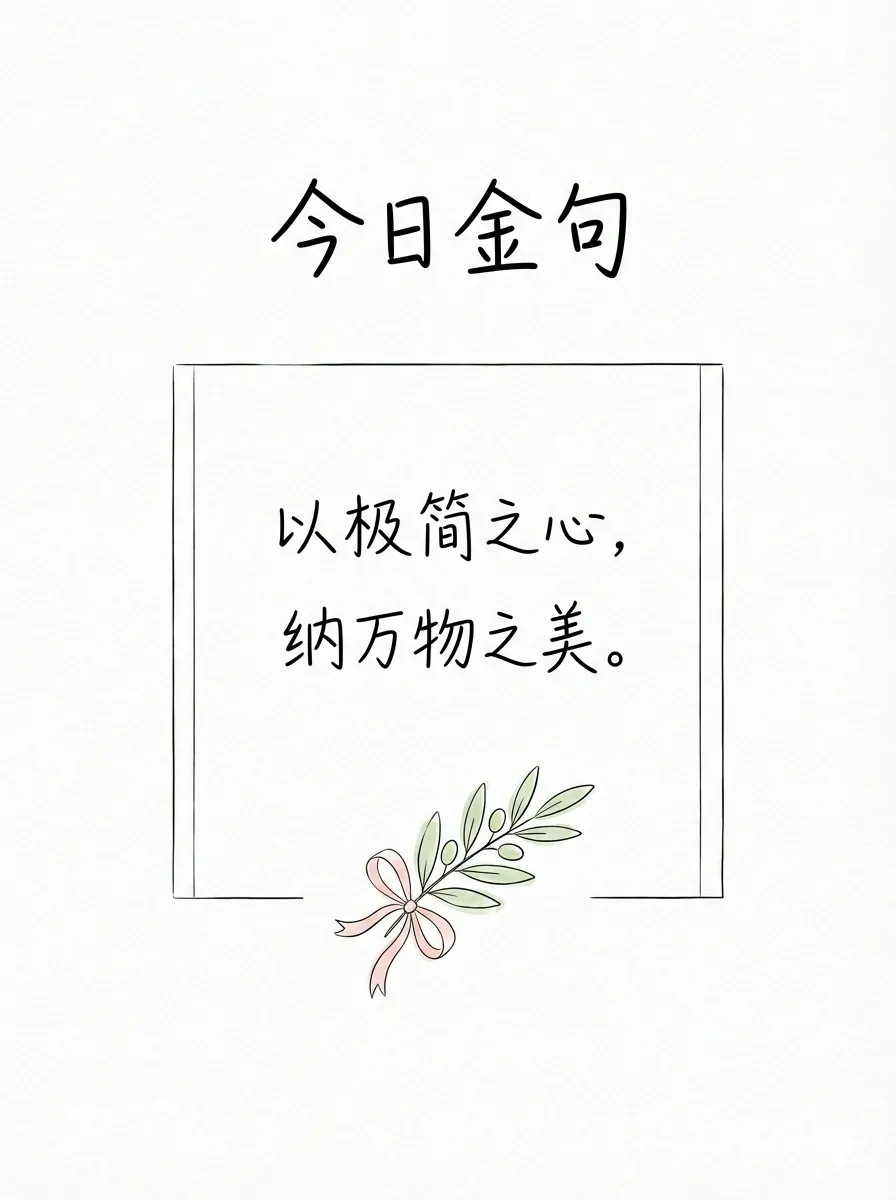
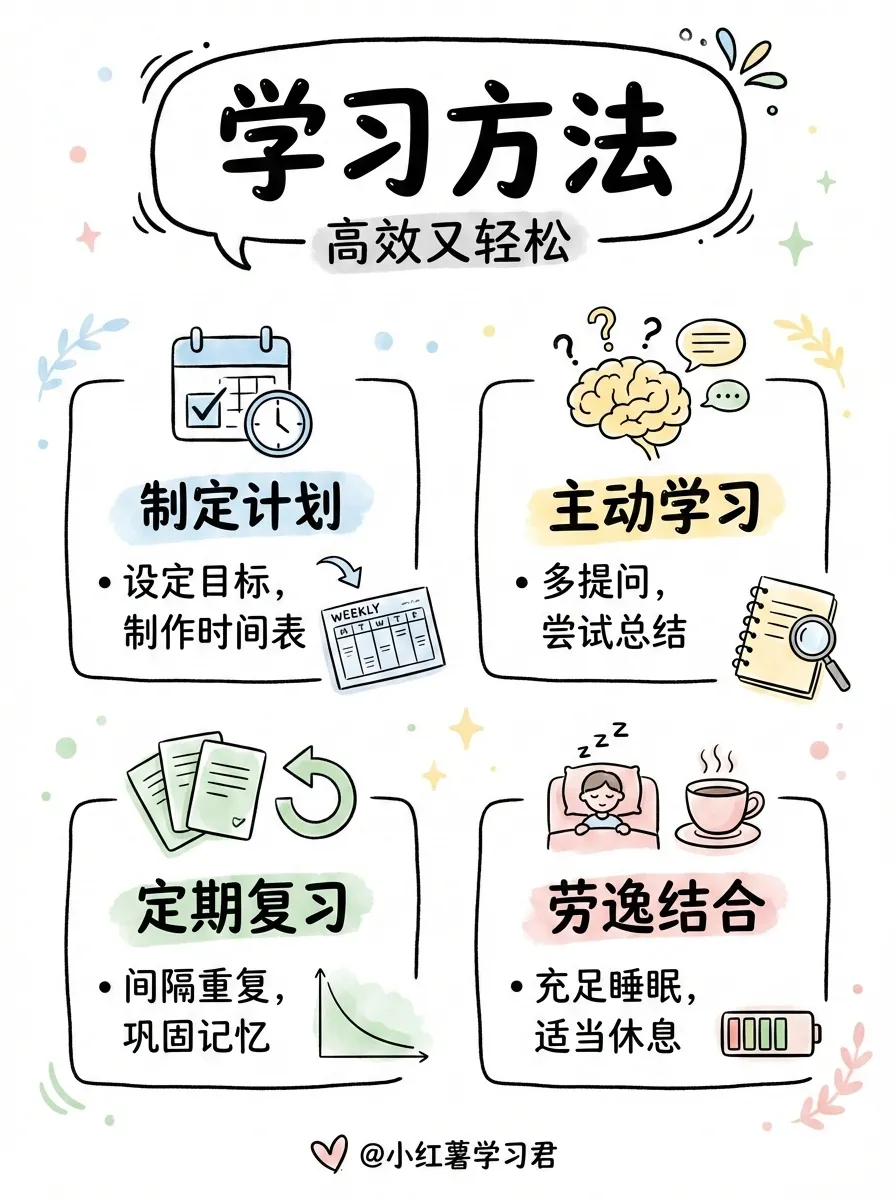
Layouts (information density):
| Layout | Density | Best for |
|---|---|---|
sparse |
1-2 pts | Covers, quotes |
balanced |
3-4 pts | Regular content |
dense |
5-8 pts | Knowledge cards, cheat sheets |
list |
4-7 items | Checklists, rankings |
comparison |
2 sides | Before/after, pros/cons |
flow |
3-6 steps | Processes, timelines |
Layout Previews:
 |
 |
 |
| sparse | balanced | dense |
 |
 |
 |
| list | comparison | flow |
baoyu-infographic
Generate professional infographics with 21 layout types and 21 visual styles. Analyzes content, recommends layout×style combinations, and generates publication-ready infographics.
# Auto-recommend combinations based on content
/baoyu-infographic path/to/content.md

# Specify layout
/baoyu-infographic path/to/content.md --layout pyramid

# Specify style (default: craft-handmade)
/baoyu-infographic path/to/content.md --style technical-schematic

# Specify both
/baoyu-infographic path/to/content.md --layout funnel --style corporate-memphis

# With aspect ratio (named preset or custom W:H)
/baoyu-infographic path/to/content.md --aspect portrait
/baoyu-infographic path/to/content.md --aspect 3:4
Options:
| Option | Description |
|---|---|
--layout <name> |
Information layout (20 options) |
--style <name> |
Visual style (17 options, default: craft-handmade) |
--aspect <ratio> |
Named: landscape (16:9), portrait (9:16), square (1:1). Custom: any W:H ratio (e.g., 3:4, 4:3, 2.35:1) |
--lang <code> |
Output language (en, zh, ja, etc.) |
Layouts (information structure):
| Layout | Best For |
|---|---|
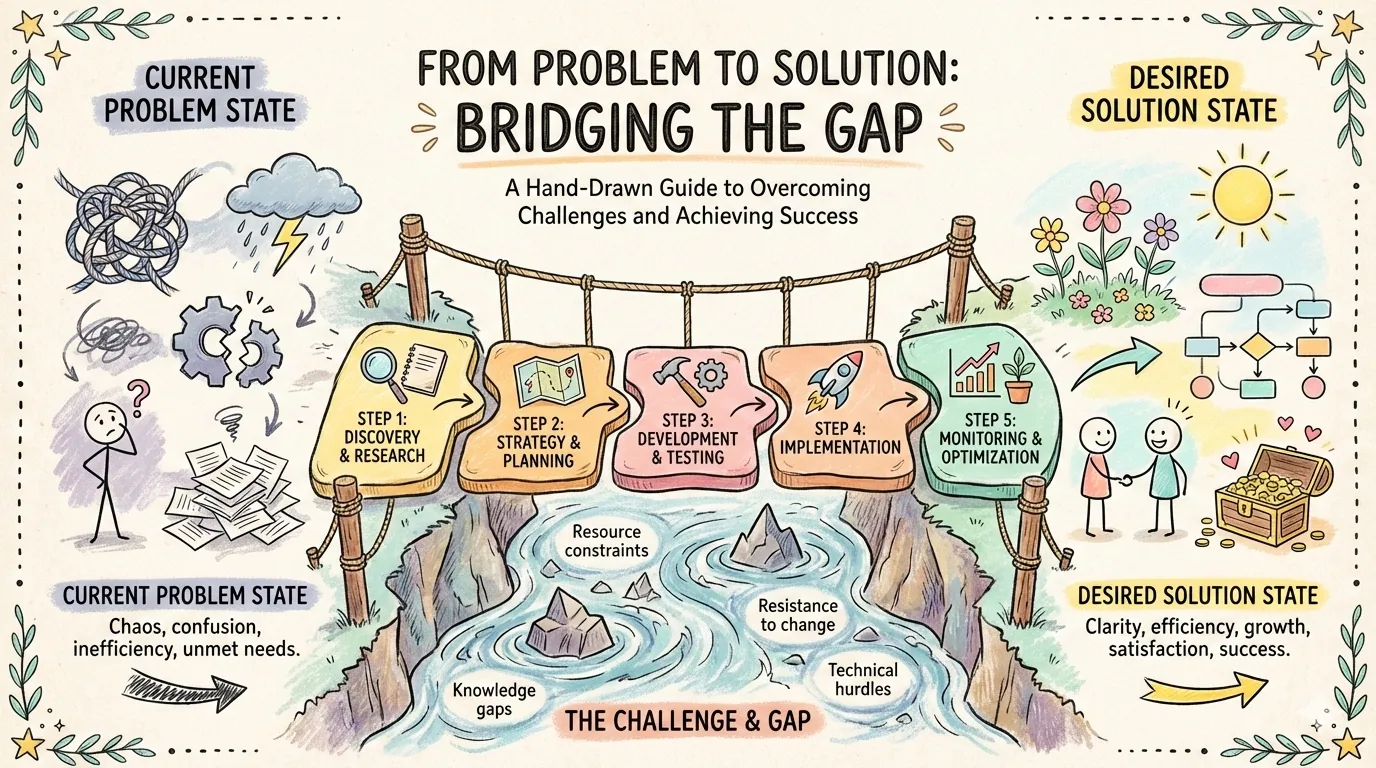
bridge |
Problem-solution, gap-crossing |
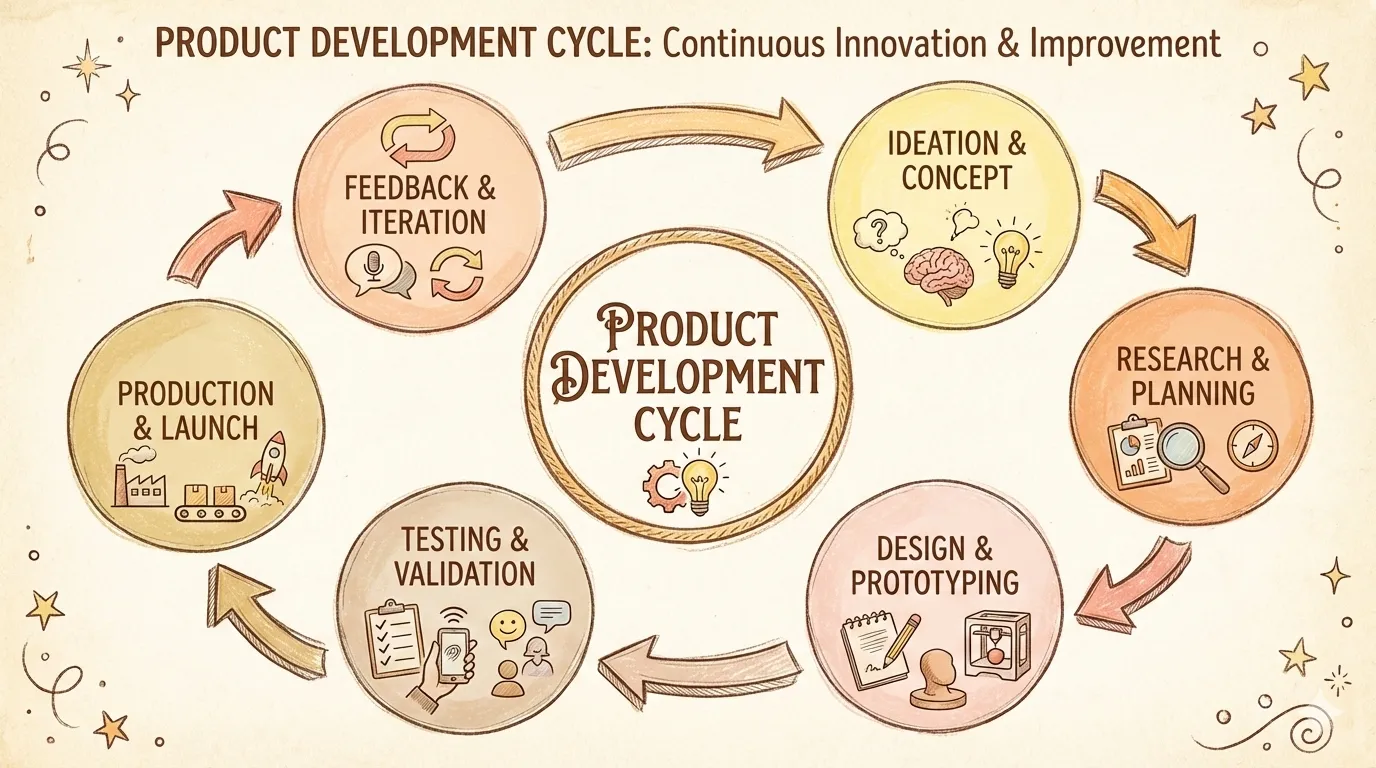
circular-flow |
Cycles, recurring processes |
comparison-table |
Multi-factor comparisons |
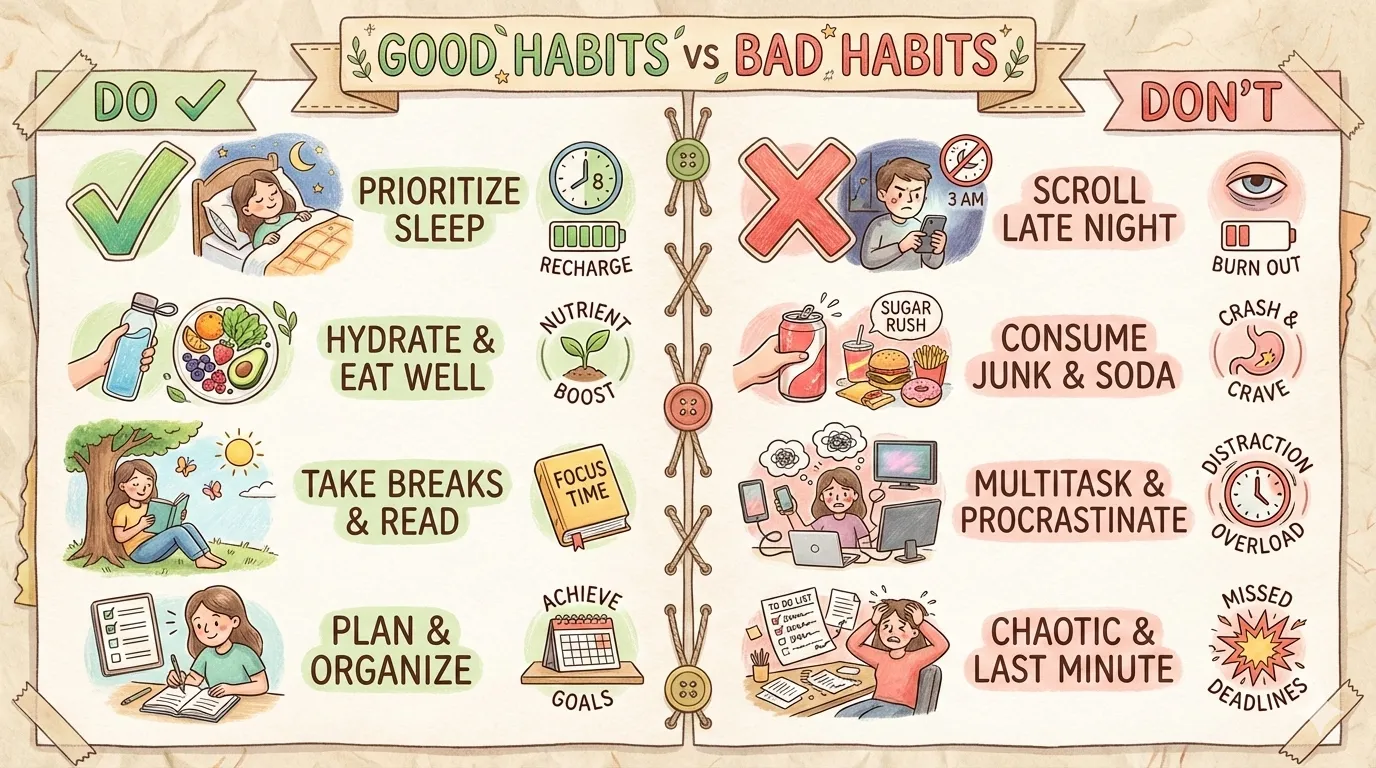
do-dont |
Correct vs incorrect practices |
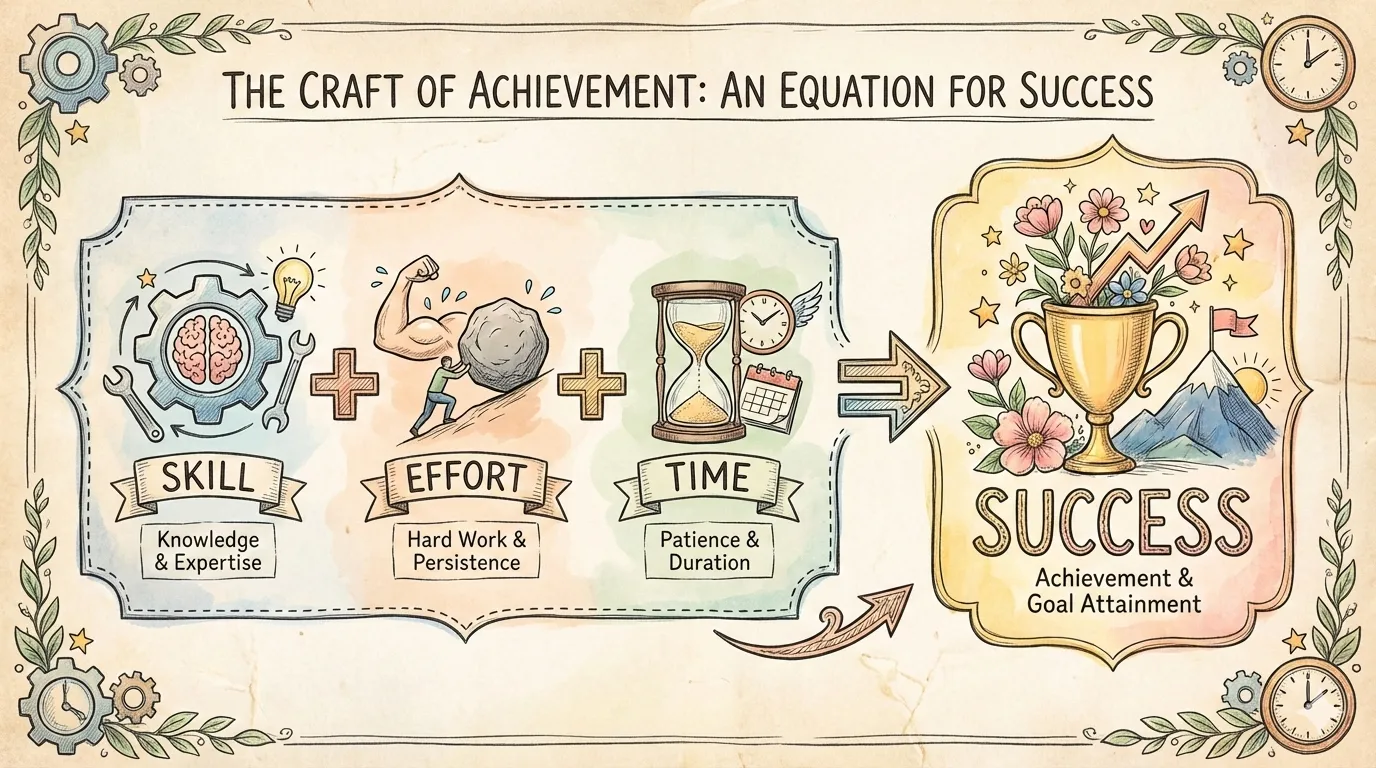
equation |
Formula breakdown, input-output |
feature-list |
Product features, bullet points |
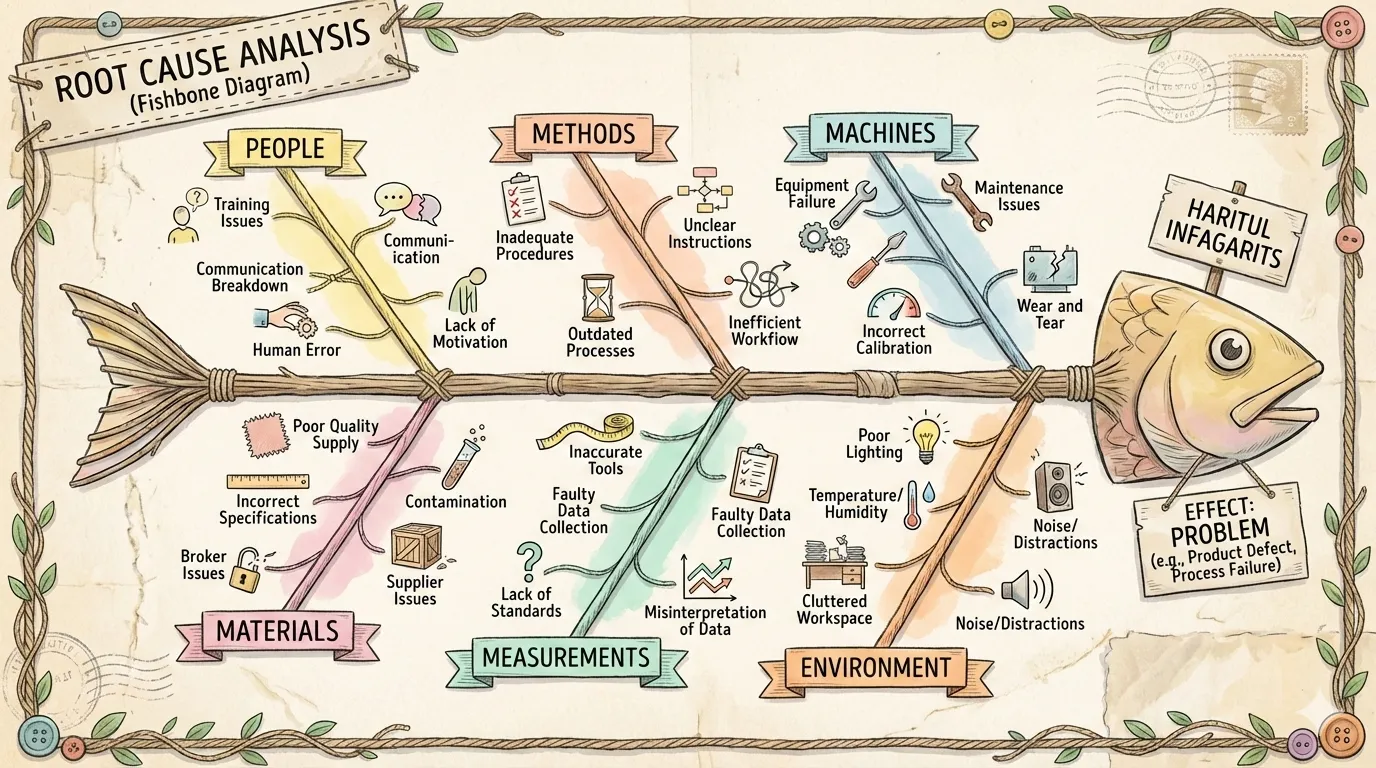
fishbone |
Root cause analysis |
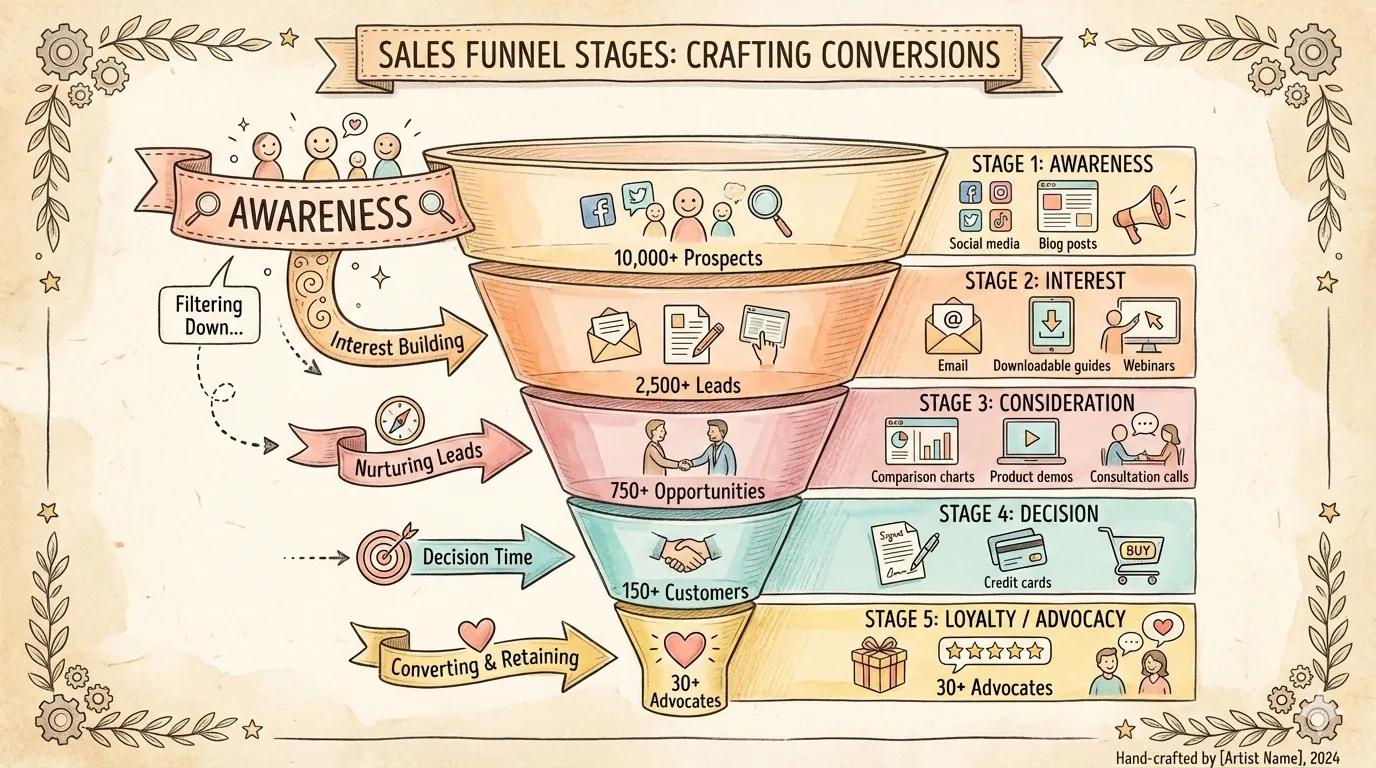
funnel |
Conversion processes, filtering |
grid-cards |
Multiple topics, overview |
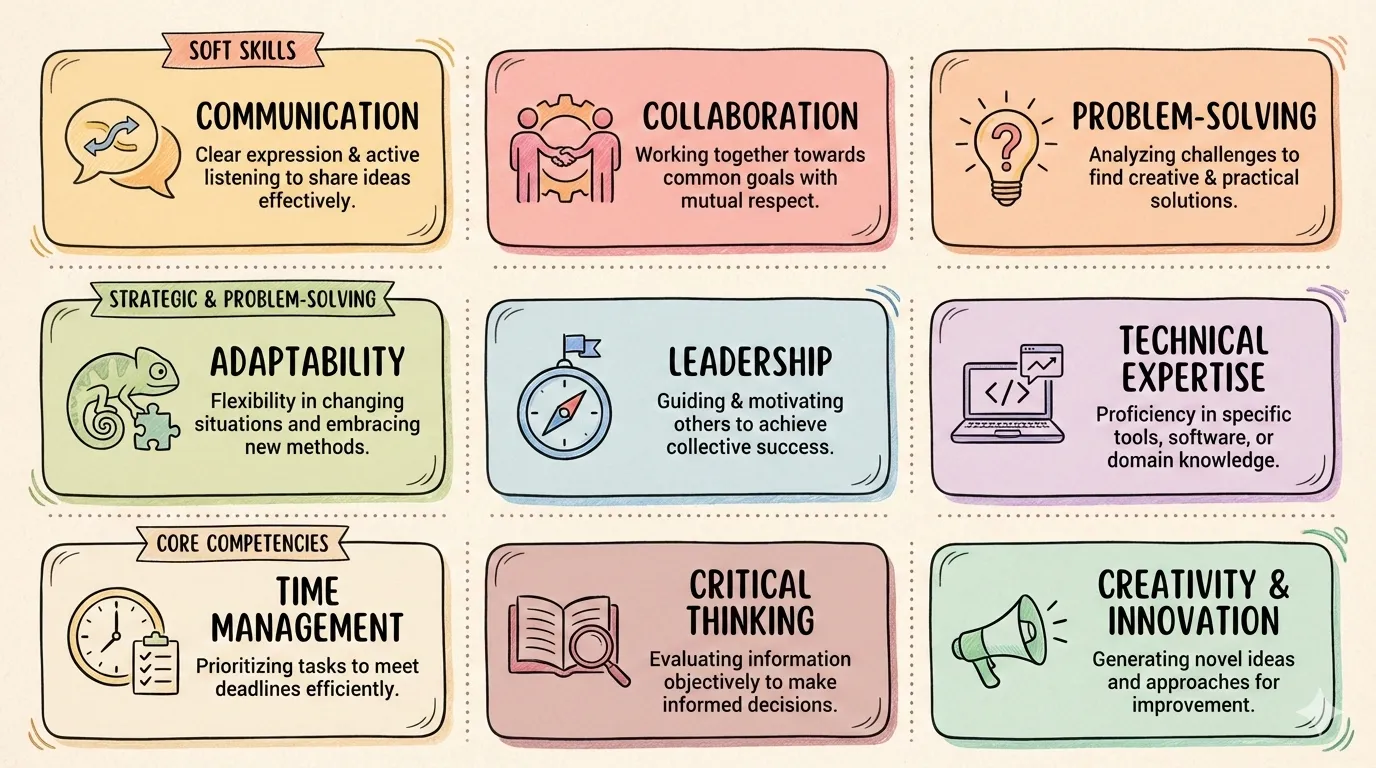
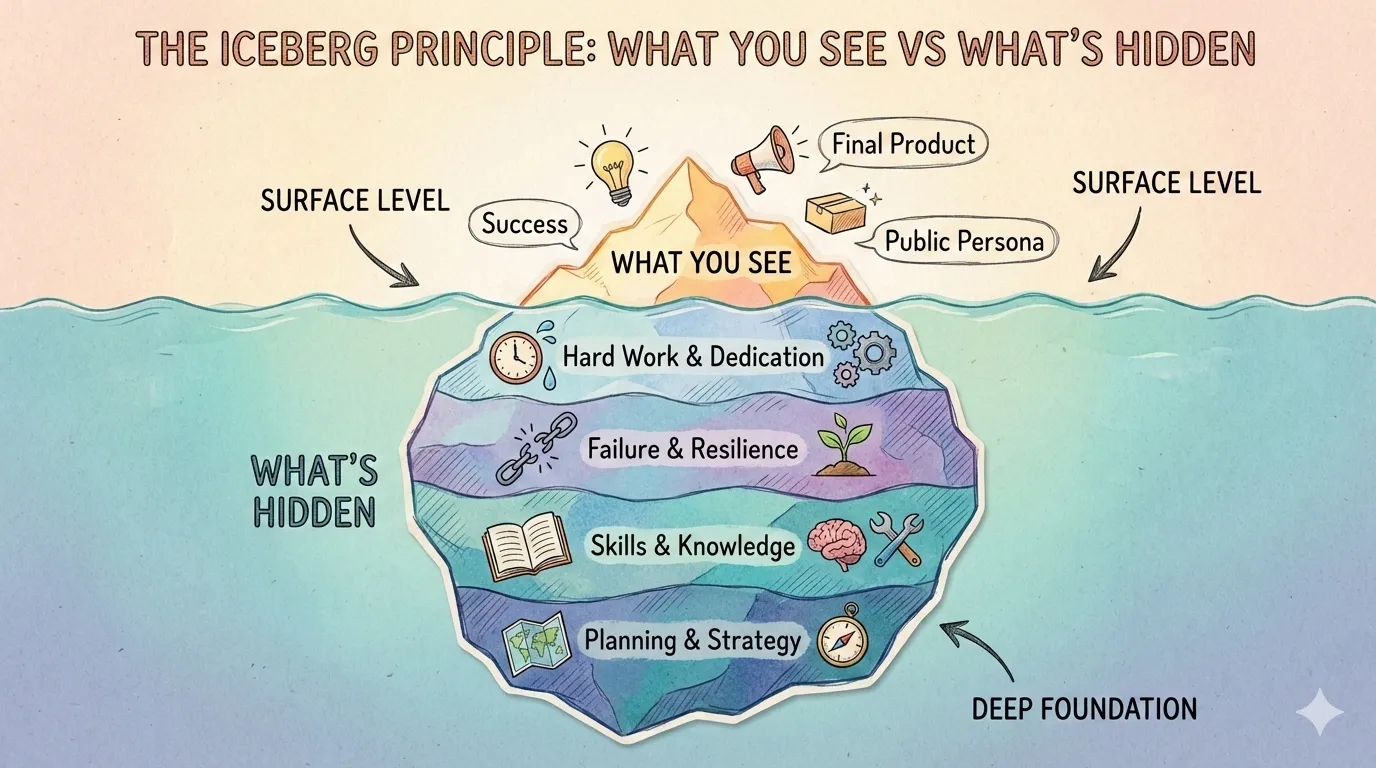
iceberg |
Surface vs hidden aspects |
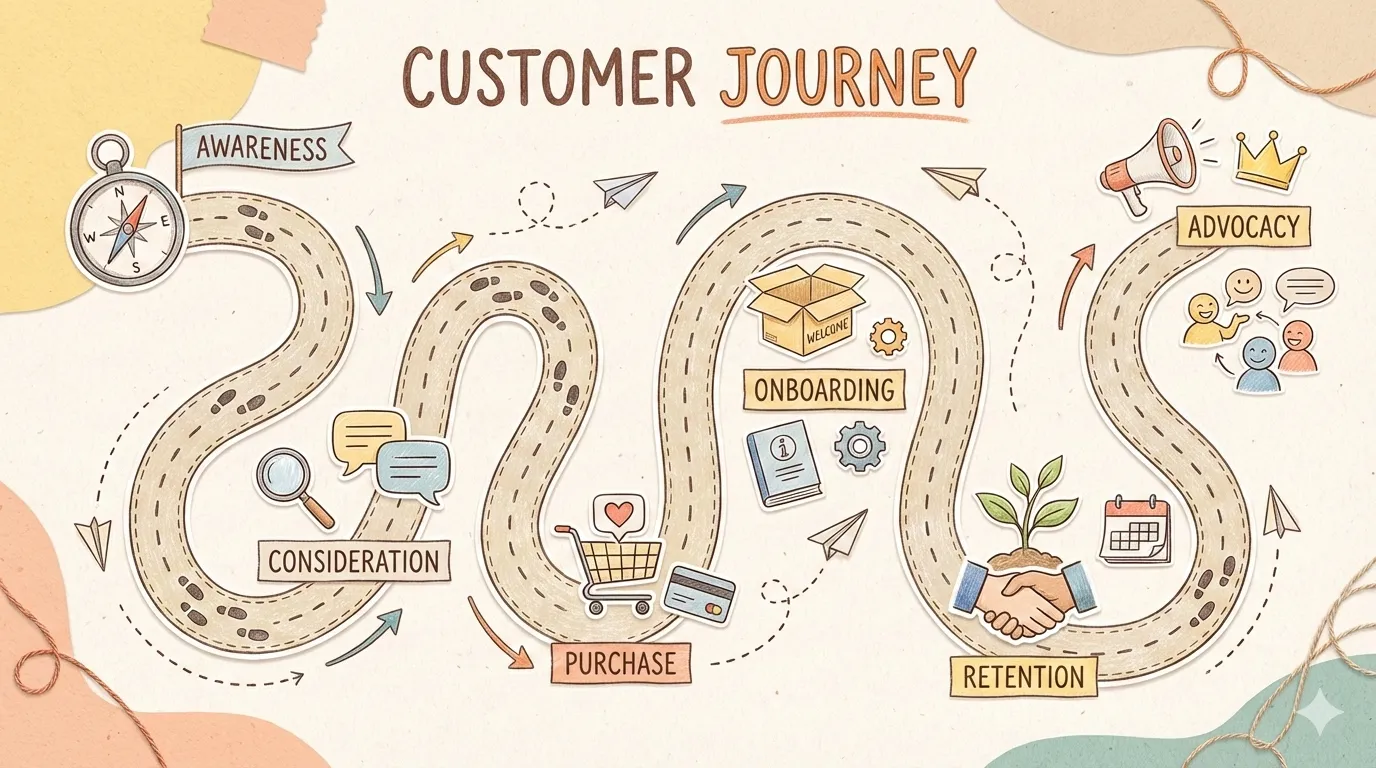
journey-path |
Customer journey, milestones |
layers-stack |
Technology stack, layers |
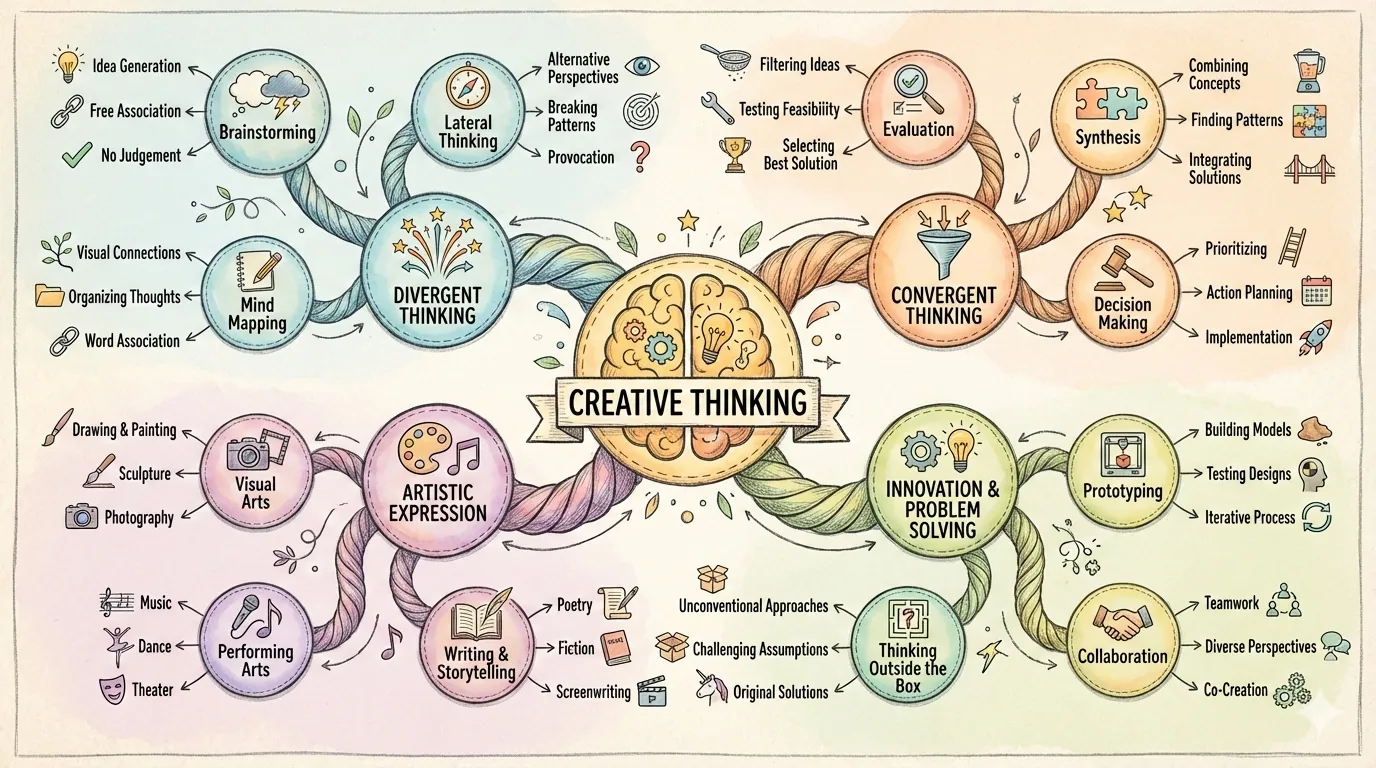
mind-map |
Brainstorming, idea mapping |
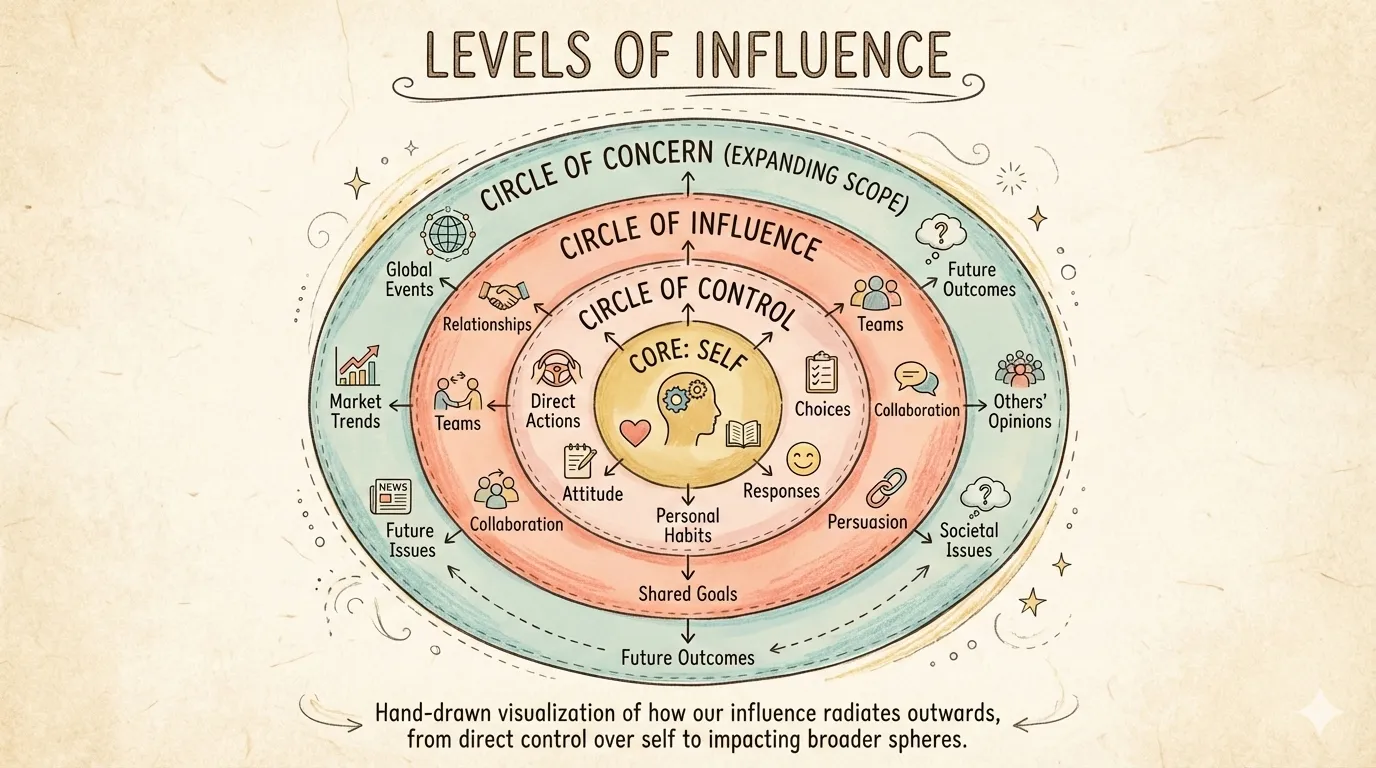
nested-circles |
Levels of influence, scope |
priority-quadrants |
Eisenhower matrix, 2x2 |
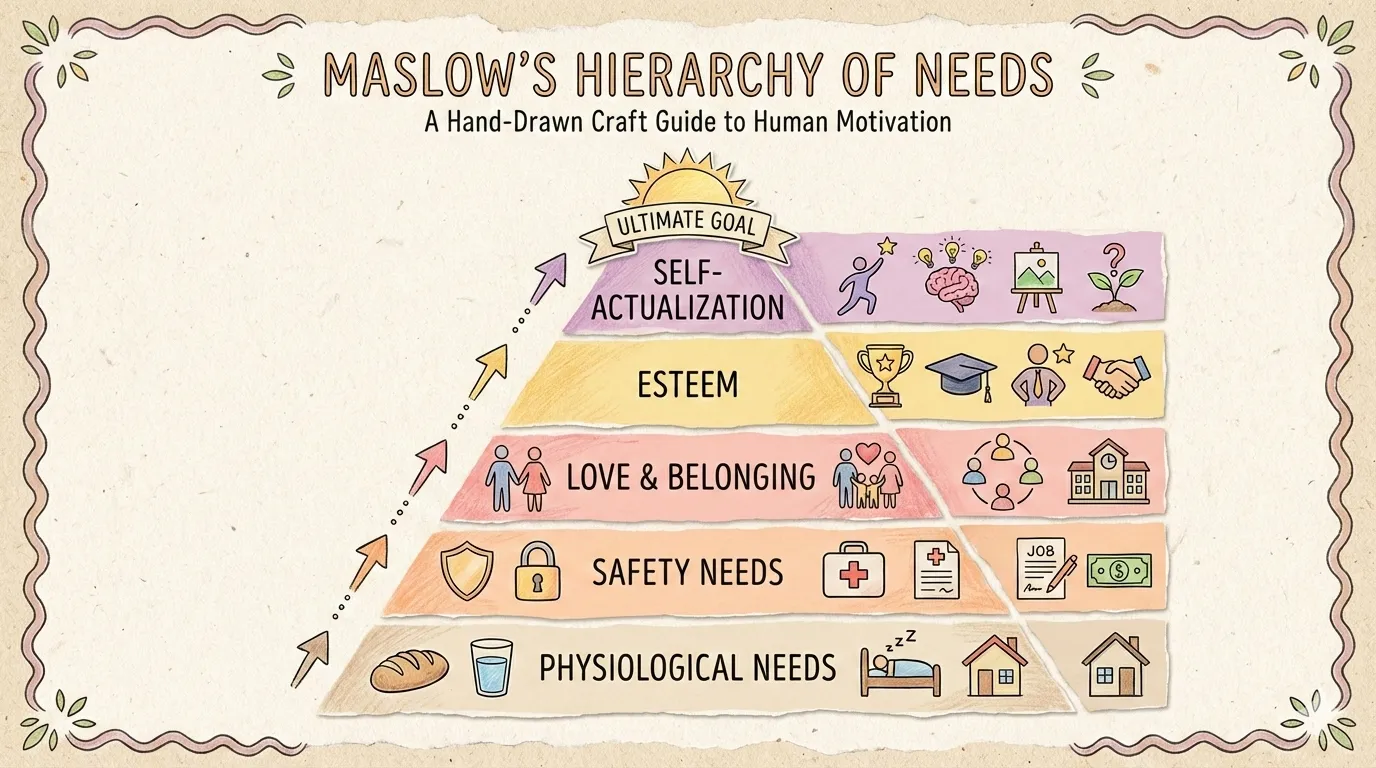
pyramid |
Hierarchy, Maslow's needs |
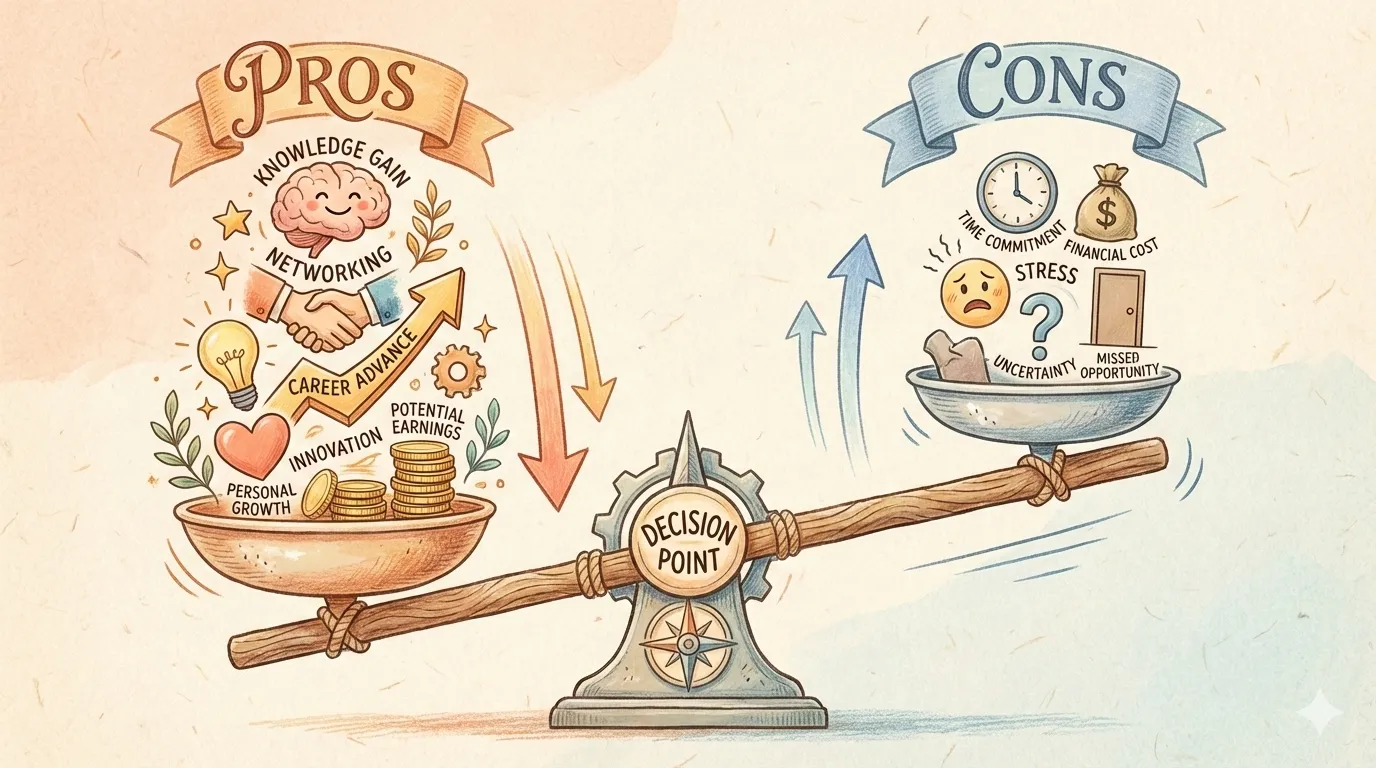
scale-balance |
Pros vs cons, weighing |
timeline-horizontal |
History, chronological events |
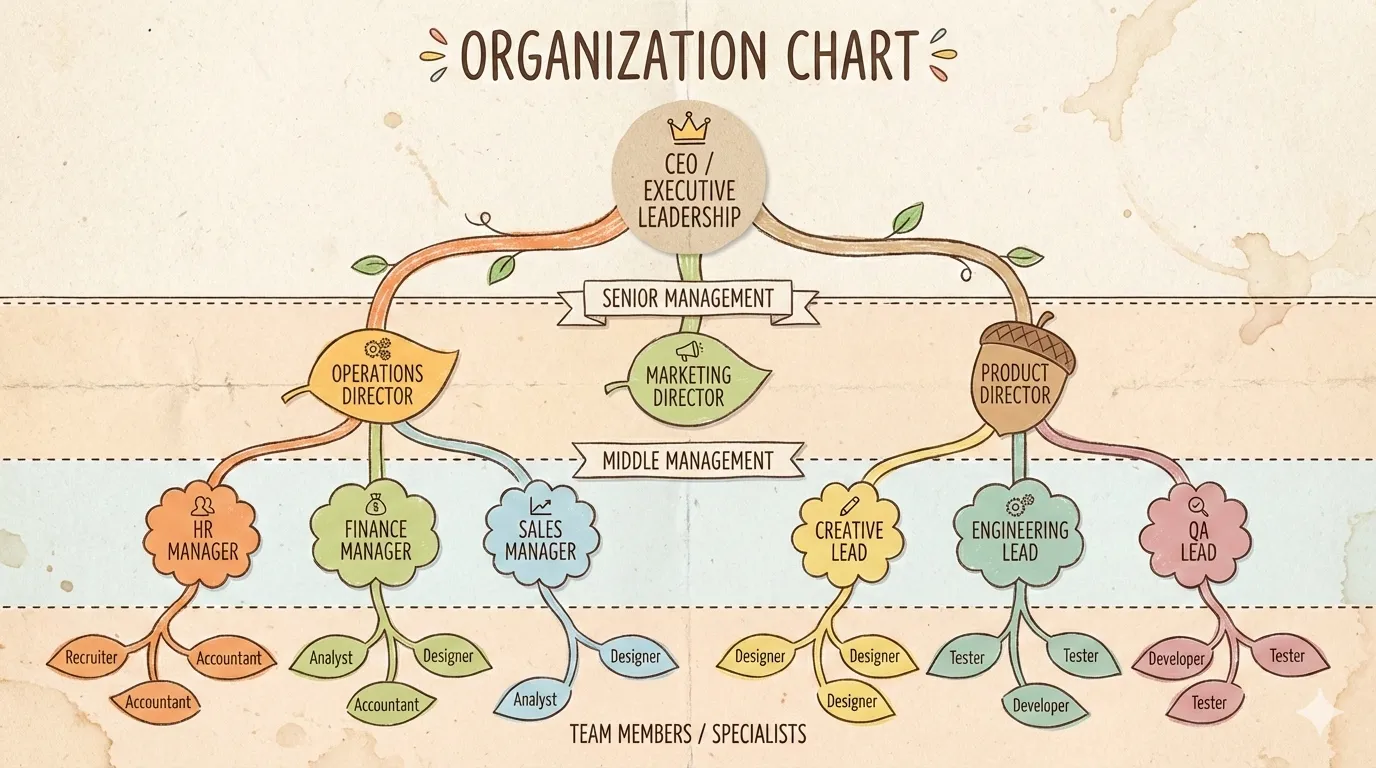
tree-hierarchy |
Org charts, taxonomy |
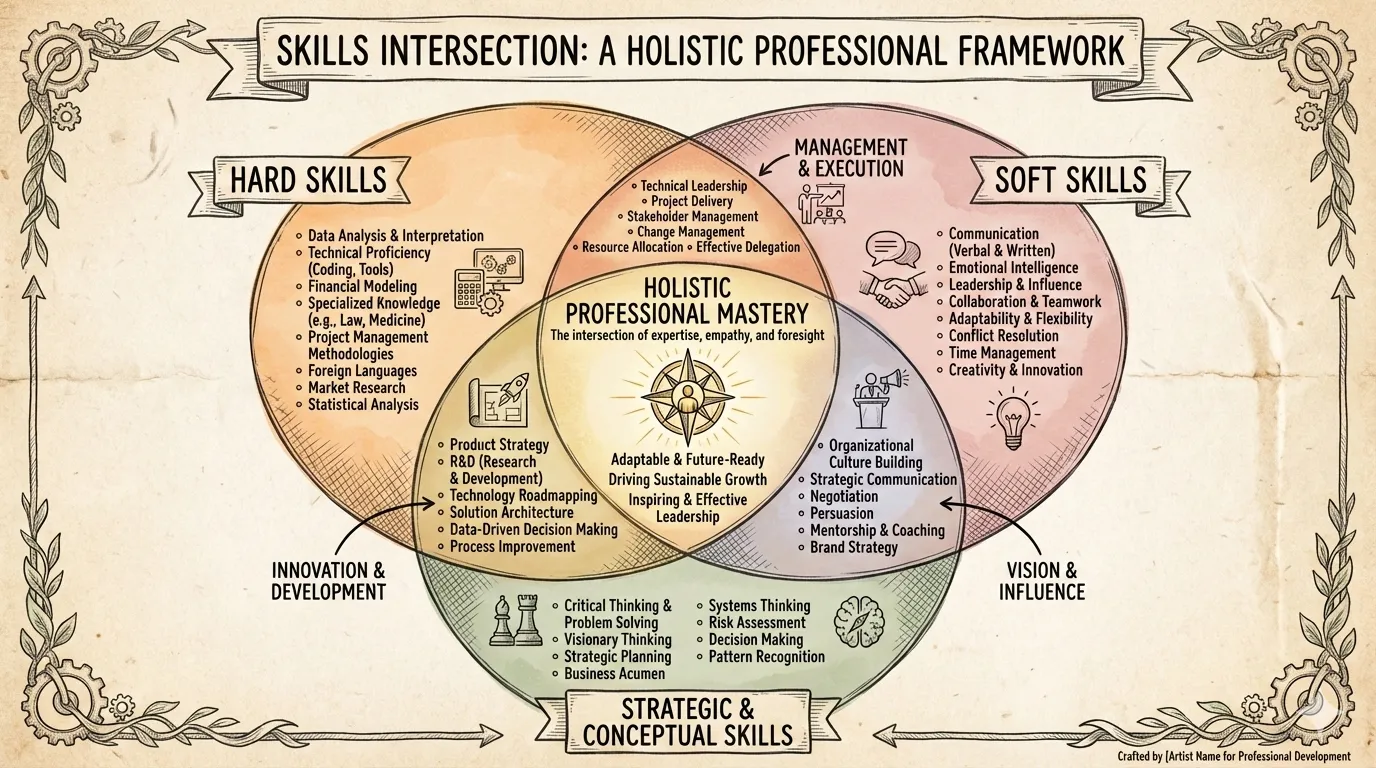
venn |
Overlapping concepts |
Layout Previews:
 |
 |
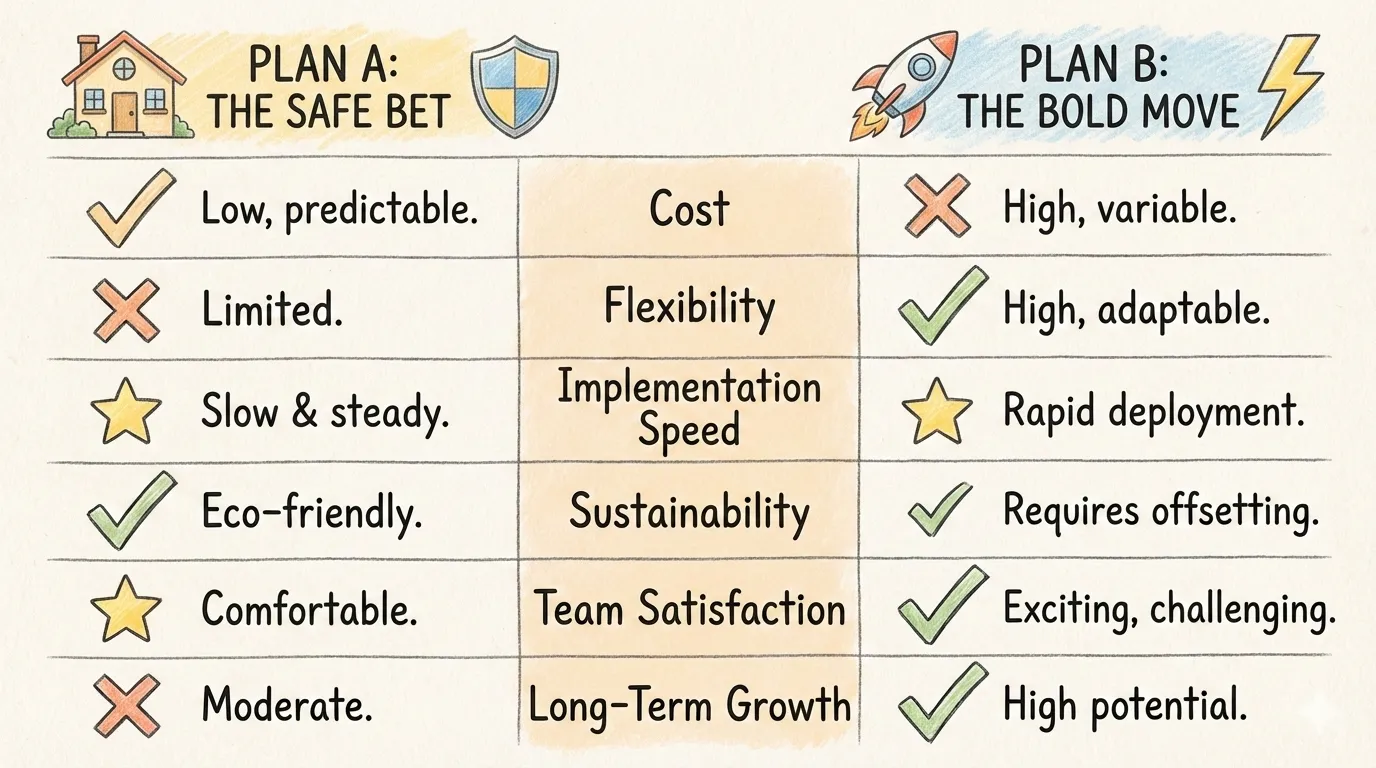 |
| bridge | circular-flow | comparison-table |
 |
 |
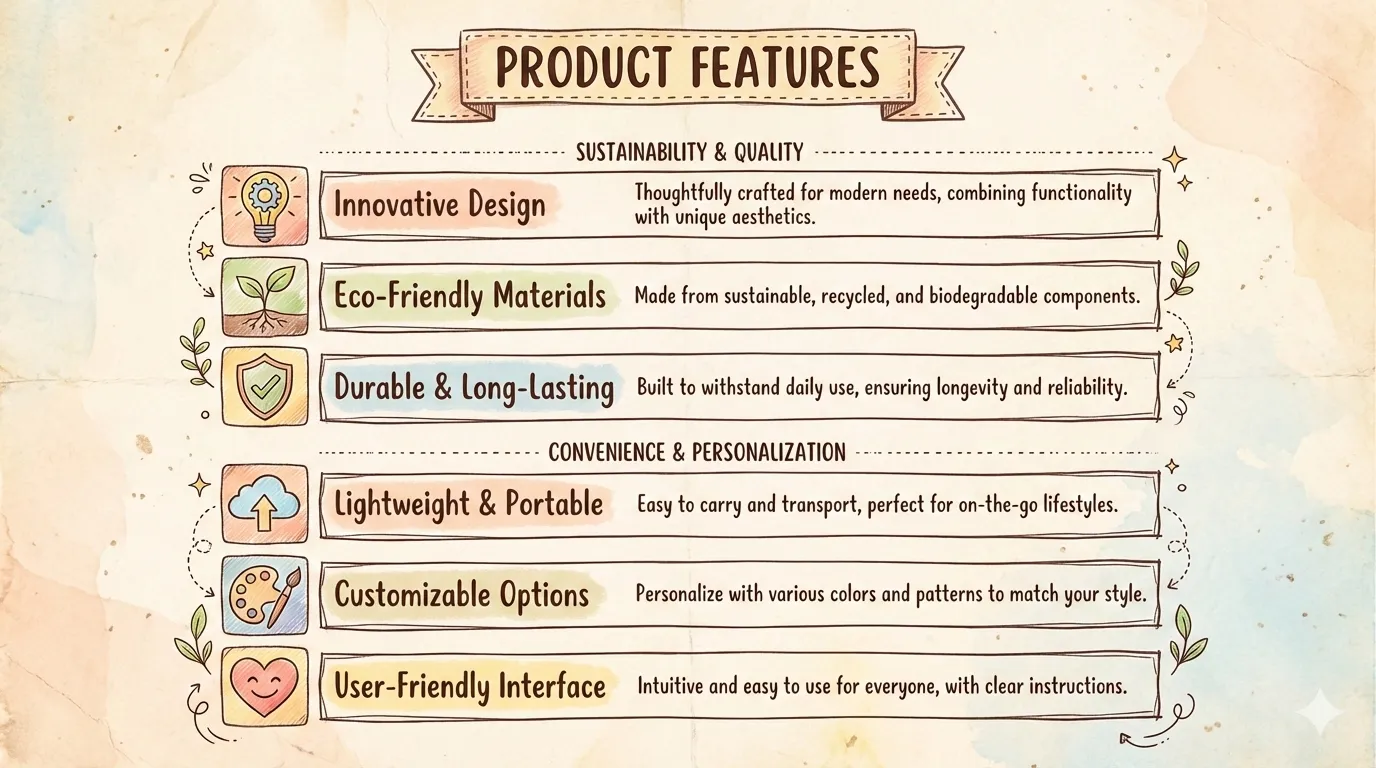 |
| do-dont | equation | feature-list |
 |
 |
 |
| fishbone | funnel | grid-cards |
 |
 |
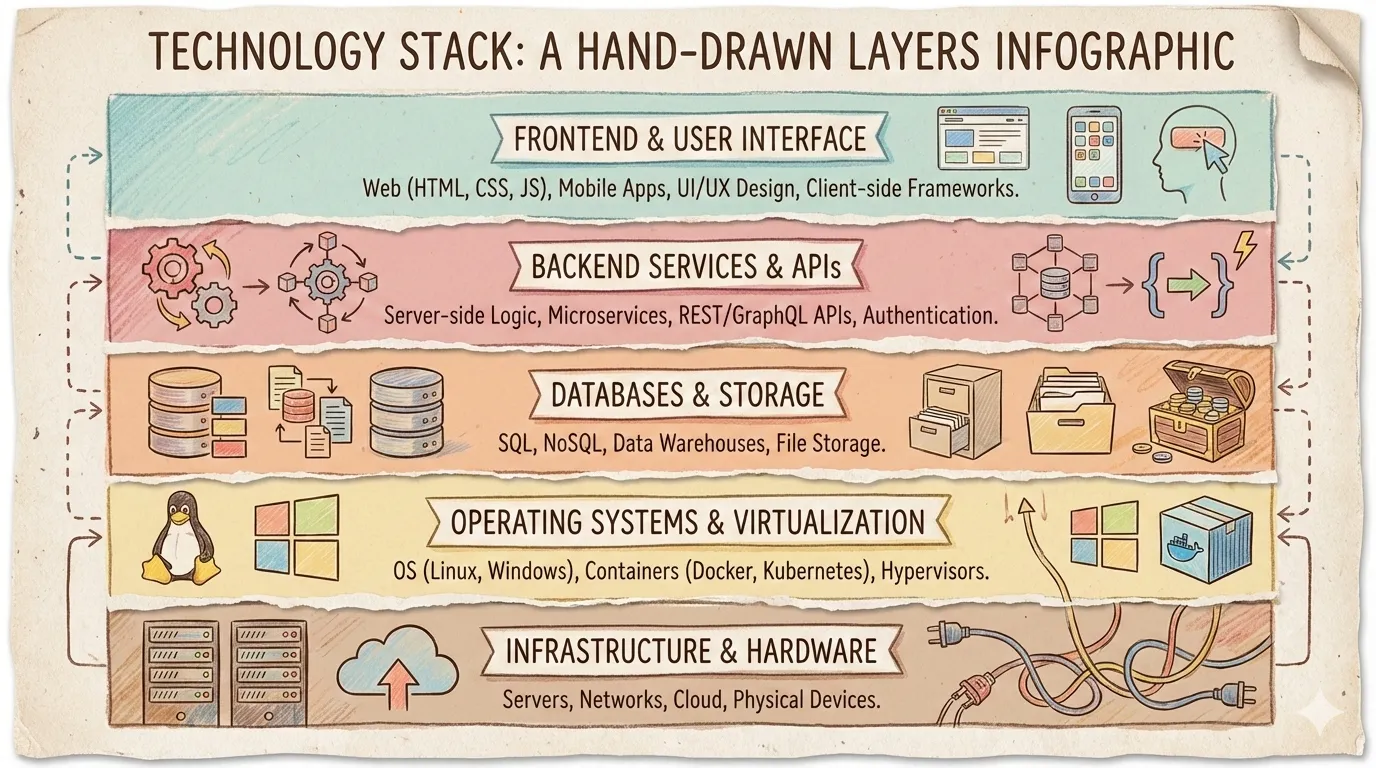 |
| iceberg | journey-path | layers-stack |
 |
 |
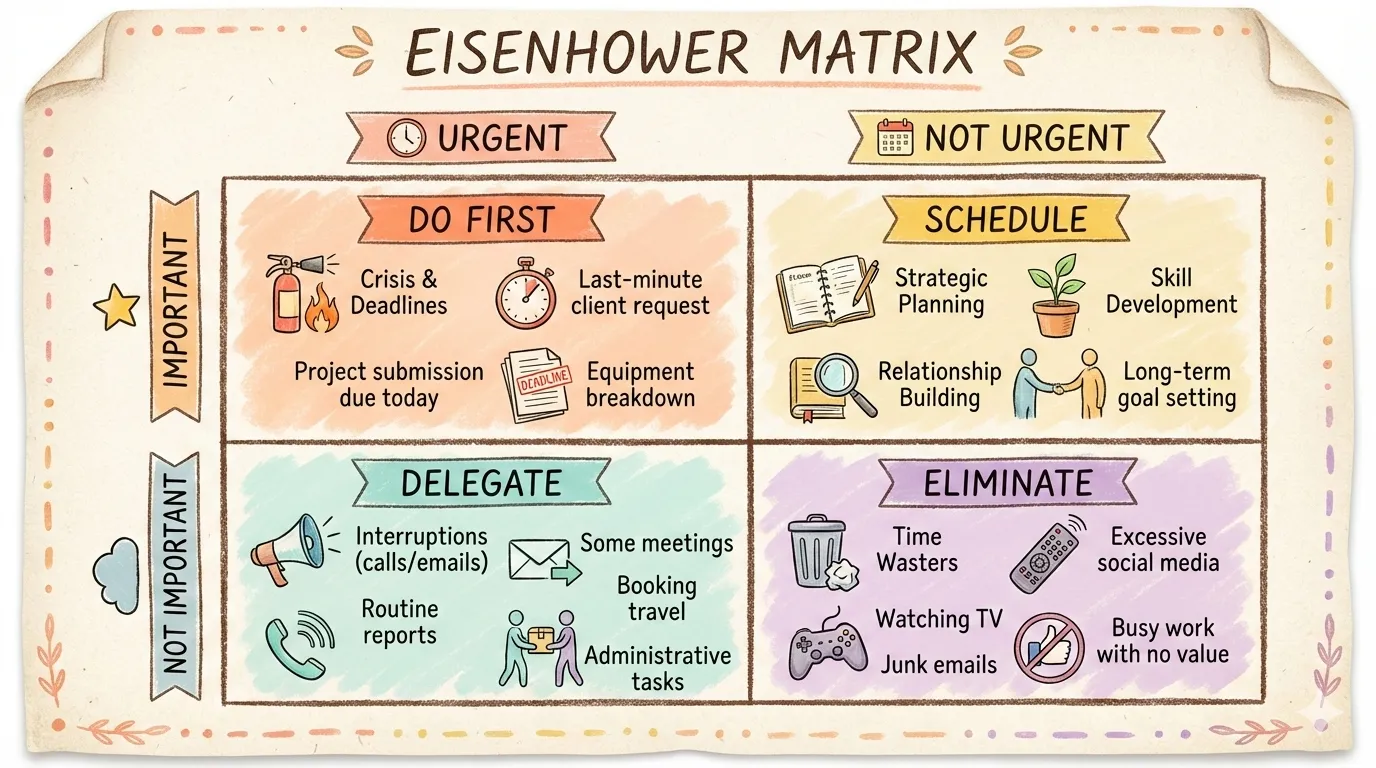 |
| mind-map | nested-circles | priority-quadrants |
 |
 |
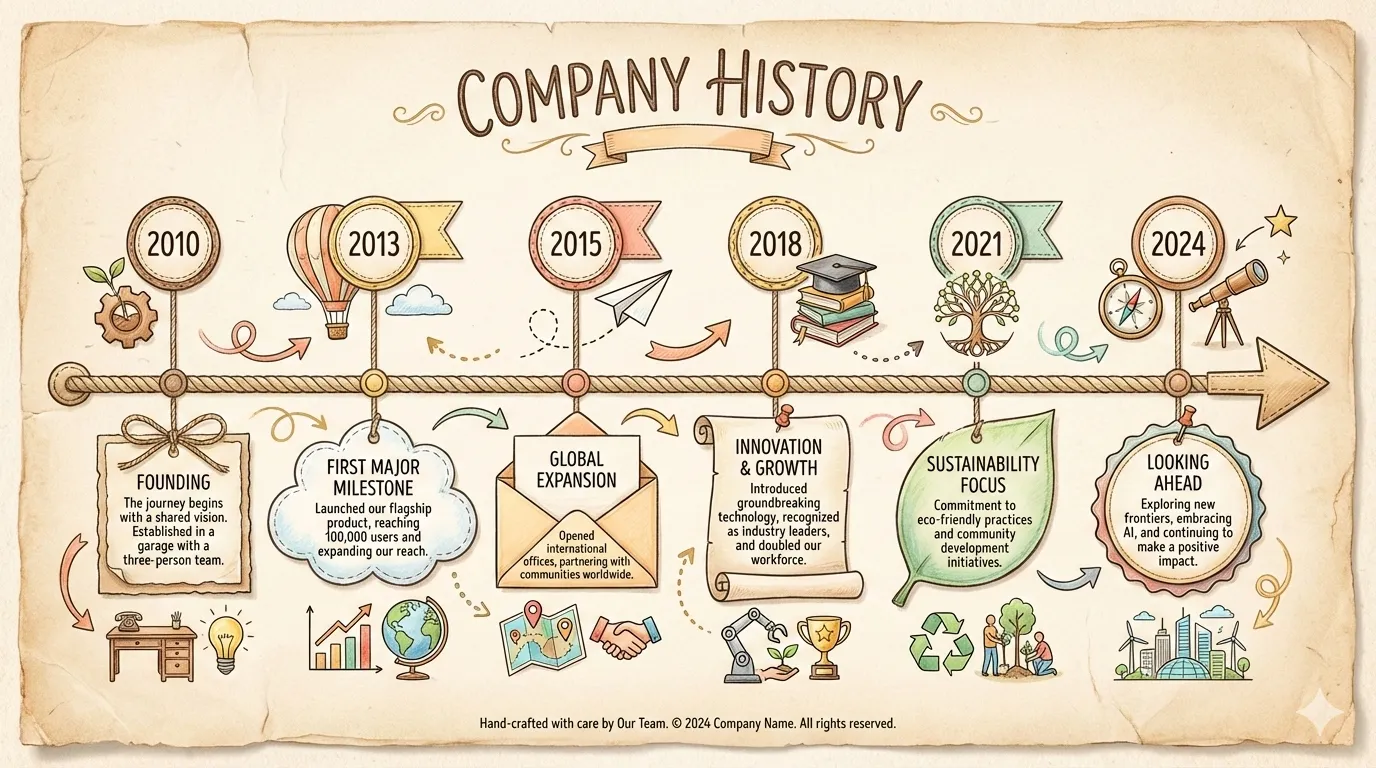 |
| pyramid | scale-balance | timeline-horizontal |
 |
 |
|
| tree-hierarchy | venn |
Styles (visual aesthetics):
| Style | Description |
|---|---|
craft-handmade (Default) |
Hand-drawn illustration, paper craft aesthetic |
claymation |
3D clay figures, playful stop-motion |
kawaii |
Japanese cute, big eyes, pastel colors |
storybook-watercolor |
Soft painted illustrations, whimsical |
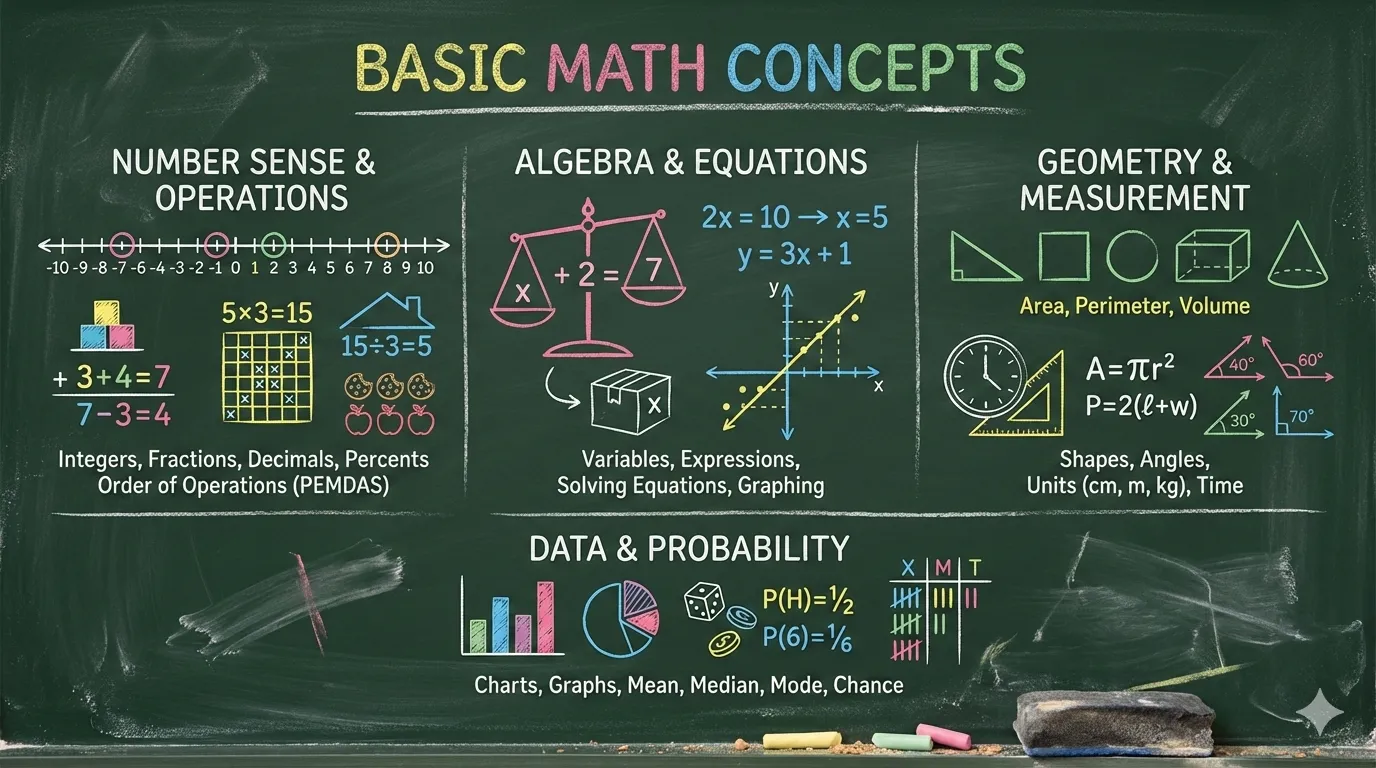
chalkboard |
Colorful chalk on black board |
cyberpunk-neon |
Neon glow on dark, futuristic |
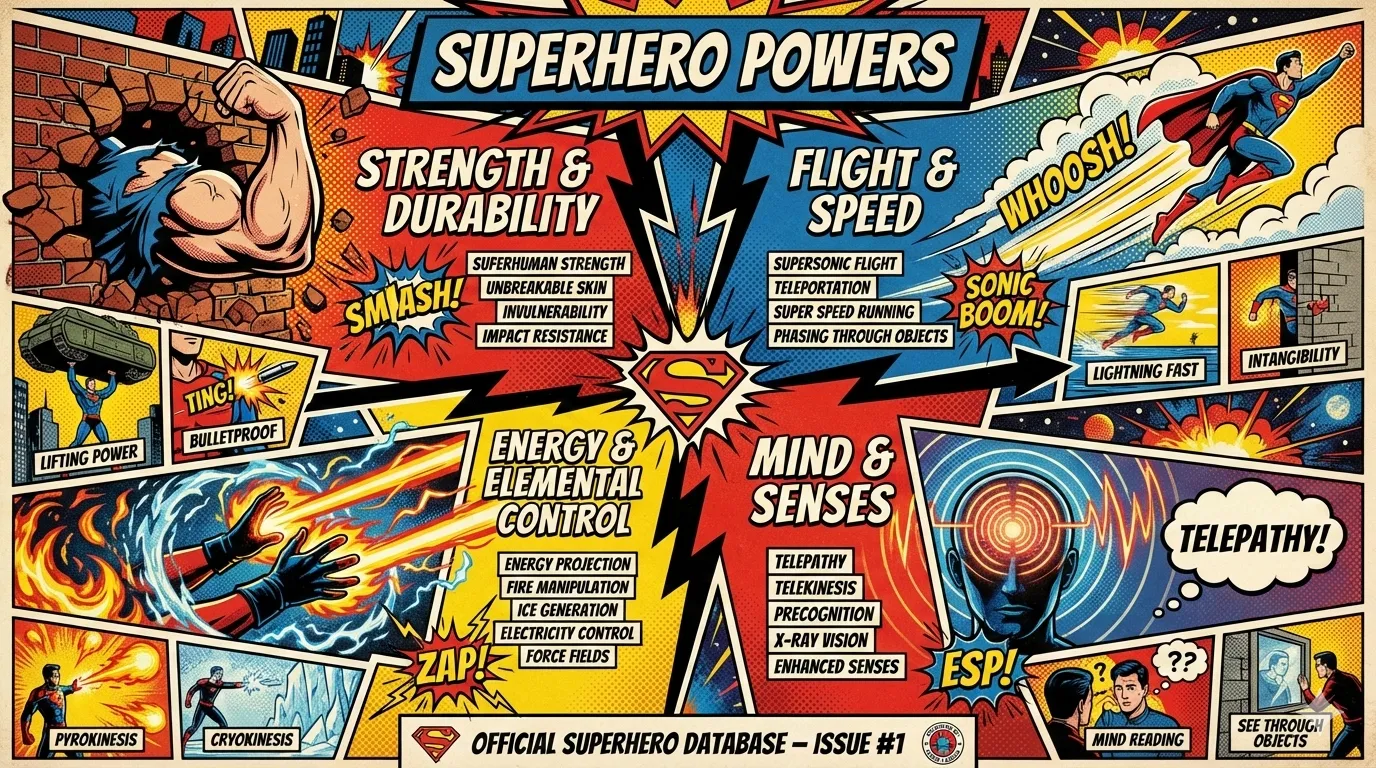
bold-graphic |
Comic style, halftone dots, high contrast |
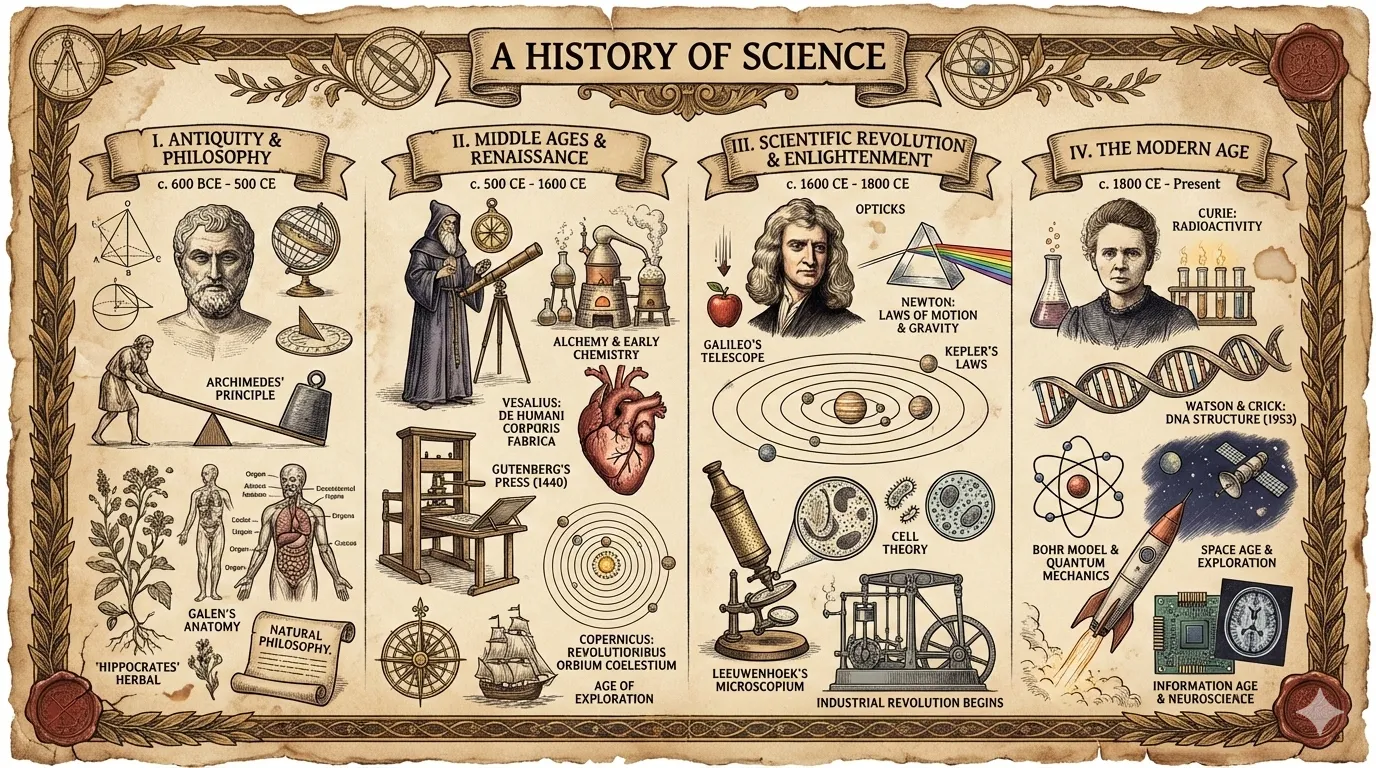
aged-academia |
Vintage science, sepia sketches |
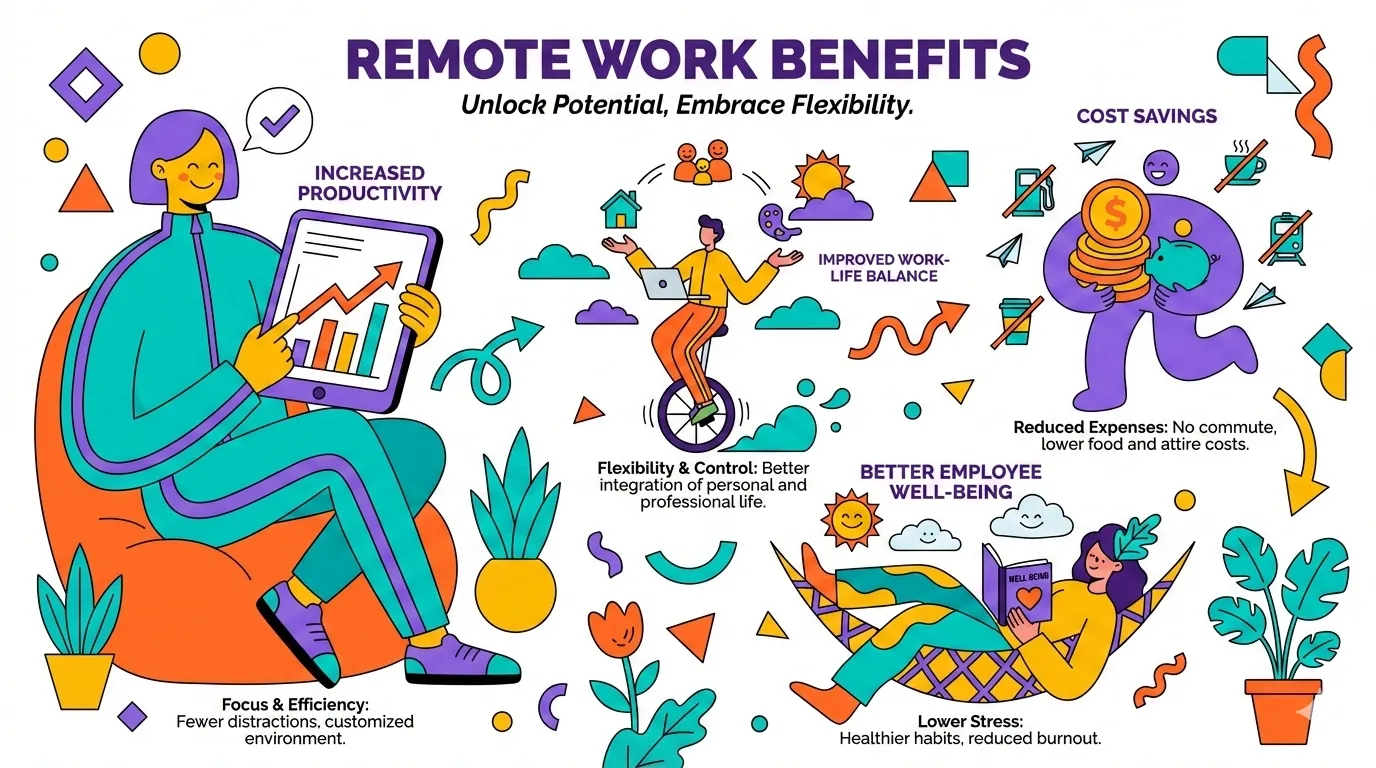
corporate-memphis |
Flat vector people, vibrant fills |
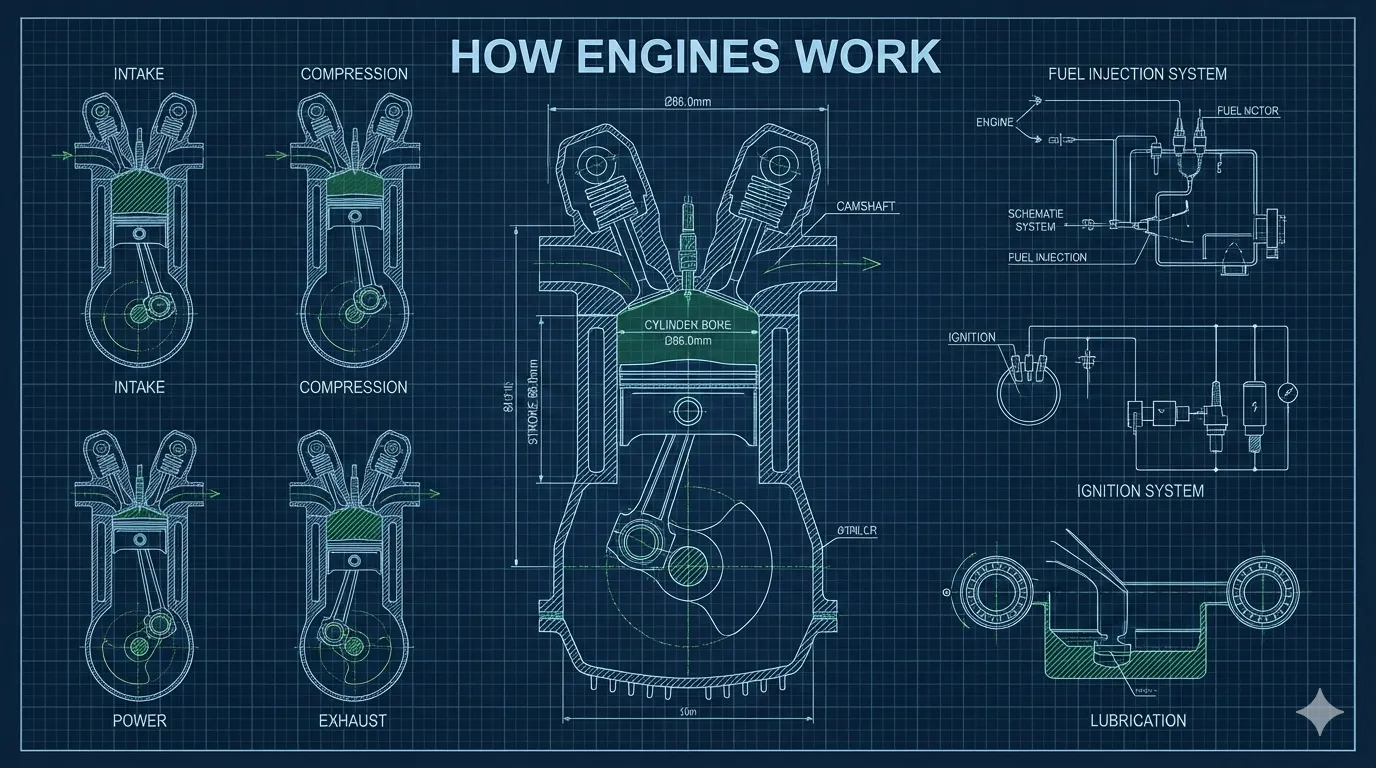
technical-schematic |
Blueprint, isometric 3D, engineering |
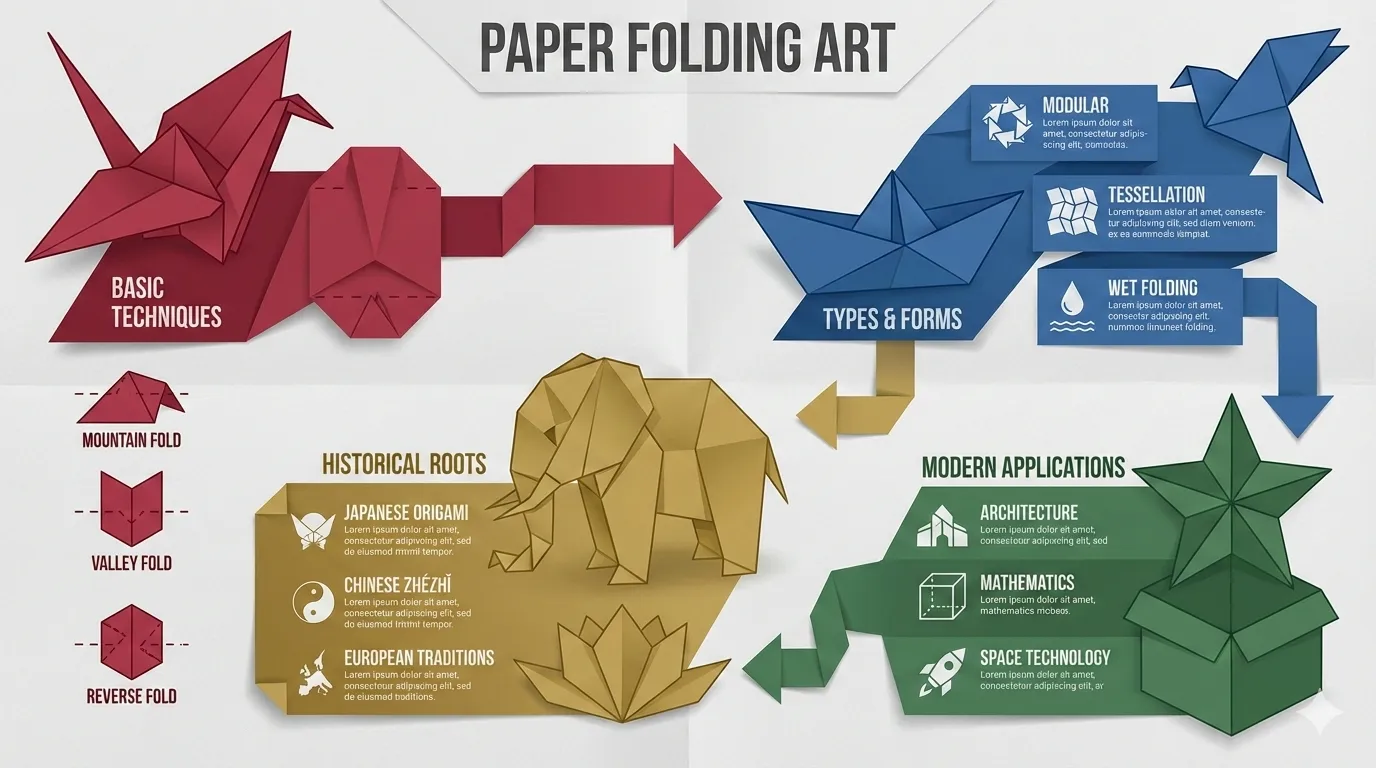
origami |
Folded paper forms, geometric |
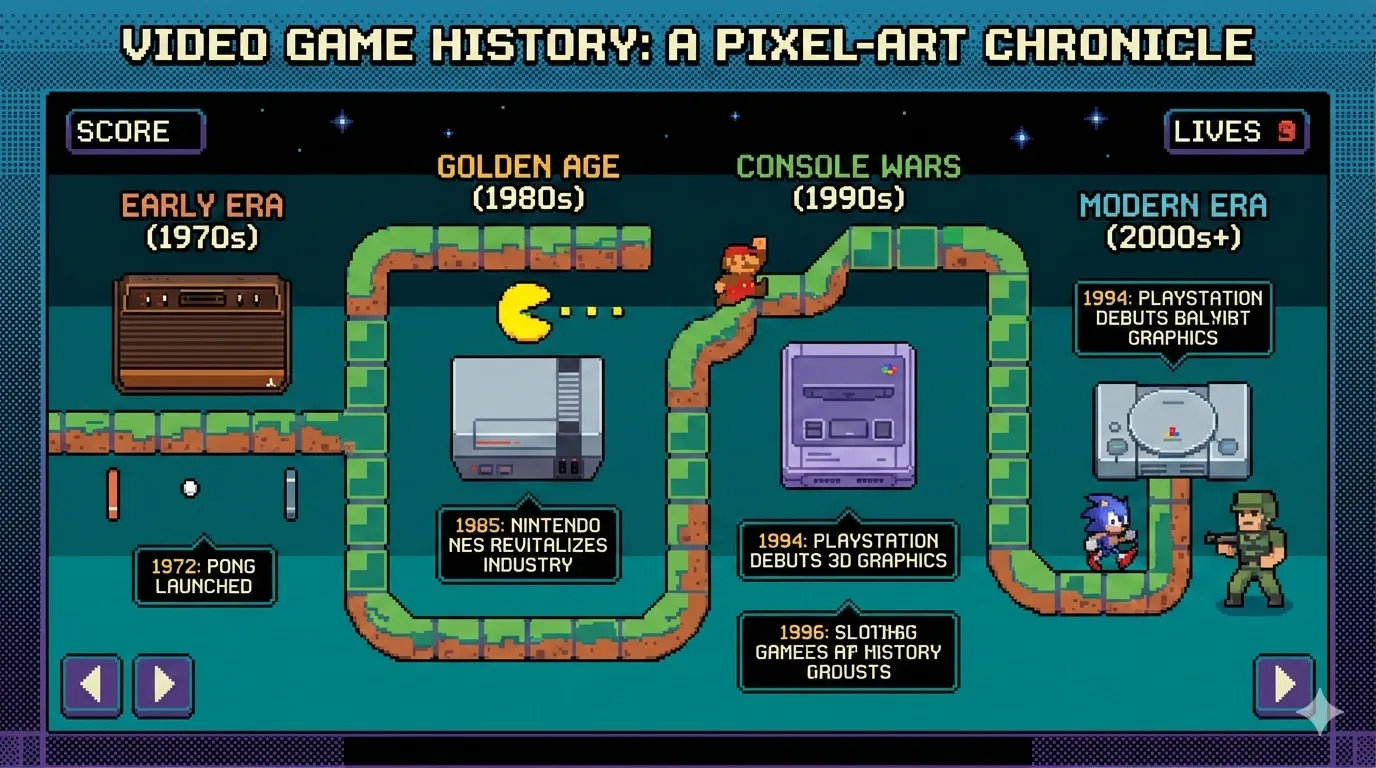
pixel-art |
Retro 8-bit, nostalgic gaming |
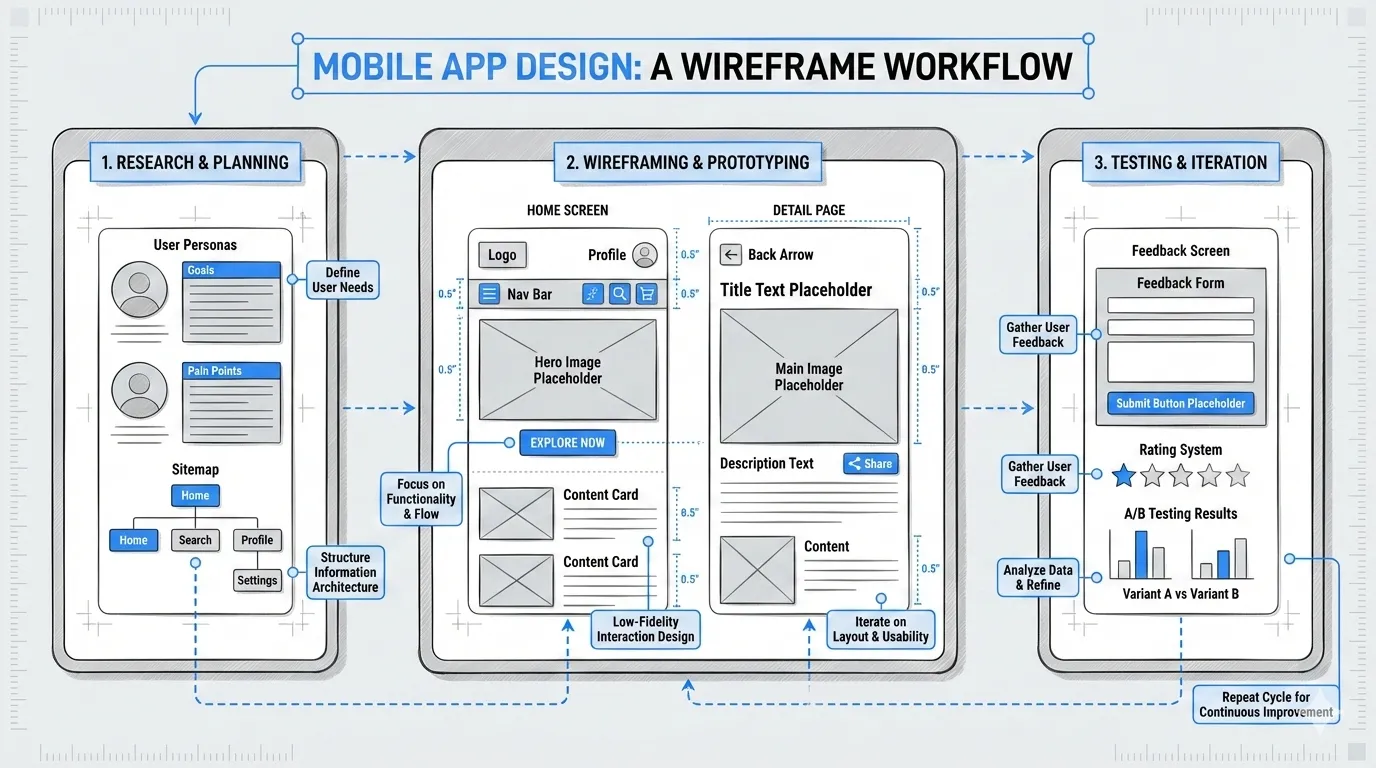
ui-wireframe |
Grayscale boxes, interface mockup |
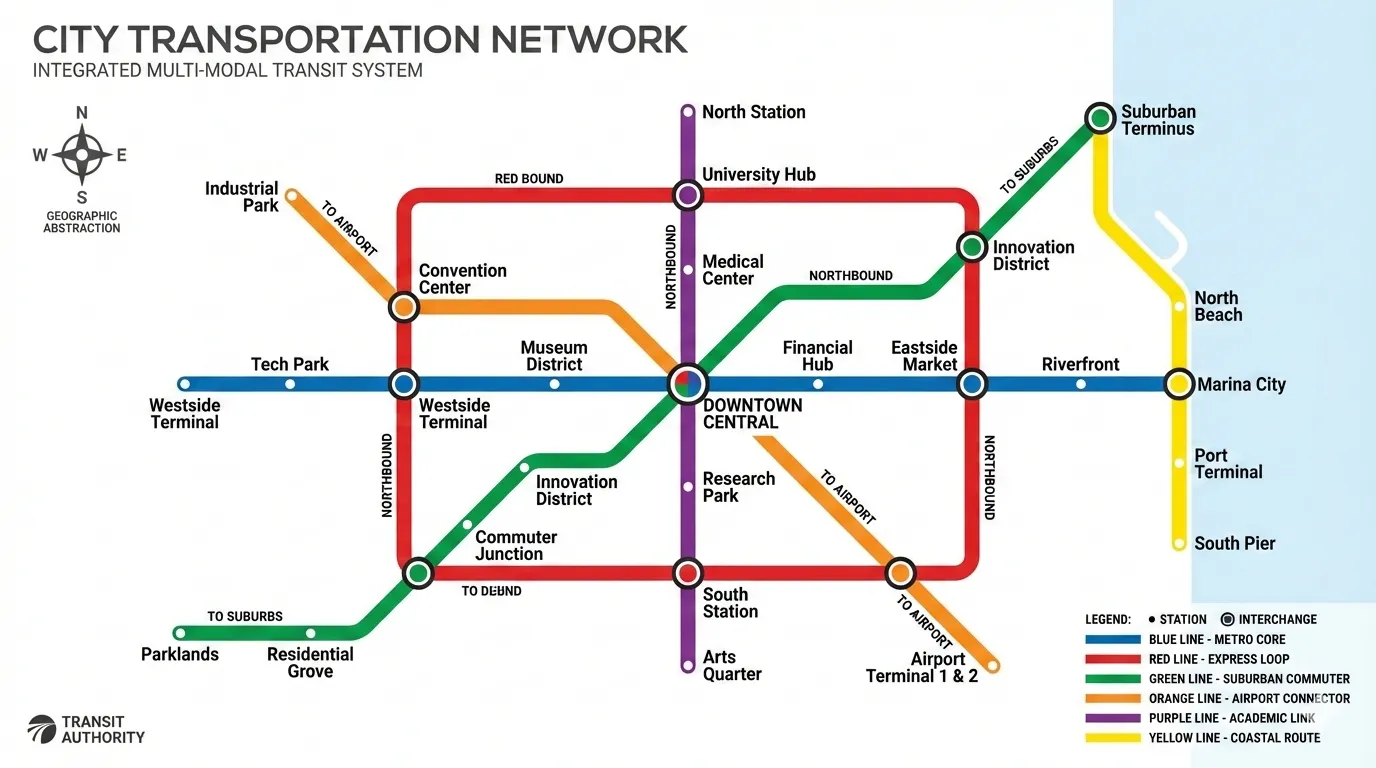
subway-map |
Transit diagram, colored lines |
ikea-manual |
Minimal line art, assembly style |
knolling |
Organized flat-lay, top-down |
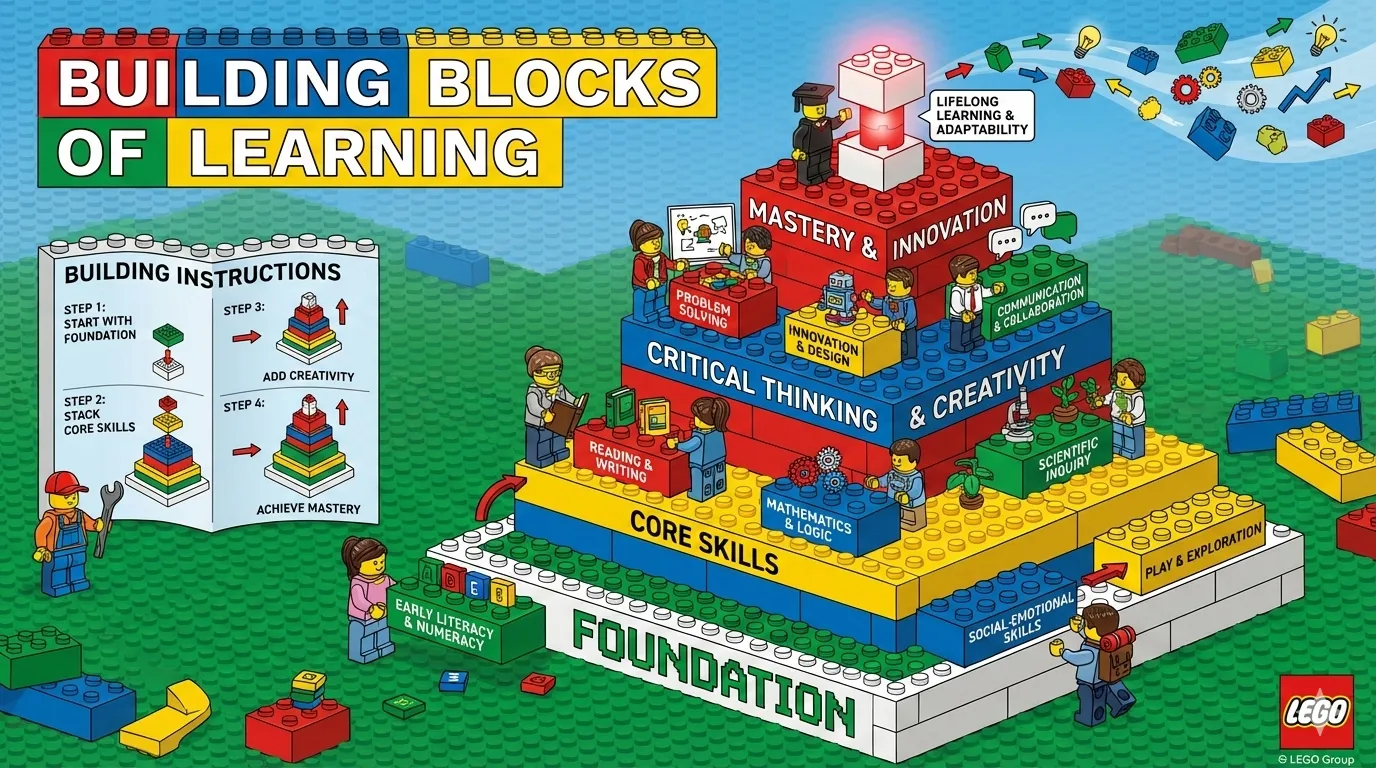
lego-brick |
Toy brick construction, playful |
Style Previews:
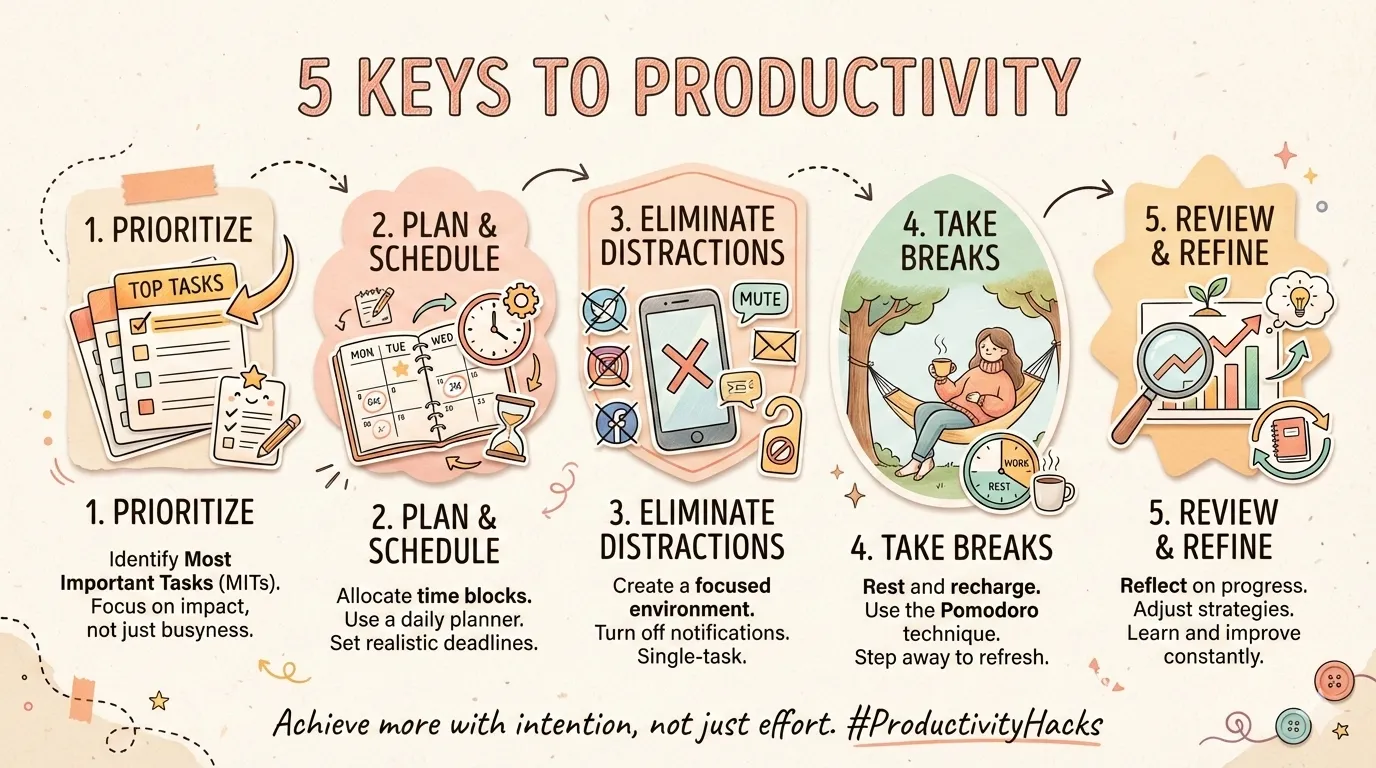 |
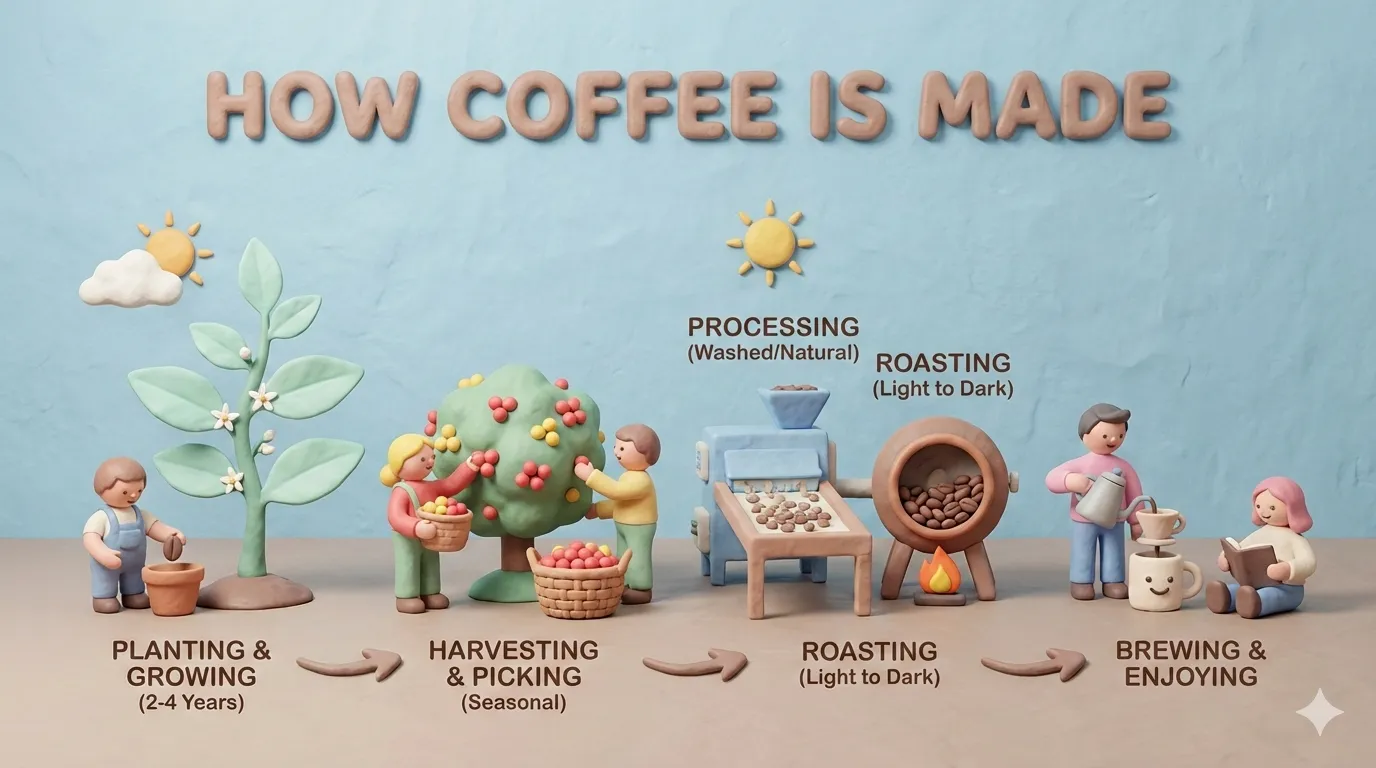 |
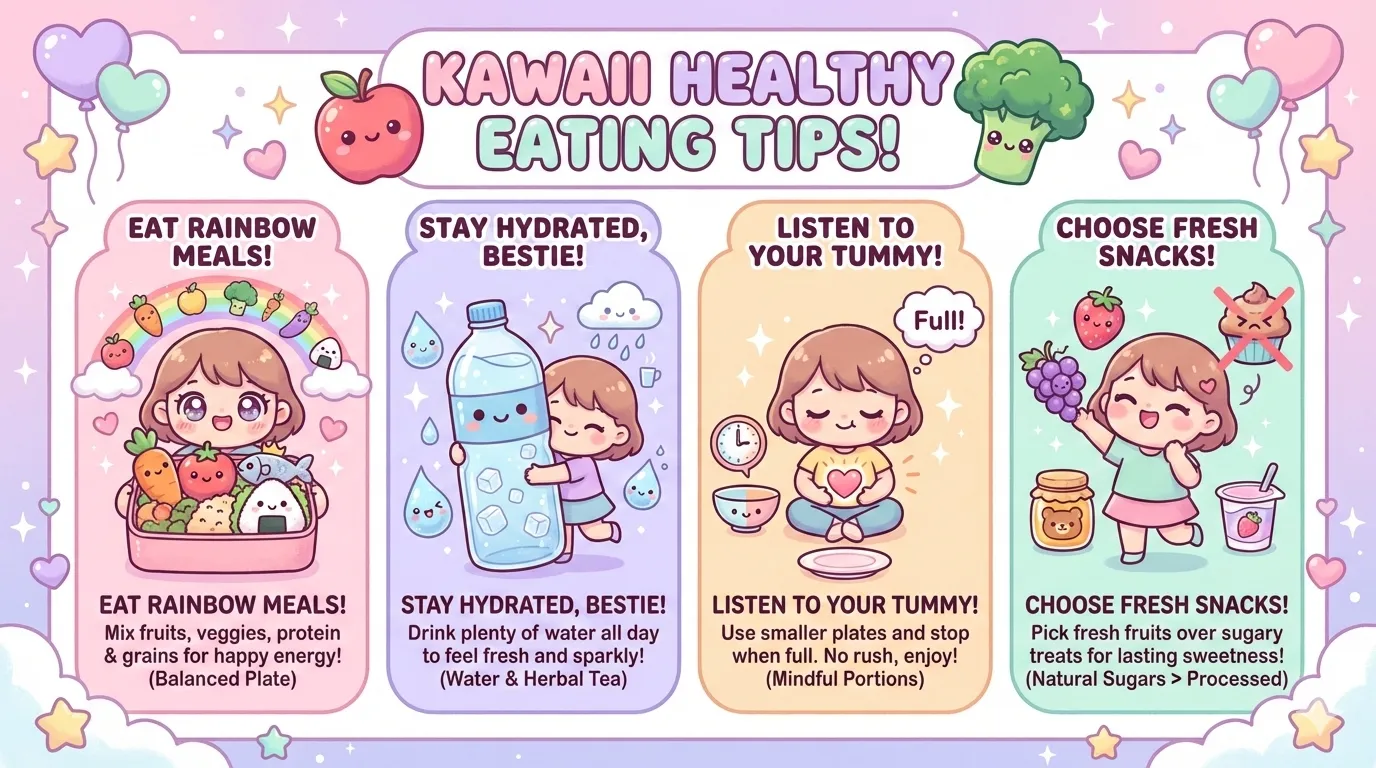 |
| craft-handmade | claymation | kawaii |
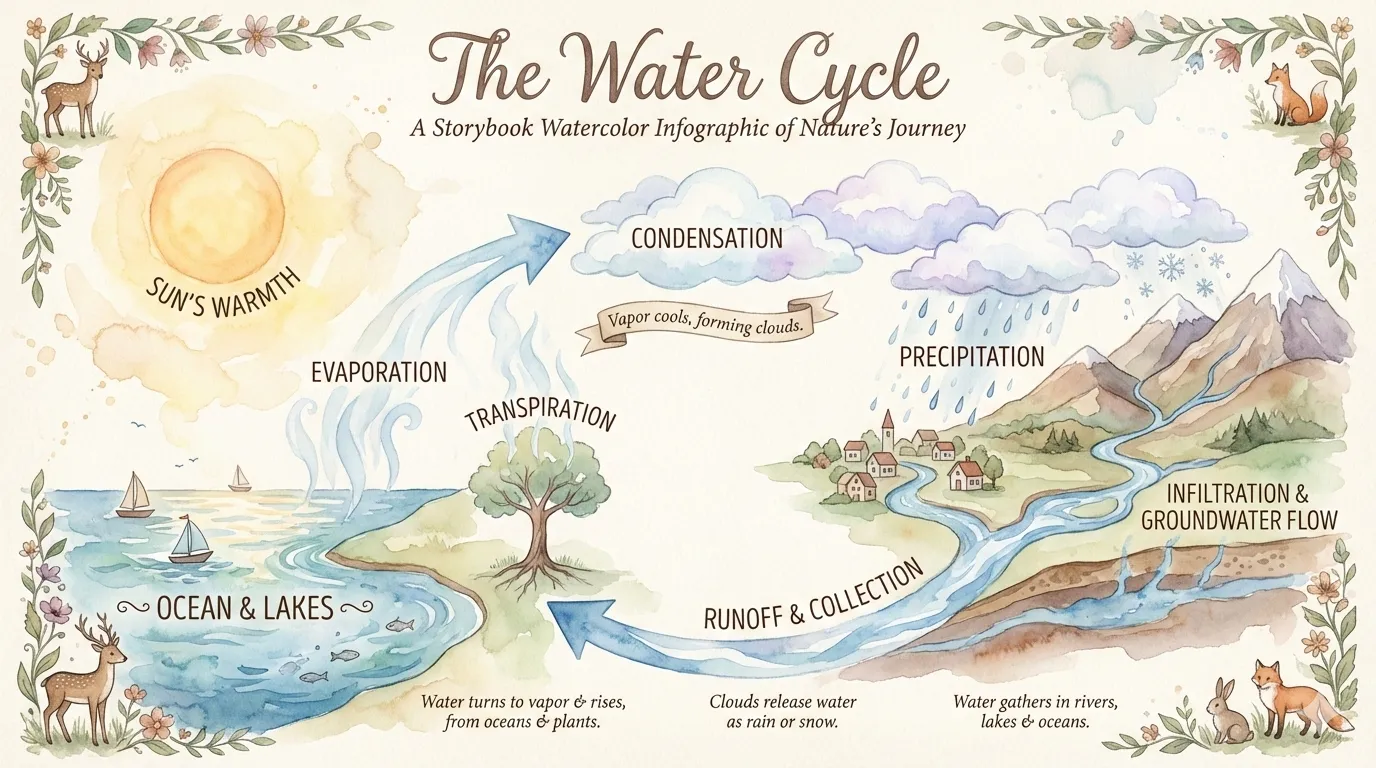 |
 |
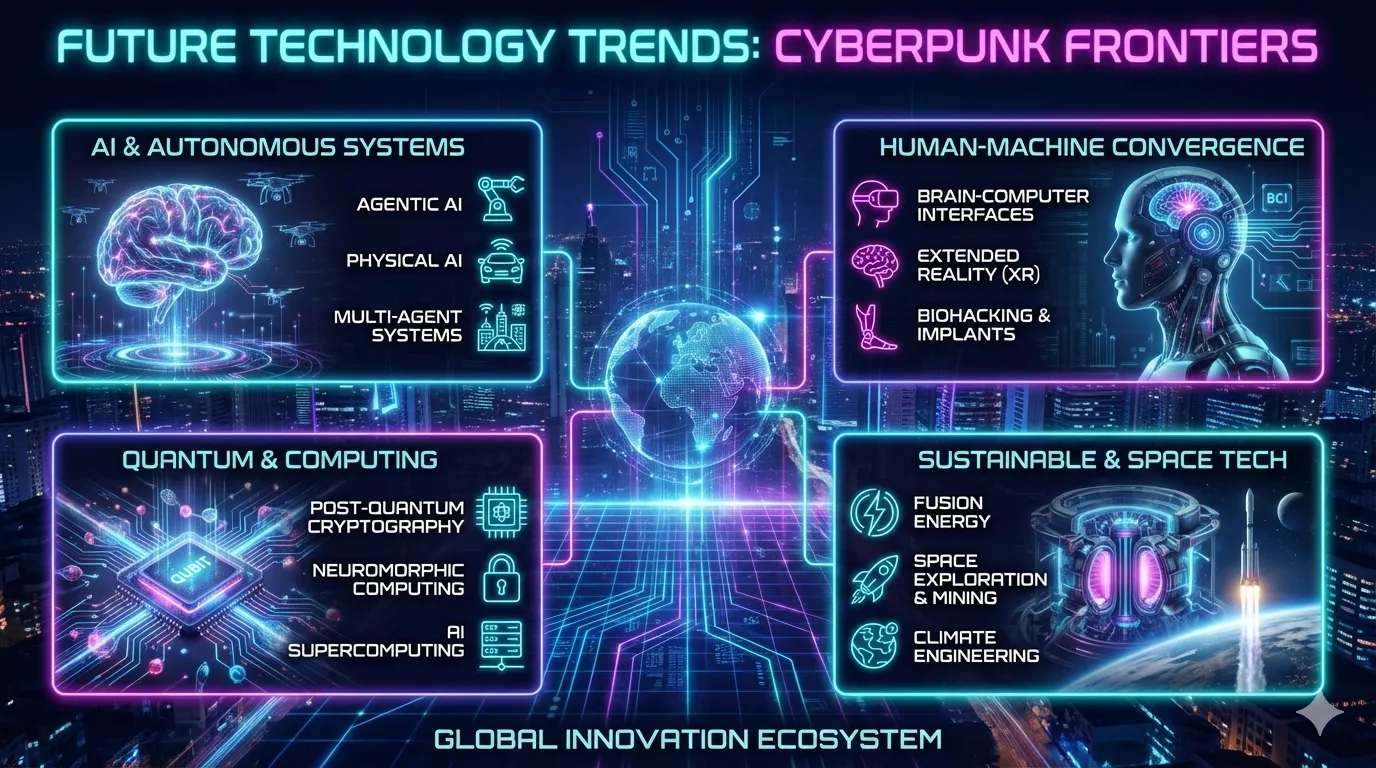 |
| storybook-watercolor | chalkboard | cyberpunk-neon |
 |
 |
 |
| bold-graphic | aged-academia | corporate-memphis |
 |
 |
 |
| technical-schematic | origami | pixel-art |
 |
 |
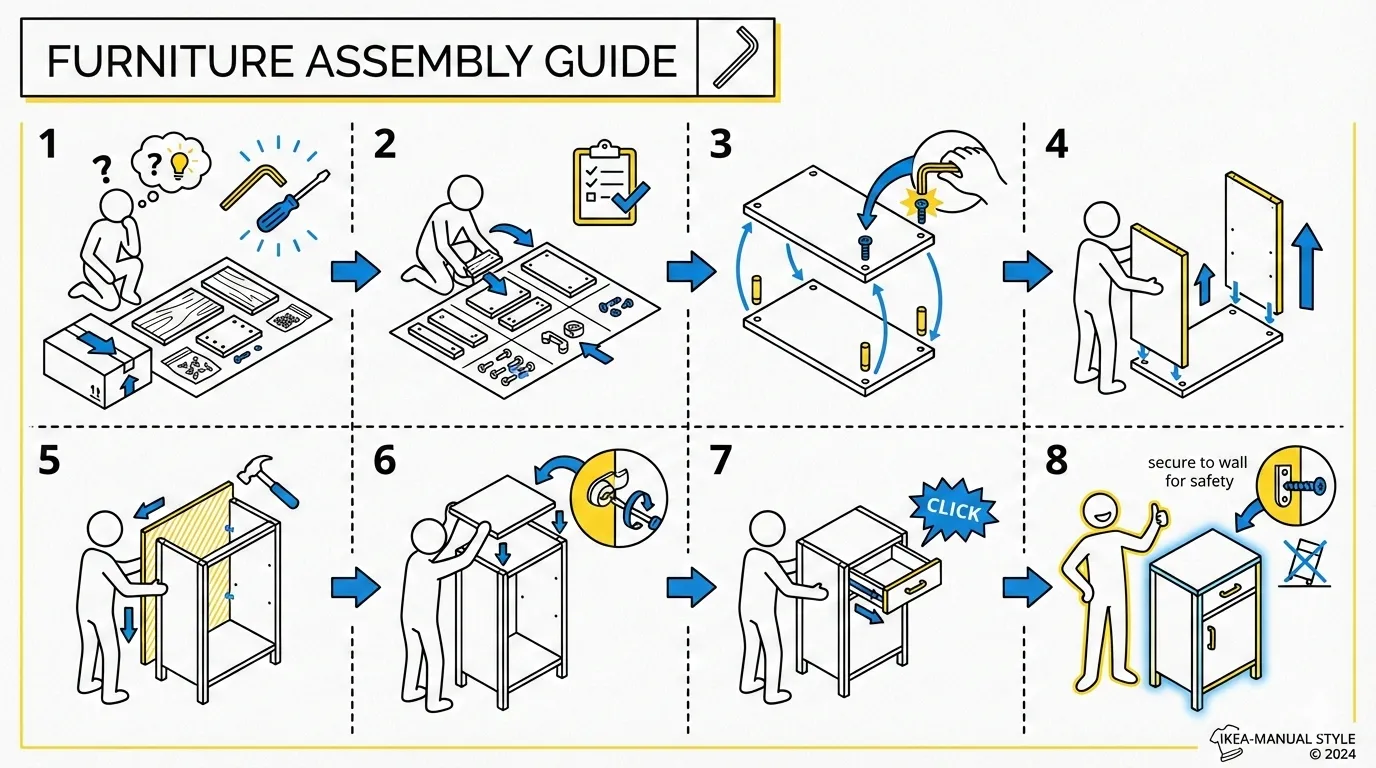 |
| ui-wireframe | subway-map | ikea-manual |
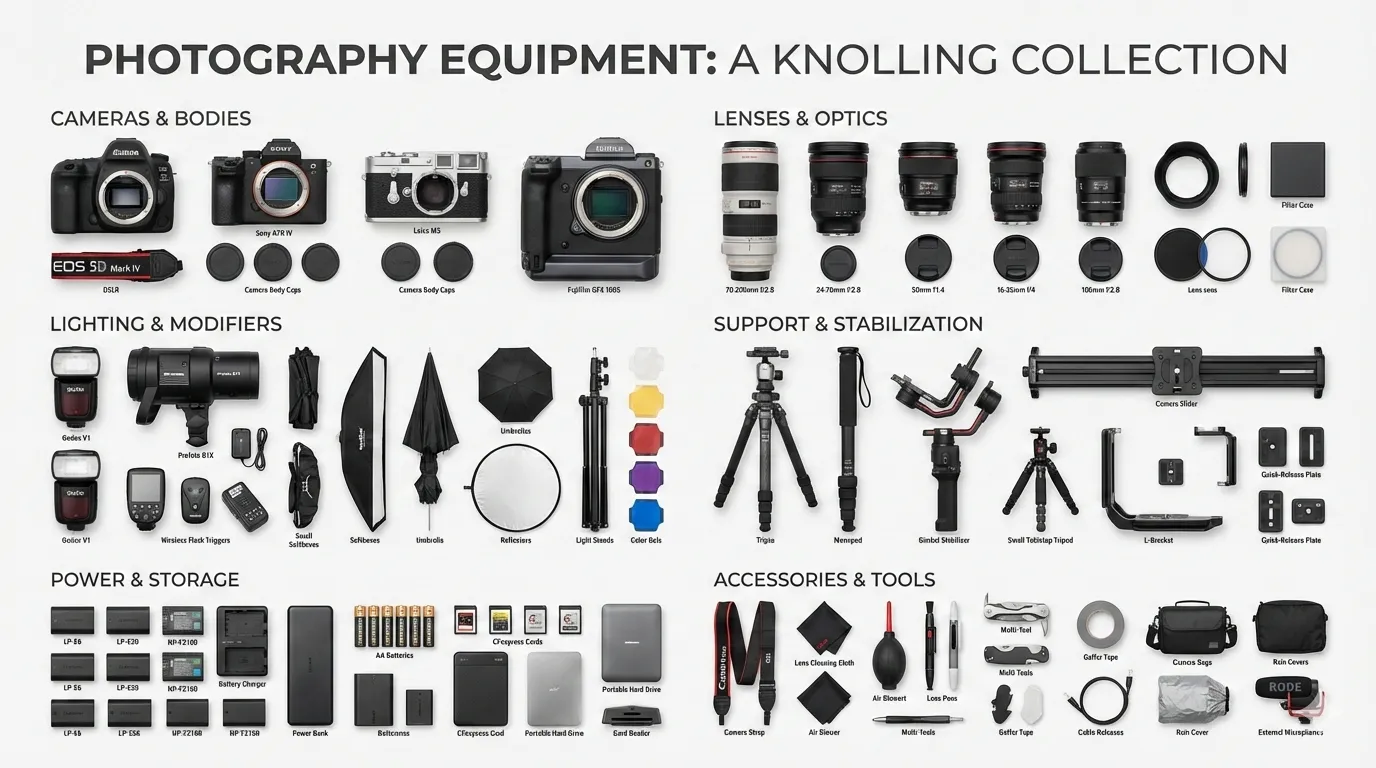 |
 |
|
| knolling | lego-brick |
baoyu-diagram
Generate publication-ready SVG diagrams from source material — flowcharts, sequence/protocol diagrams, structural/architecture diagrams, and illustrative intuition diagrams. Analyzes input material to recommend diagram type(s) and splitting strategy, confirms the plan once, then generates all diagrams. Claude writes real SVG code directly following a cohesive design system. Output is self-contained .svg files with embedded styles and auto dark-mode.
# Topic string — skill analyzes and proposes a plan
/baoyu-diagram "how JWT authentication works"
/baoyu-diagram "Kubernetes architecture" --type structural
/baoyu-diagram "OAuth 2.0 flow"          --type sequence

# File path — skill reads, analyzes, and proposes a plan
/baoyu-diagram path/to/article.md

# Language and output path
/baoyu-diagram "微服务架构" --lang zh
/baoyu-diagram "build pipeline" --out docs/build-pipeline.svg
Options:
| Option | Description |
|---|---|
--type <name> |
flowchart, sequence, structural, illustrative, class, auto (default). Skips type recommendation. |
--lang <code> |
Output language (en, zh, ja, ...) |
--out <path> |
Output file path. Generates exactly one diagram focused on the most important aspect. |
Diagram types:
| Type | Reader need | Verbs that trigger it |
|---|---|---|
flowchart |
Walk me through the steps in order | walk through, steps, process, lifecycle, workflow, state machine |
sequence |
Who talks to whom, in what order | protocol, handshake, auth flow, OAuth, TCP, request/response |
structural |
Show me what's inside what, how it's organised | architecture, components, topology, layout, what's inside |
illustrative |
Give me the intuition — draw the mechanism | how does X work, explain X, intuition for, why does X do Y |
class |
What are the types and how are they related | class diagram, UML, inheritance, interface, schema |
Not an image-generation skill — no LLM image model is called. Claude writes the SVG by hand with hand-computed layout math, so every diagram honors the design system. Embedded <style> block with @media (prefers-color-scheme: dark) means the same file renders correctly in both light and dark mode anywhere it's embedded.
baoyu-cover-image
Generate cover images for articles with 5 dimensions: Type × Palette × Rendering × Text × Mood. Combines 11 color palettes with 7 rendering styles for 77 unique combinations.
# Auto-select all dimensions based on content
/baoyu-cover-image path/to/article.md

# Quick mode: skip confirmation, use auto-selection
/baoyu-cover-image path/to/article.md --quick

# Specify dimensions (5D system)
/baoyu-cover-image path/to/article.md --type conceptual --palette cool --rendering digital
/baoyu-cover-image path/to/article.md --text title-subtitle --mood bold

# Style presets (backward-compatible shorthand)
/baoyu-cover-image path/to/article.md --style blueprint

# Specify aspect ratio (default: 16:9)
/baoyu-cover-image path/to/article.md --aspect 2.35:1

# Visual only (no title text)
/baoyu-cover-image path/to/article.md --no-title
Five Dimensions:
- Type:
hero,conceptual,typography,metaphor,scene,minimal - Palette:
warm,elegant,cool,dark,earth,vivid,pastel,mono,retro,duotone,macaron - Rendering:
flat-vector,hand-drawn,painterly,digital,pixel,chalk,screen-print - Text:
none,title-only(default),title-subtitle,text-rich - Mood:
subtle,balanced(default),bold
baoyu-slide-deck
Generate professional slide deck images from content. Creates comprehensive outlines with style instructions, then generates individual slide images.
# From markdown file
/baoyu-slide-deck path/to/article.md

# With style and audience
/baoyu-slide-deck path/to/article.md --style corporate
/baoyu-slide-deck path/to/article.md --audience executives

# Target slide count
/baoyu-slide-deck path/to/article.md --slides 15

# Outline only (no image generation)
/baoyu-slide-deck path/to/article.md --outline-only

# With language
/baoyu-slide-deck path/to/article.md --lang zh
Options:
| Option | Description |
|---|---|
--style <name> |
Visual style: preset name or custom |
--audience <type> |
Target: beginners, intermediate, experts, executives, general |
--lang <code> |
Output language (en, zh, ja, etc.) |
--slides <number> |
Target slide count (8-25 recommended, max 30) |
--outline-only |
Generate outline only, skip images |
--prompts-only |
Generate outline + prompts, skip images |
--images-only |
Generate images from existing prompts |
--regenerate <N> |
Regenerate specific slide(s): 3 or 2,5,8 |
Style System:
Styles are built from 4 dimensions: Texture × Mood × Typography × Density
| Dimension | Options |
|---|---|
| Texture | clean, grid, organic, pixel, paper |
| Mood | professional, warm, cool, vibrant, dark, neutral |
| Typography | geometric, humanist, handwritten, editorial, technical |
| Density | minimal, balanced, dense |
Presets (pre-configured dimension combinations):
| Preset | Dimensions | Best For |
|---|---|---|
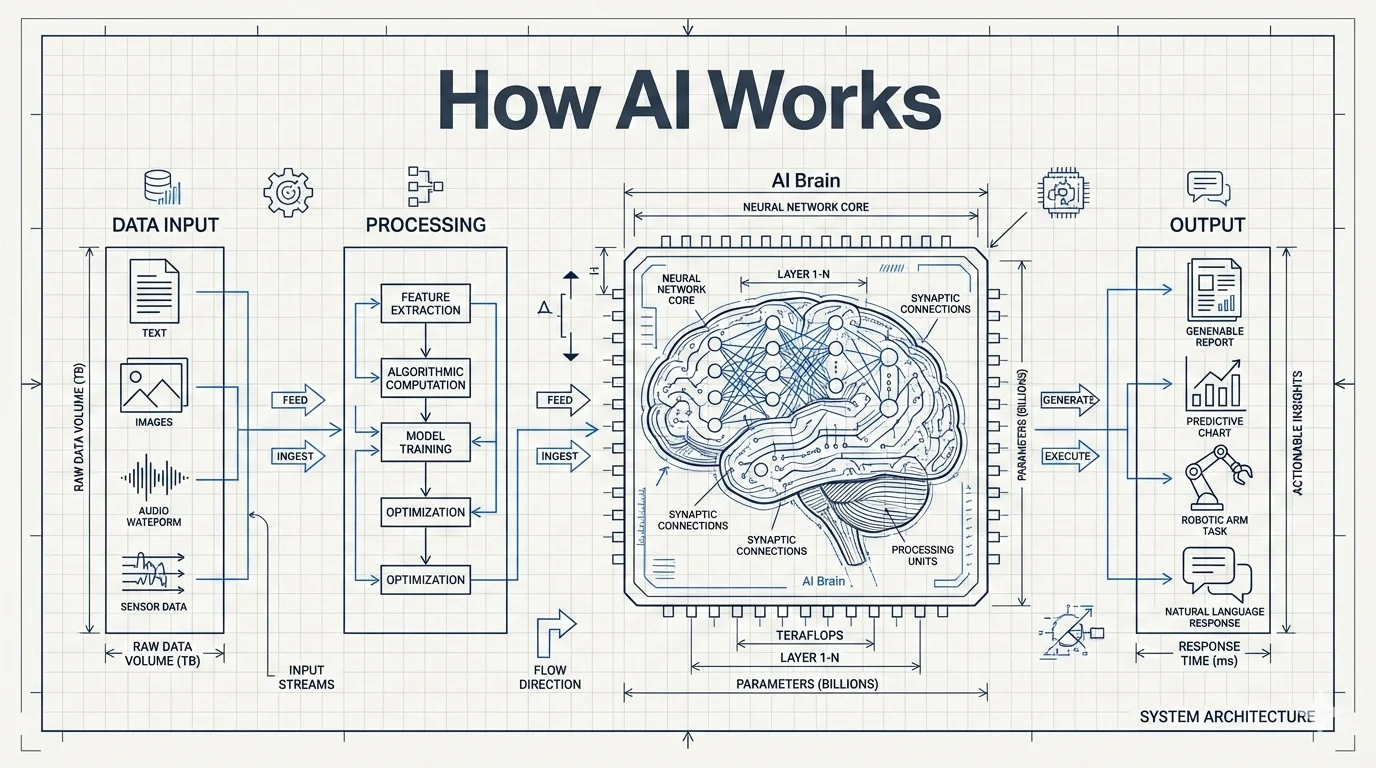
blueprint (default) |
grid + cool + technical + balanced | Architecture, system design |
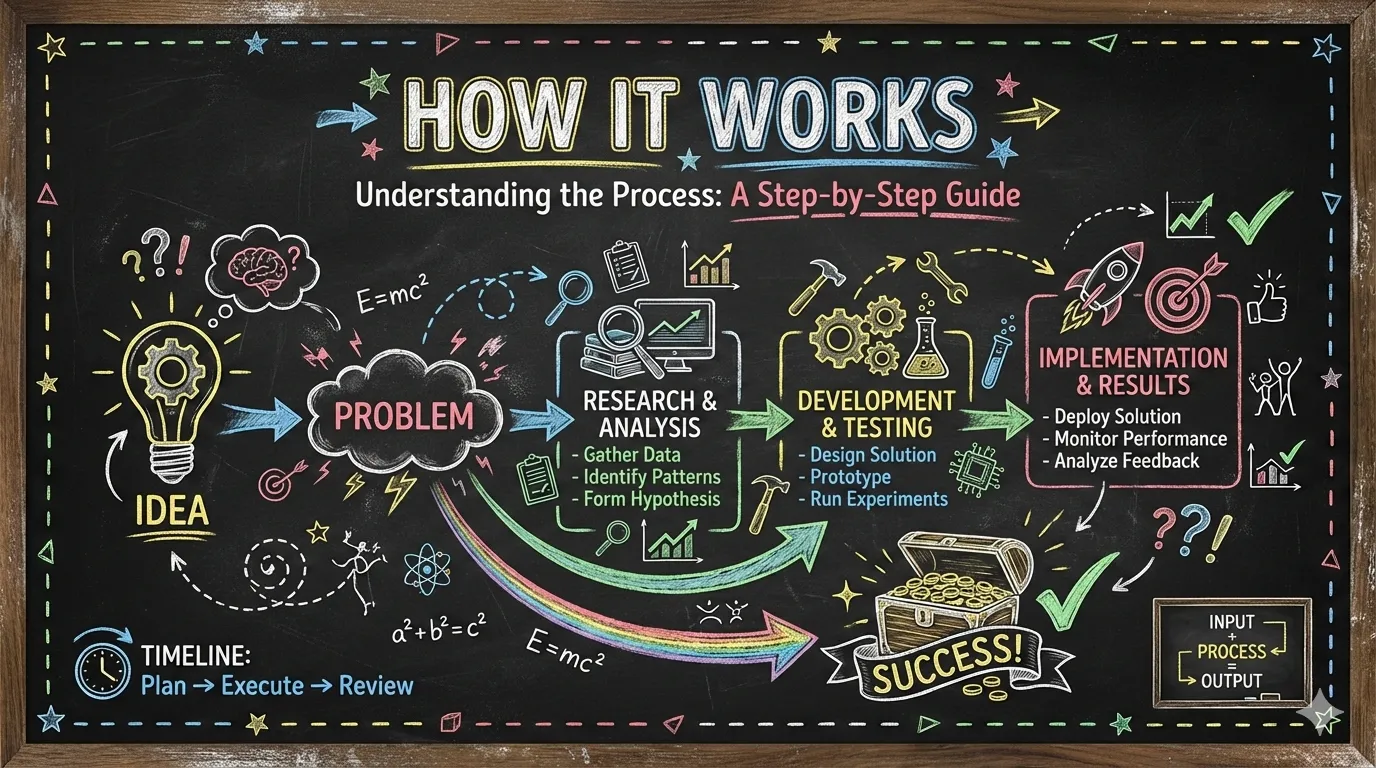
chalkboard |
organic + warm + handwritten + balanced | Education, tutorials |
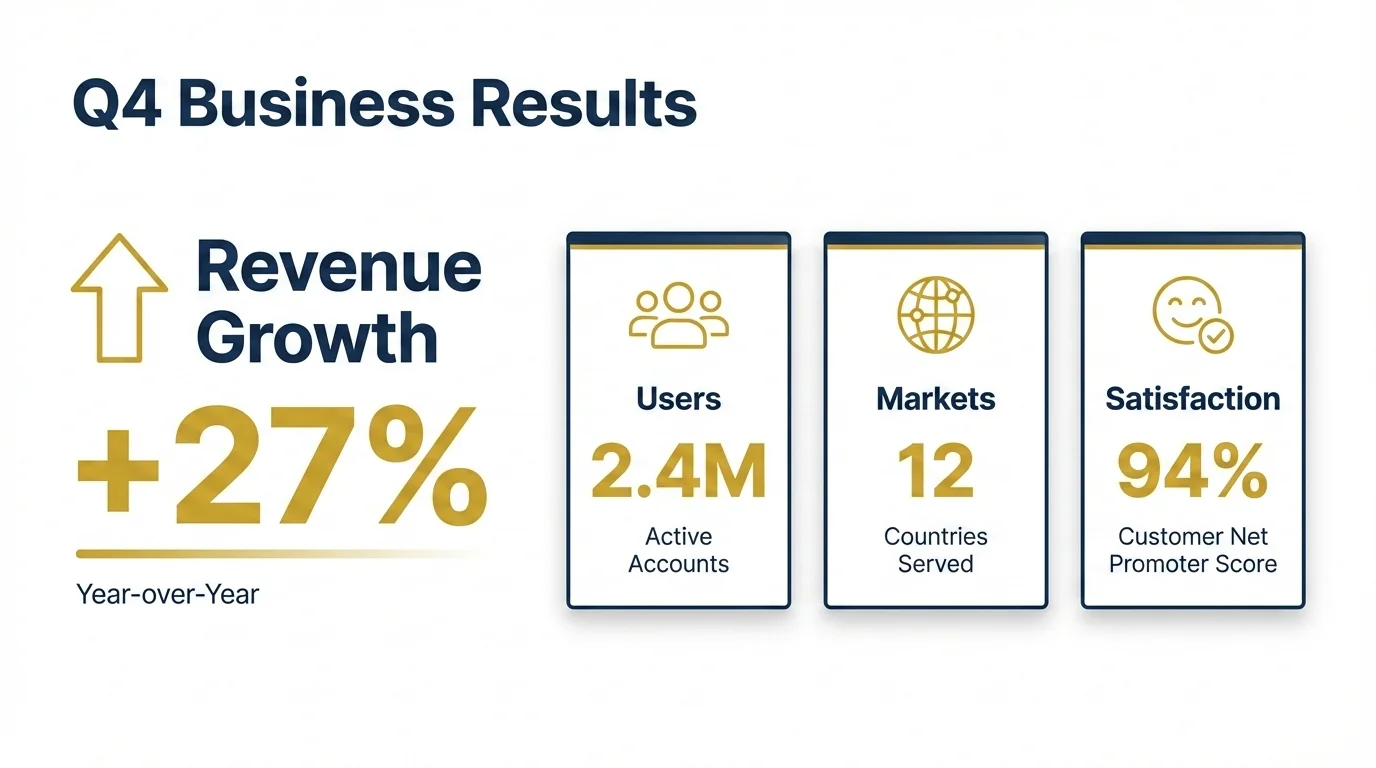
corporate |
clean + professional + geometric + balanced | Investor decks, proposals |
minimal |
clean + neutral + geometric + minimal | Executive briefings |
sketch-notes |
organic + warm + handwritten + balanced | Educational, tutorials |
watercolor |
organic + warm + humanist + minimal | Lifestyle, wellness |
dark-atmospheric |
clean + dark + editorial + balanced | Entertainment, gaming |
notion |
clean + neutral + geometric + dense | Product demos, SaaS |
bold-editorial |
clean + vibrant + editorial + balanced | Product launches, keynotes |
editorial-infographic |
clean + cool + editorial + dense | Tech explainers, research |
fantasy-animation |
organic + vibrant + handwritten + minimal | Educational storytelling |
intuition-machine |
clean + cool + technical + dense | Technical docs, academic |
pixel-art |
pixel + vibrant + technical + balanced | Gaming, developer talks |
scientific |
clean + cool + technical + dense | Biology, chemistry, medical |
vector-illustration |
clean + vibrant + humanist + balanced | Creative, children's content |
vintage |
paper + warm + editorial + balanced | Historical, heritage |
Style Previews:
 |
 |
 |
| blueprint | chalkboard | bold-editorial |
 |
 |
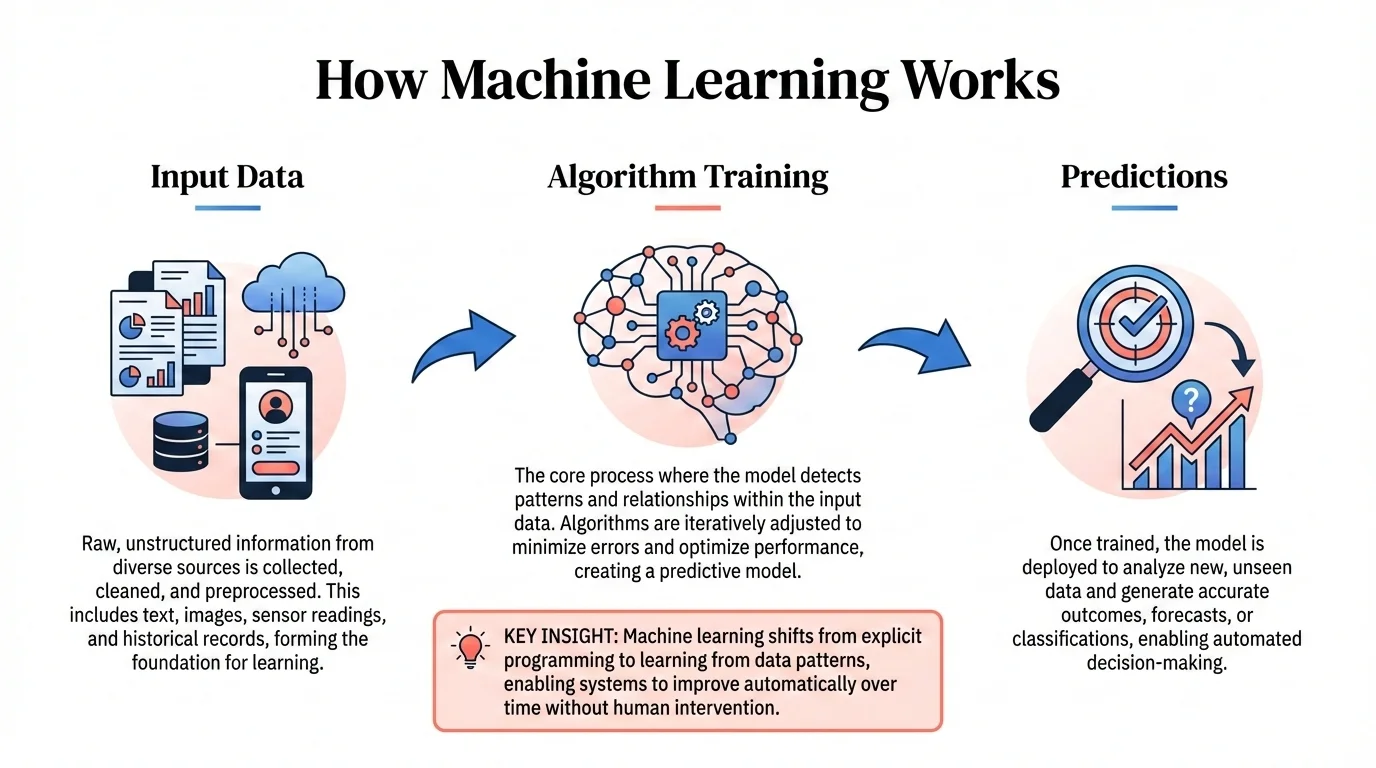 |
| corporate | dark-atmospheric | editorial-infographic |
 |
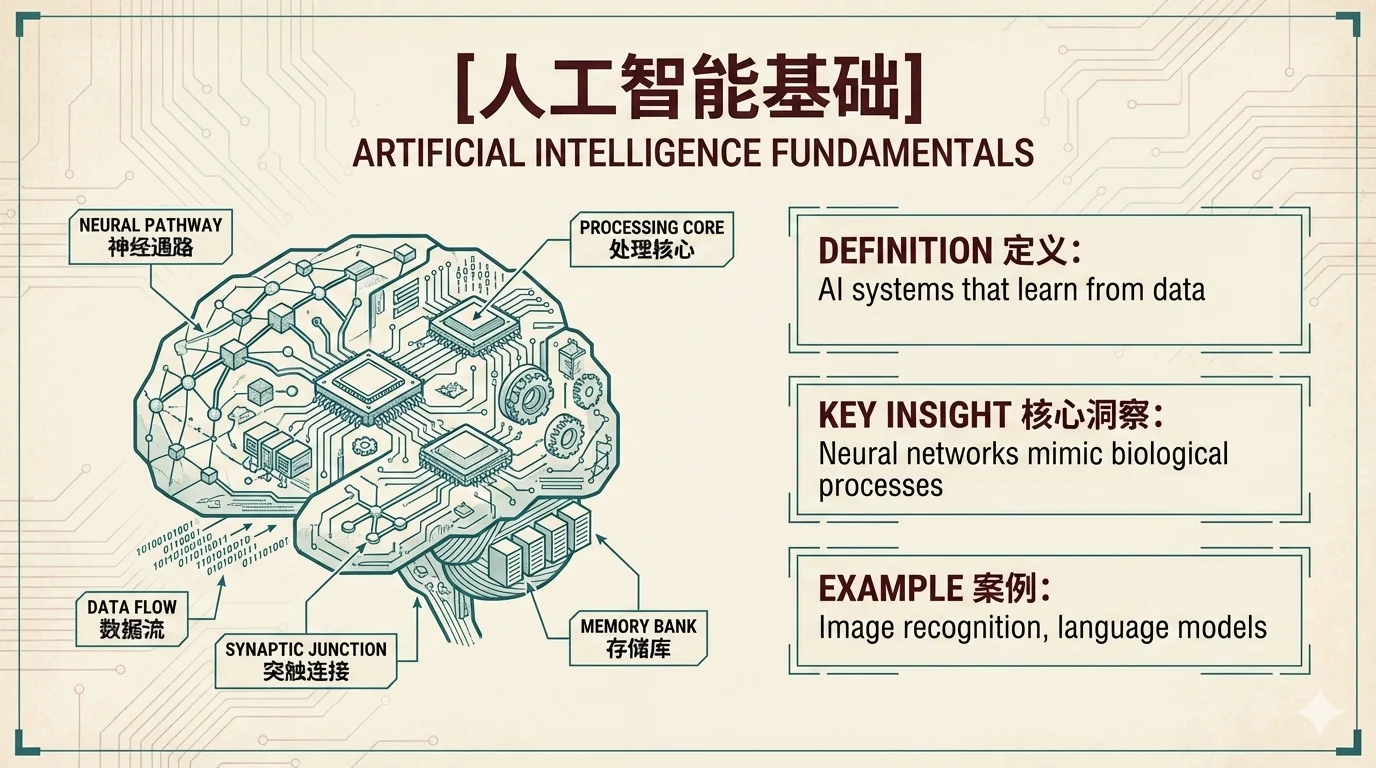 |
 |
| fantasy-animation | intuition-machine | minimal |
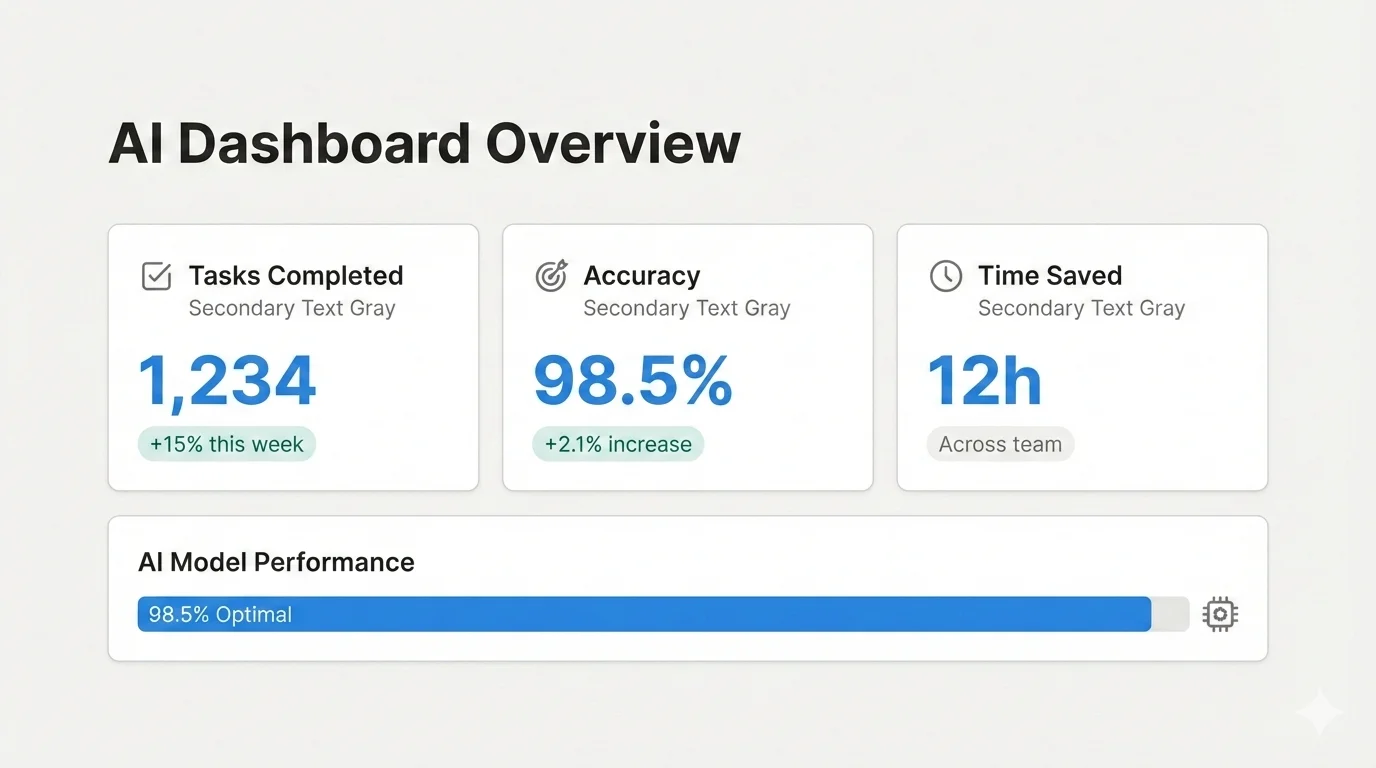 |
 |
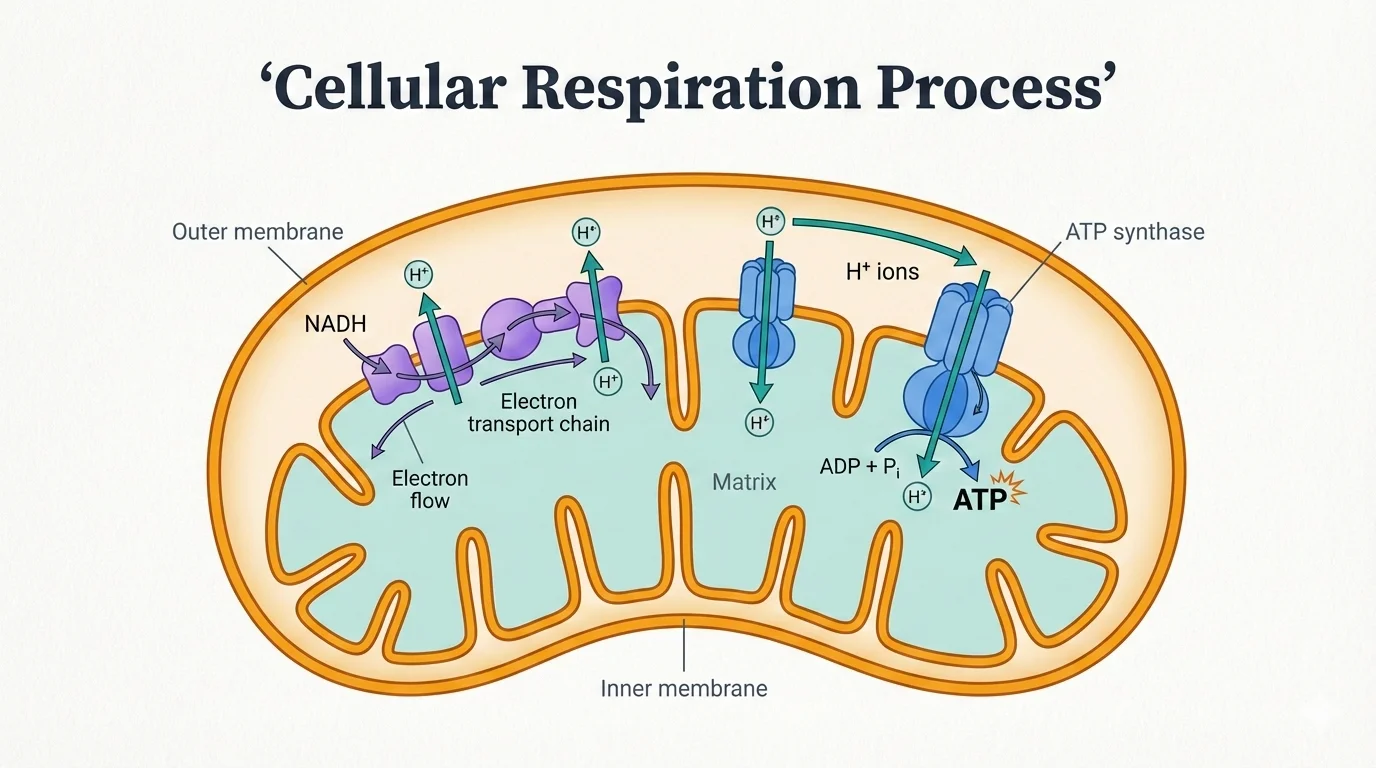 |
| notion | pixel-art | scientific |
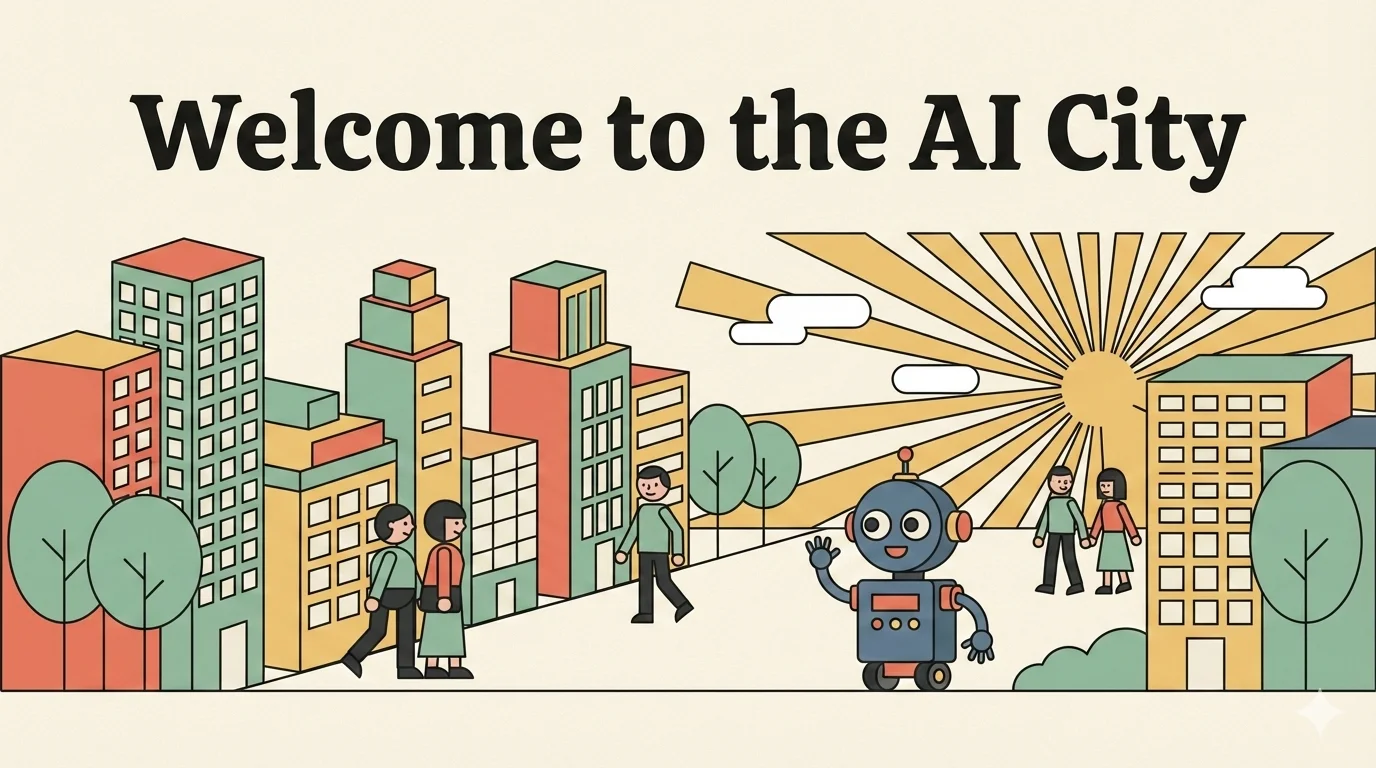
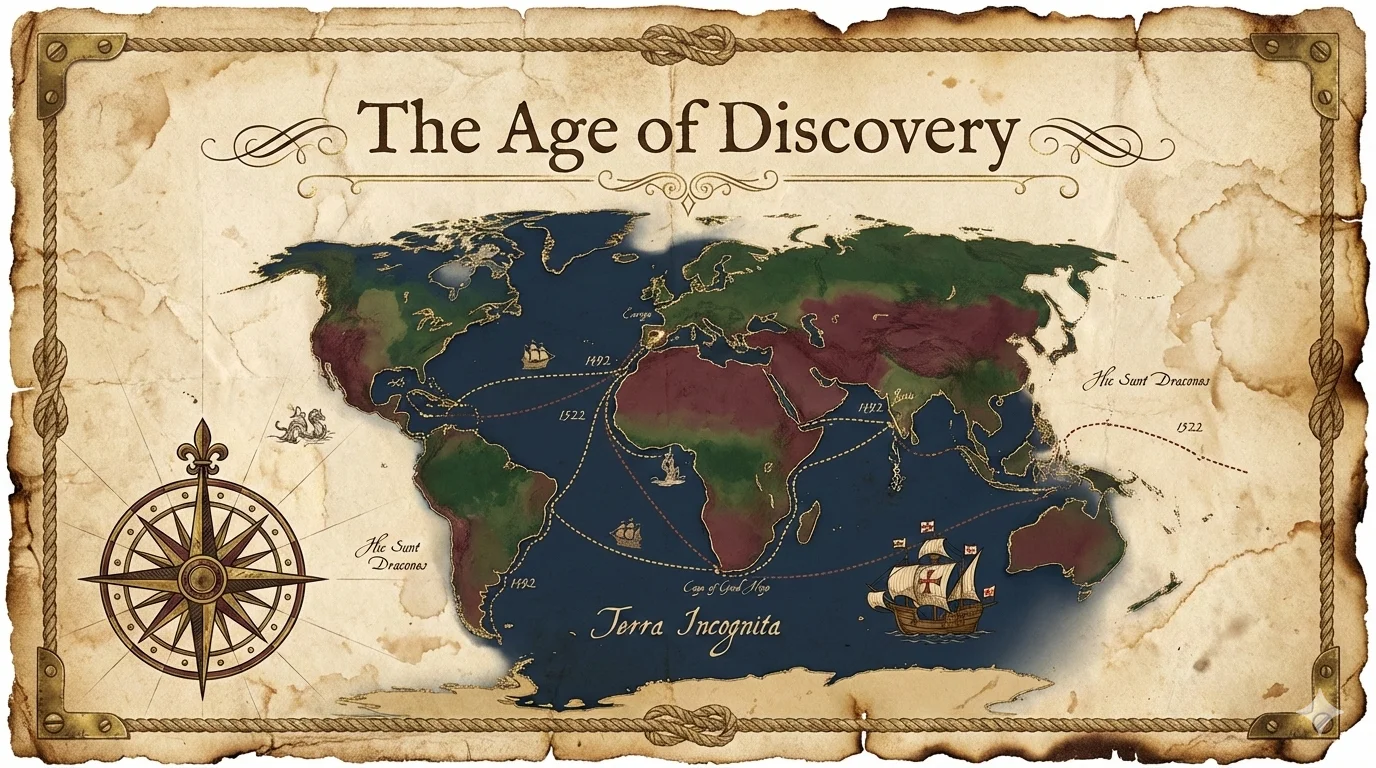
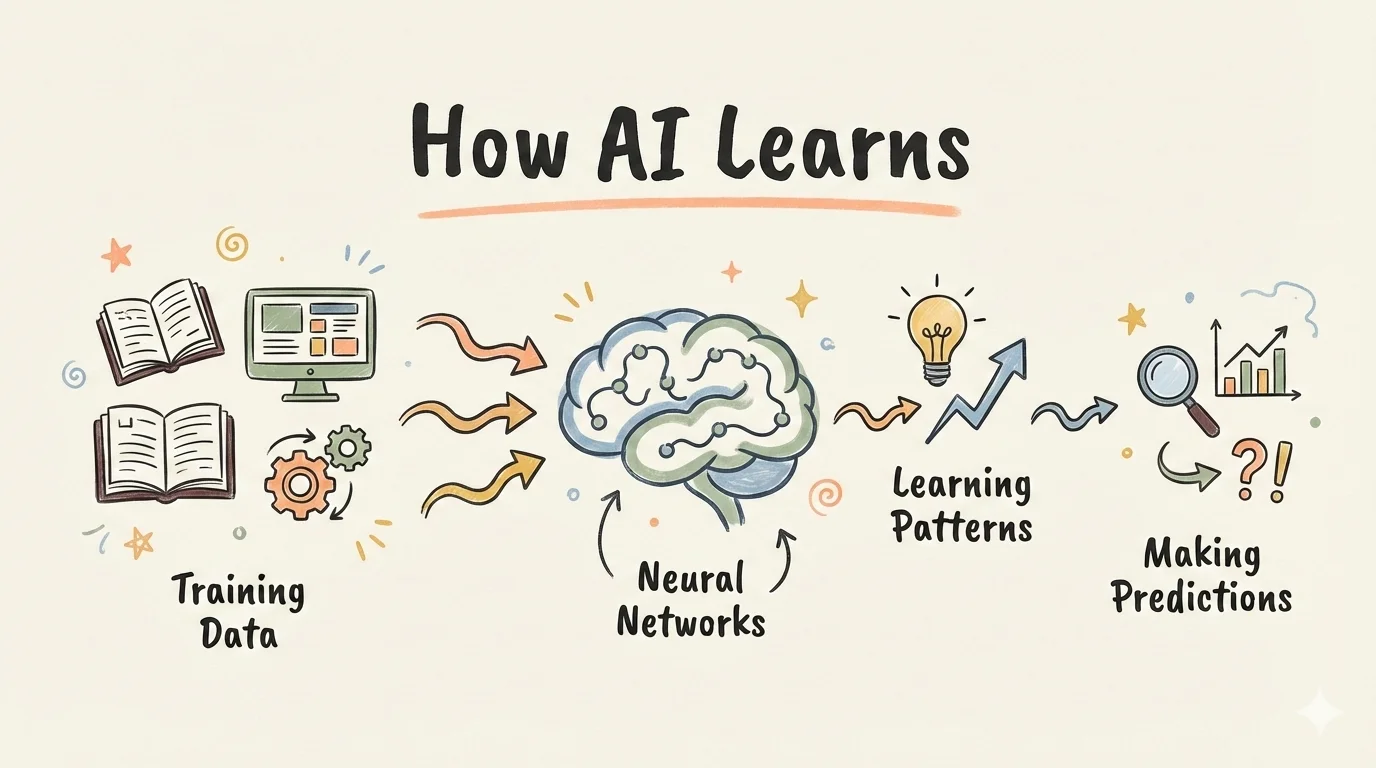 |
 |
 |
| sketch-notes | vector-illustration | vintage |
 |
||
| watercolor |
After generation, slides are automatically merged into .pptx and .pdf files for easy sharing.
baoyu-comic
Knowledge comic creator with flexible art style × tone combinations. Creates original educational comics with detailed panel layouts and sequential image generation.
# From source material (auto-selects art + tone)
/baoyu-comic posts/turing-story/source.md

# Specify art style and tone
/baoyu-comic posts/turing-story/source.md --art manga --tone warm
/baoyu-comic posts/turing-story/source.md --art ink-brush --tone dramatic

# Use preset (includes special rules)
/baoyu-comic posts/turing-story/source.md --style ohmsha
/baoyu-comic posts/turing-story/source.md --style wuxia

# Specify layout and aspect ratio
/baoyu-comic posts/turing-story/source.md --layout cinematic
/baoyu-comic posts/turing-story/source.md --aspect 16:9

# Specify language
/baoyu-comic posts/turing-story/source.md --lang zh

# Direct content input
/baoyu-comic "The story of Alan Turing and the birth of computer science"
Options:
| Option | Values |
|---|---|
--art |
ligne-claire (default), manga, realistic, ink-brush, chalk |
--tone |
neutral (default), warm, dramatic, romantic, energetic, vintage, action |
--style |
ohmsha, wuxia, shoujo (presets with special rules) |
--layout |
standard (default), cinematic, dense, splash, mixed, webtoon |
--aspect |
3:4 (default, portrait), 4:3 (landscape), 16:9 (widescreen) |
--lang |
auto (default), zh, en, ja, etc. |
Art Styles (rendering technique):
| Art Style | Description |
|---|---|
ligne-claire |
Uniform lines, flat colors, European comic tradition (Tintin, Logicomix) |
manga |
Large eyes, manga conventions, expressive emotions |
realistic |
Digital painting, realistic proportions, sophisticated |
ink-brush |
Chinese brush strokes, ink wash effects |
chalk |
Chalkboard aesthetic, hand-drawn warmth |
Tones (mood/atmosphere):
| Tone | Description |
|---|---|
neutral |
Balanced, rational, educational |
warm |
Nostalgic, personal, comforting |
dramatic |
High contrast, intense, powerful |
romantic |
Soft, beautiful, decorative elements |
energetic |
Bright, dynamic, exciting |
vintage |
Historical, aged, period authenticity |
action |
Speed lines, impact effects, combat |
Presets (art + tone + special rules):
| Preset | Equivalent | Special Rules |
|---|---|---|
ohmsha |
manga + neutral | Visual metaphors, NO talking heads, gadget reveals |
wuxia |
ink-brush + action | Qi effects, combat visuals, atmospheric elements |
shoujo |
manga + romantic | Decorative elements, eye details, romantic beats |
Layouts (panel arrangement):
| Layout | Panels/Page | Best for |
|---|---|---|
standard |
4-6 | Dialogue, narrative flow |
cinematic |
2-4 | Dramatic moments, establishing shots |
dense |
6-9 | Technical explanations, timelines |
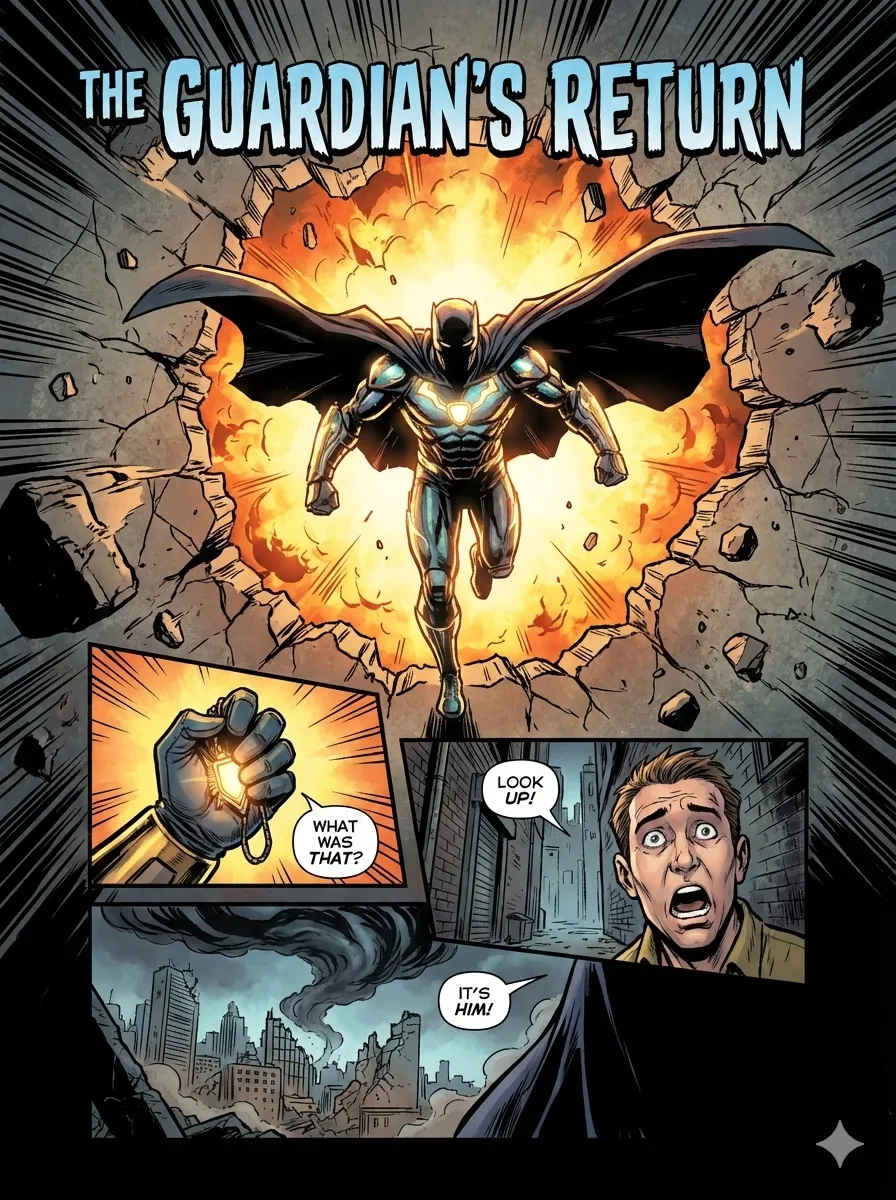
splash |
1-2 large | Key moments, revelations |
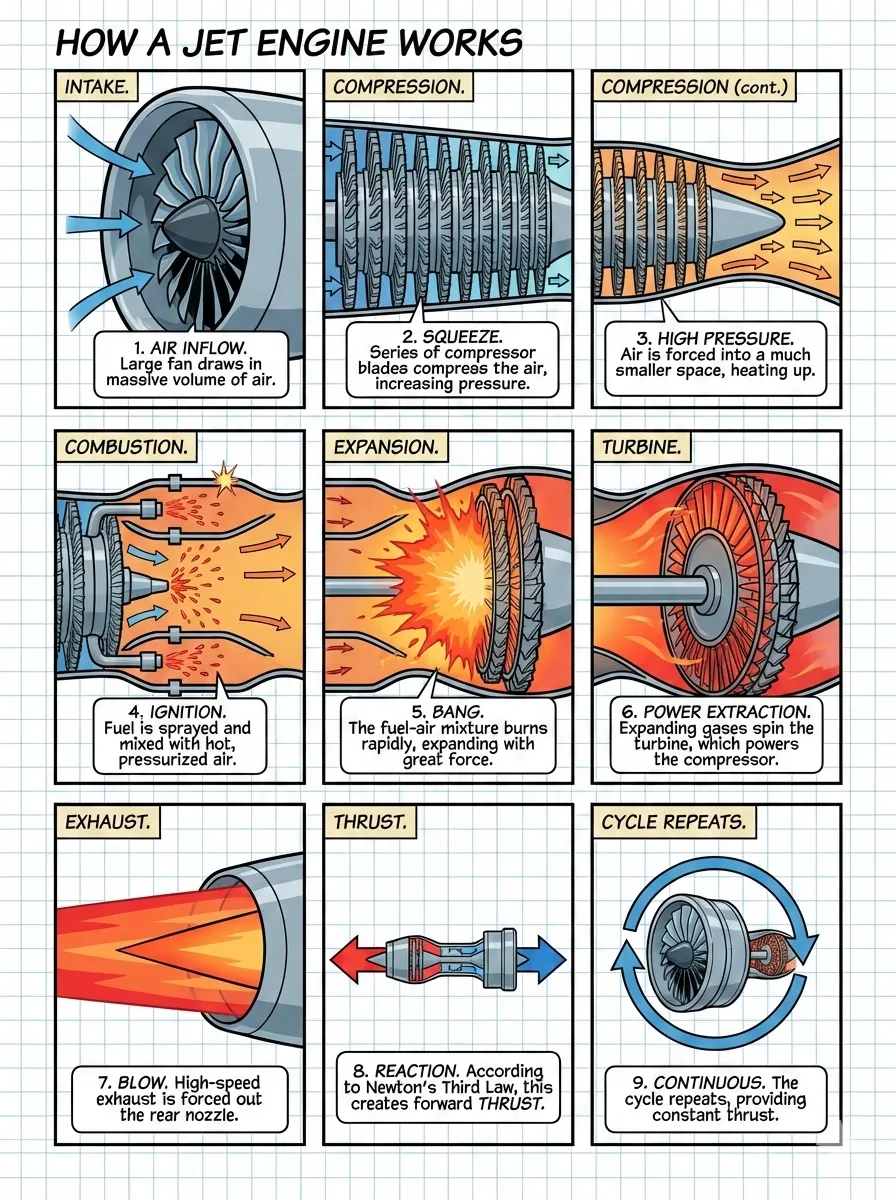
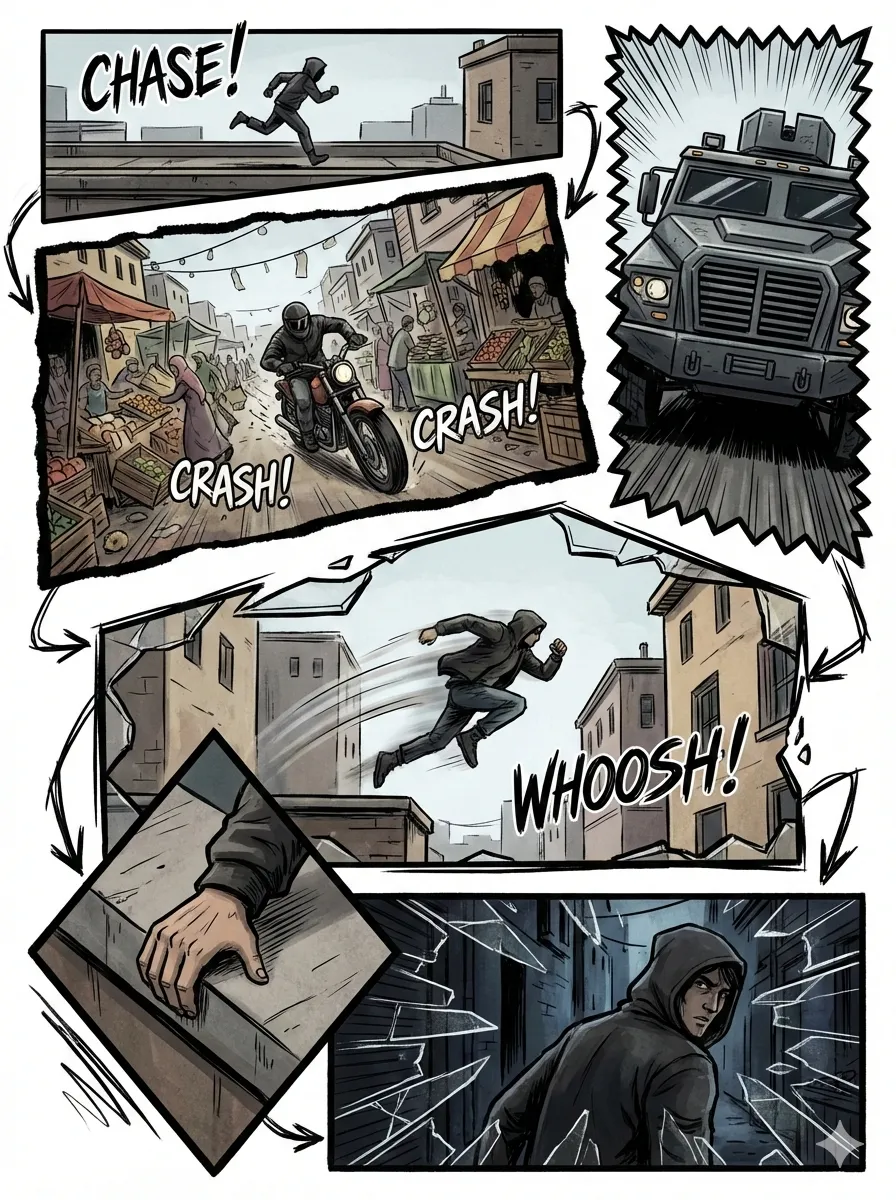
mixed |
3-7 varies | Complex narratives, emotional arcs |
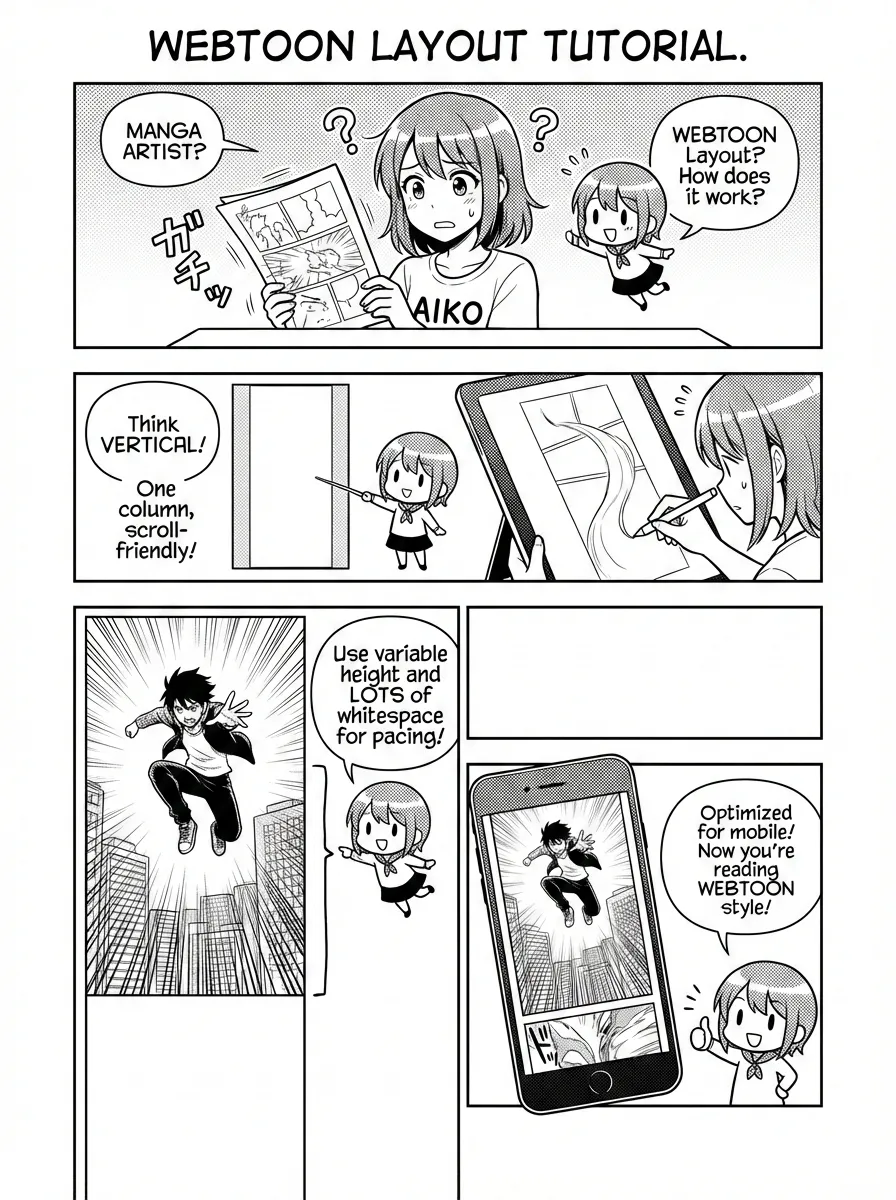
webtoon |
3-5 vertical | Ohmsha tutorials, mobile reading |
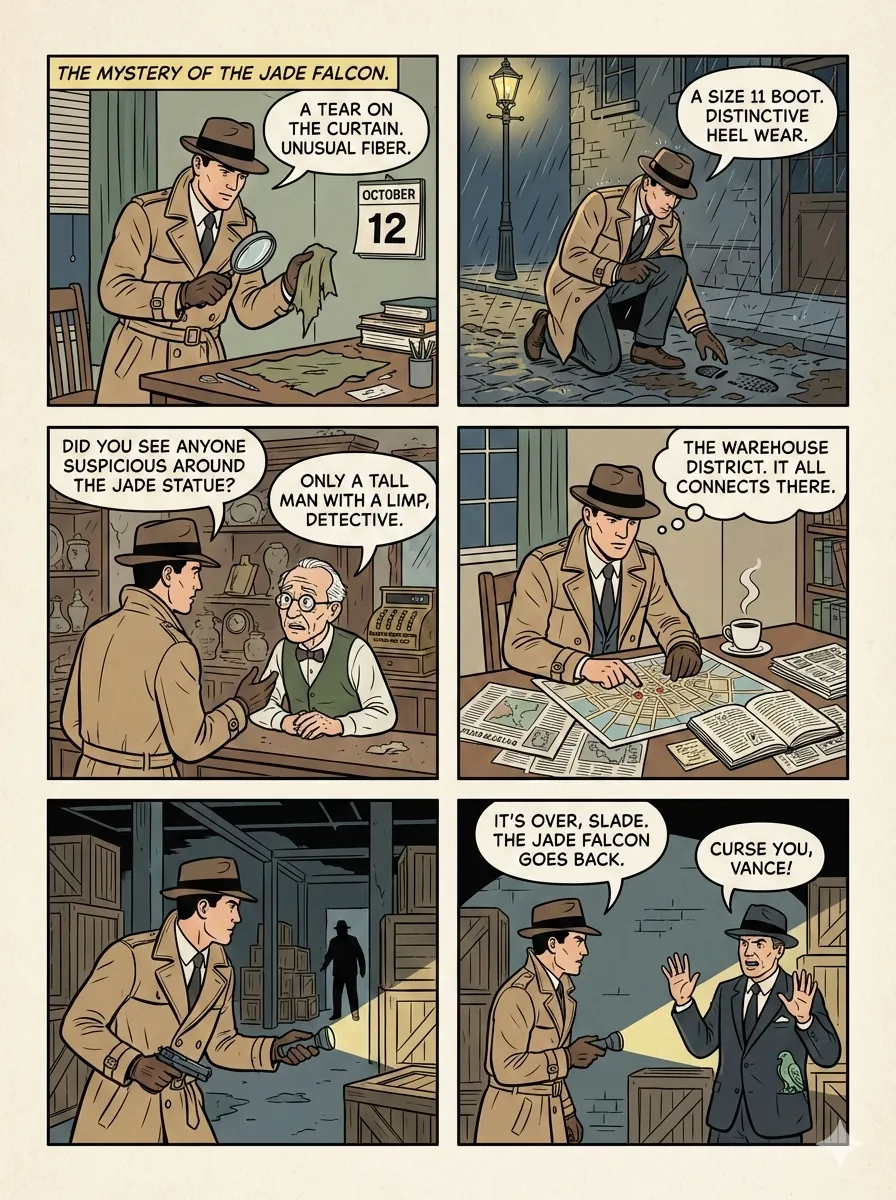
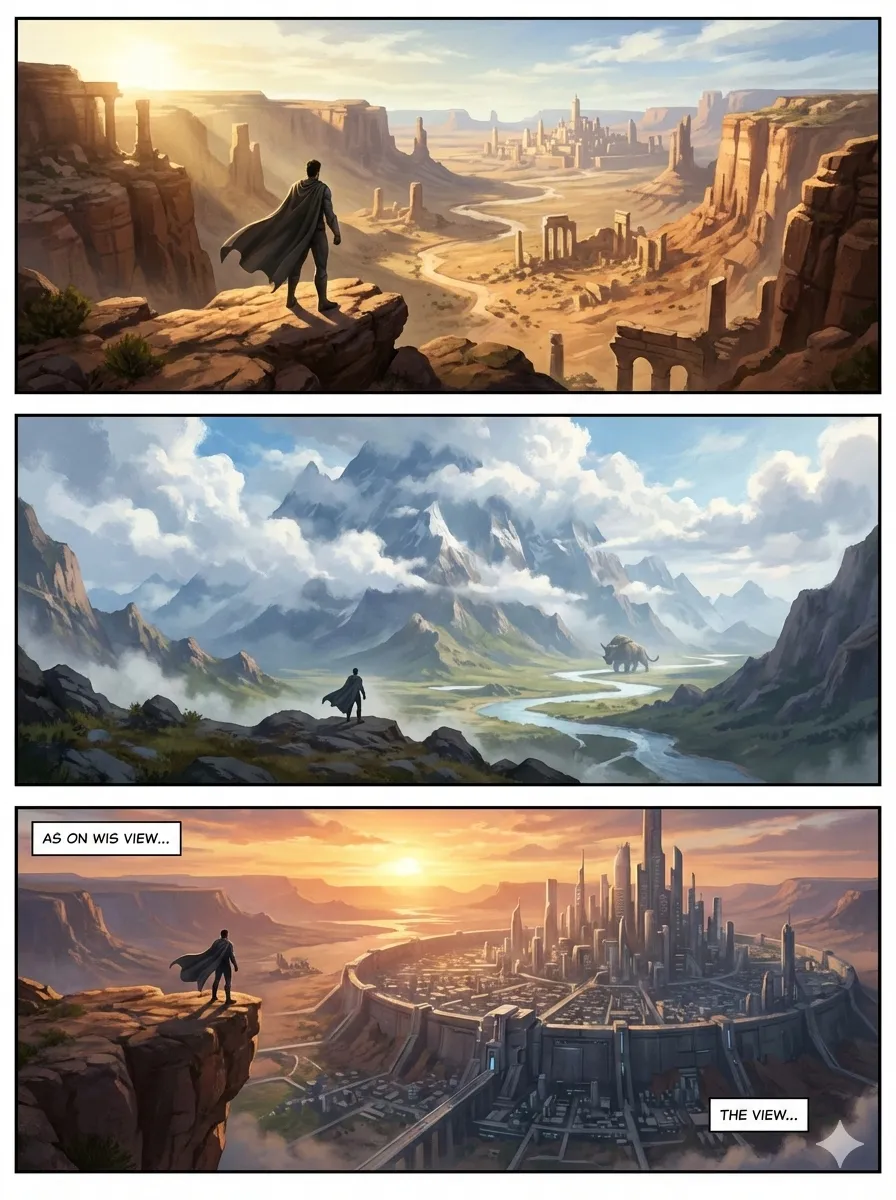
Layout Previews:
 |
 |
 |
| standard | cinematic | dense |
 |
 |
 |
| splash | mixed | webtoon |
baoyu-article-illustrator
Smart article illustration skill with Type × Style × Palette three-dimension approach. Analyzes article structure, identifies positions requiring visual aids, and generates illustrations.
# Auto-select type and style based on content
/baoyu-article-illustrator path/to/article.md

# Specify type and style
/baoyu-article-illustrator path/to/article.md --type flowchart --style notion

# With palette override
/baoyu-article-illustrator path/to/article.md --style vector-illustration --palette macaron
Types (information structure):
| Type | Description | Best For |
|---|---|---|
infographic |
Data visualization, charts, metrics | Technical articles, data analysis |
scene |
Atmospheric illustration, mood rendering | Narrative, personal stories |
flowchart |
Process diagrams, step visualization | Tutorials, workflows |
comparison |
Side-by-side, before/after contrast | Product comparisons |
framework |
Concept maps, relationship diagrams | Methodologies, architecture |
timeline |
Chronological progression | History, project progress |
Styles (rendering approach):
| Style | Description | Best For |
|---|---|---|
notion (default) |
Minimalist hand-drawn line art | Knowledge sharing, SaaS, productivity |
elegant |
Refined, sophisticated | Business, thought leadership |
warm |
Friendly, approachable | Personal growth, lifestyle |
minimal |
Ultra-clean, zen-like | Philosophy, minimalism |
blueprint |
Technical schematics | Architecture, system design |
watercolor |
Soft artistic with natural warmth | Lifestyle, travel, creative |
editorial |
Magazine-style infographic | Tech explainers, journalism |
scientific |
Academic precise diagrams | Biology, chemistry, technical |
Palettes (optional color override):
| Palette | Description | Best For |
|---|---|---|
macaron |
Soft pastel blocks (blue, mint, lavender, peach) on warm cream | Educational, knowledge, tutorials |
warm |
Warm earth tones on soft peach, no cool colors | Brand, product, lifestyle |
neon |
Vibrant neon on dark purple | Gaming, retro, pop culture |
Style Previews:
 |
 |
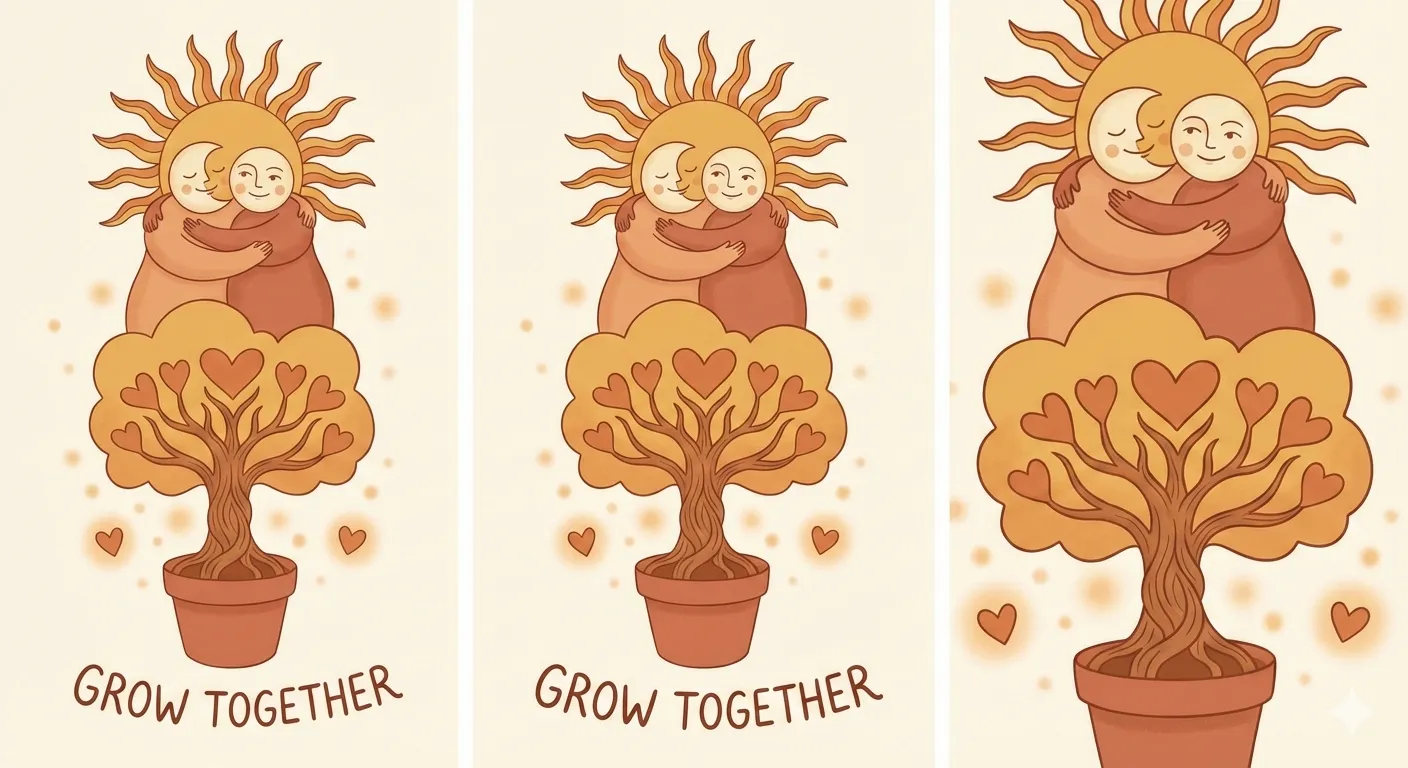 |
| notion | elegant | warm |
 |
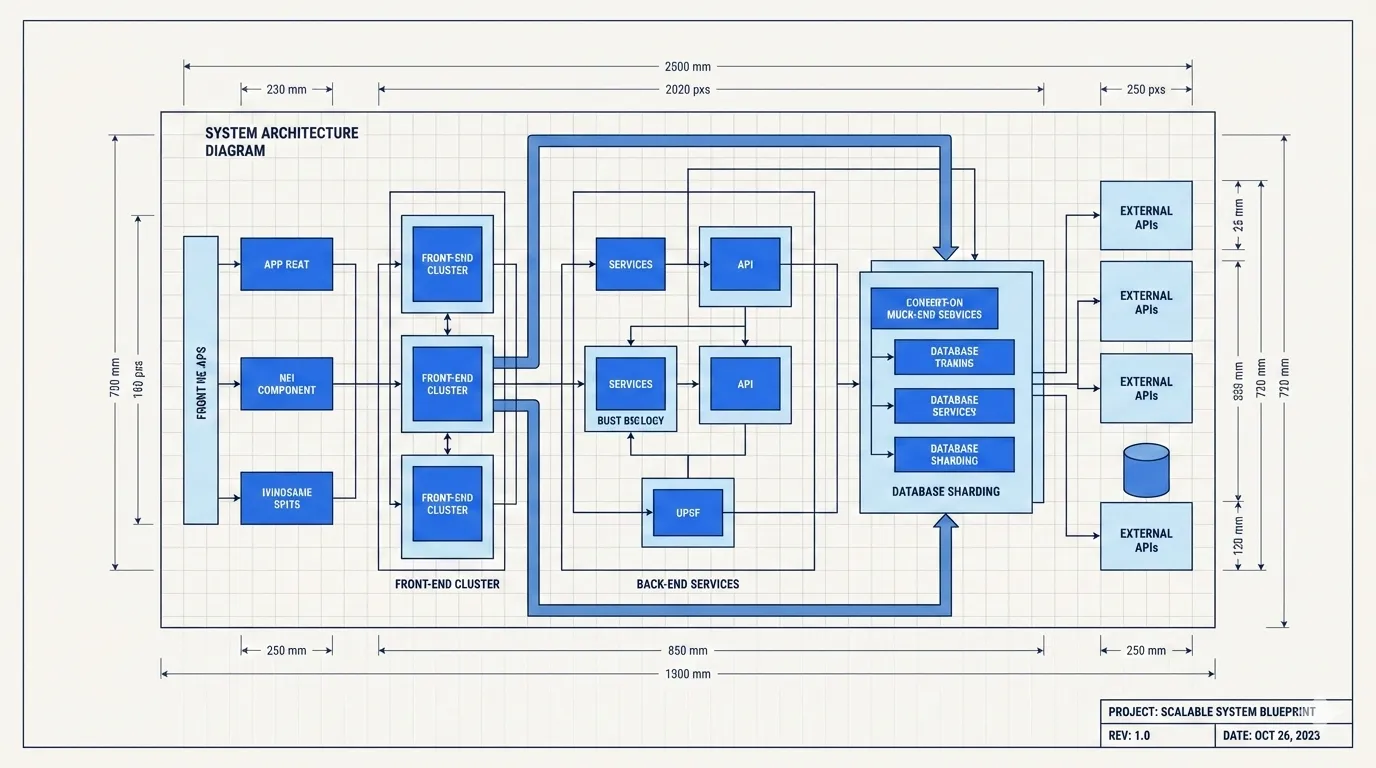 |
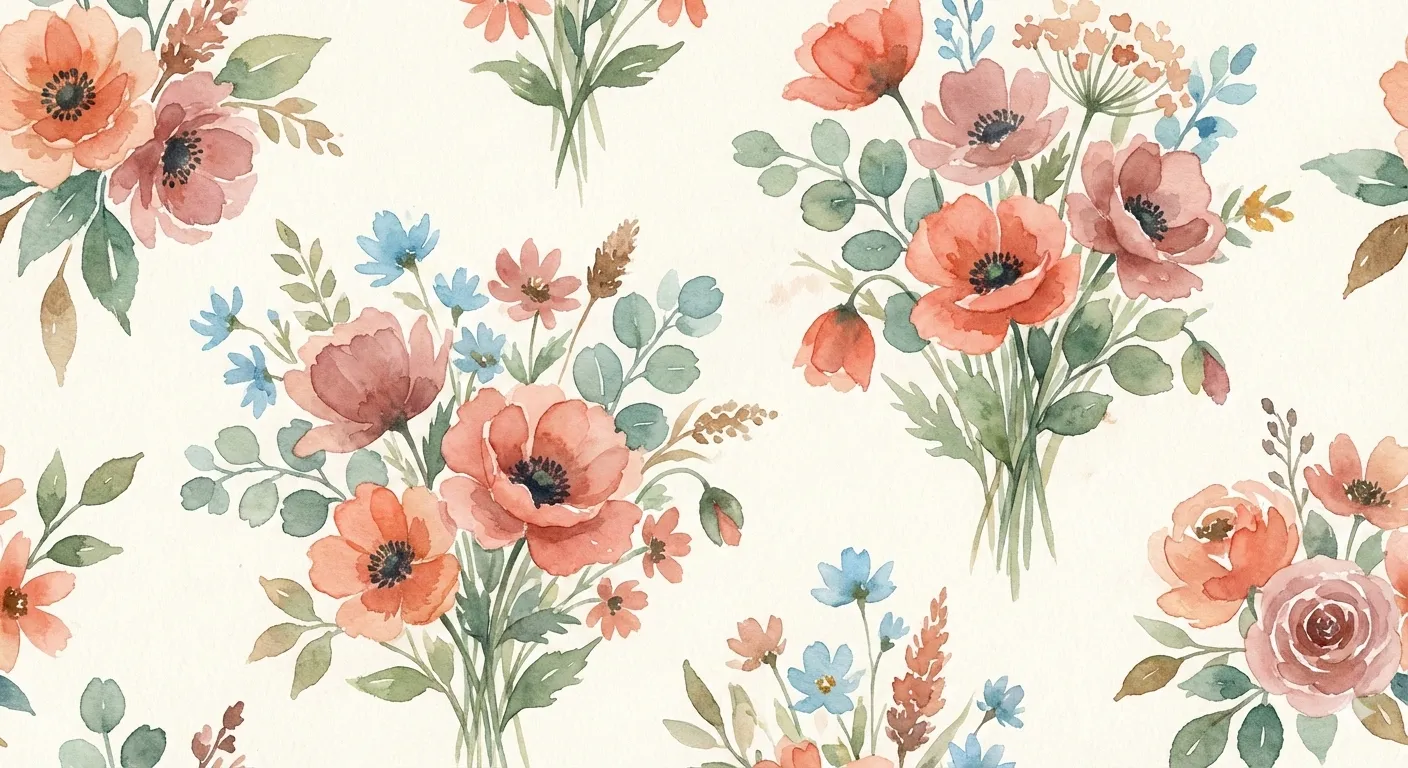 |
| minimal | blueprint | watercolor |
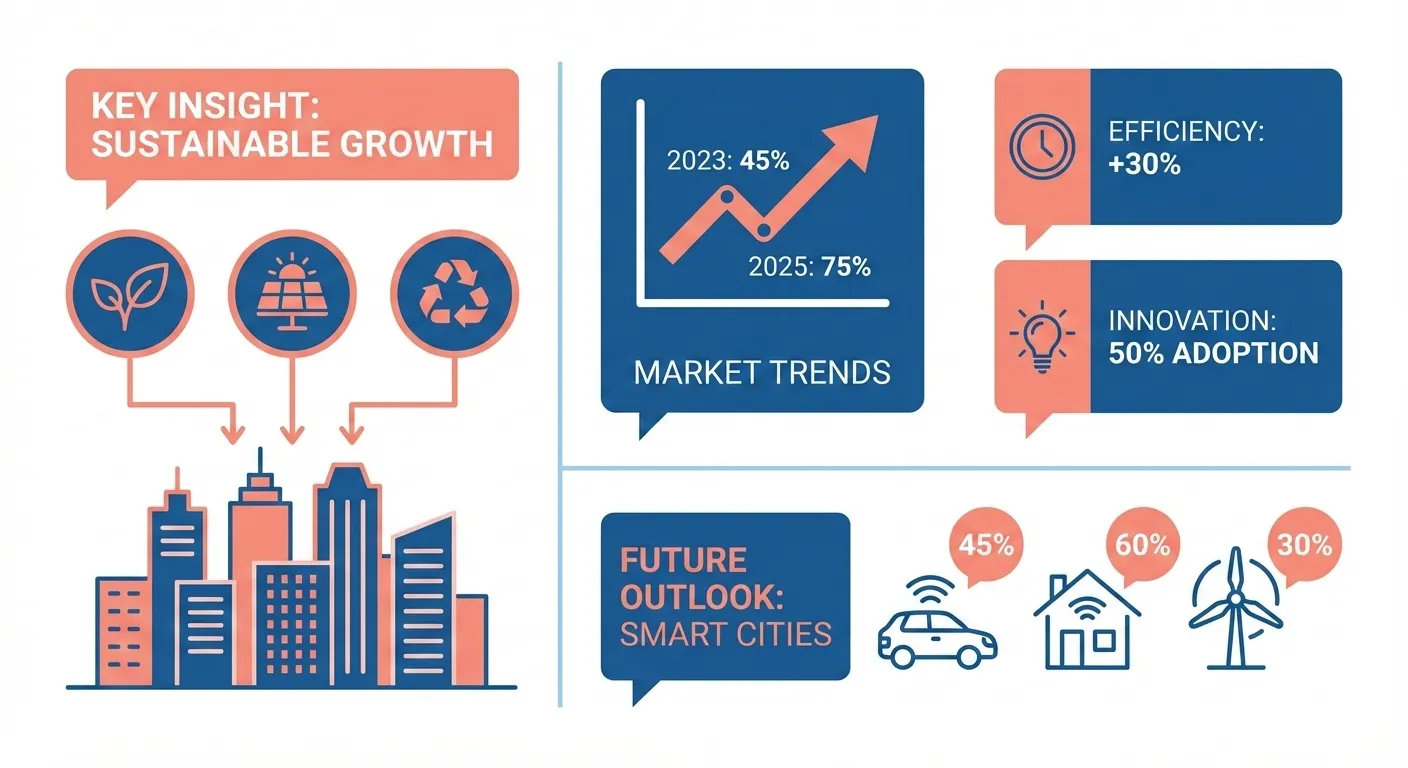 |
 |
|
| editorial | scientific |
baoyu-post-to-x
Post content and articles to X (Twitter). Supports regular posts with images and X Articles (long-form Markdown). Uses real Chrome with CDP to bypass anti-automation.
Plain text input is treated as a regular post. Markdown files are treated as X Articles. Scripts fill content into the browser, and the user reviews and publishes manually.
# Post with text
/baoyu-post-to-x "Hello from AI Agent!"

# Post with images
/baoyu-post-to-x "Check this out" --image photo.png

# Post X Article
/baoyu-post-to-x --article path/to/article.md
baoyu-post-to-wechat
Post content to WeChat Official Account (微信公众号). Two modes available:
Image-Text (贴图) - Multiple images with short title/content:
/baoyu-post-to-wechat 贴图 --markdown article.md --images ./photos/
/baoyu-post-to-wechat 贴图 --markdown article.md --image img1.png --image img2.png --image img3.png
/baoyu-post-to-wechat 贴图 --title "标题" --content "内容" --image img1.png --submit
Article (文章) - Full markdown/HTML with rich formatting:
/baoyu-post-to-wechat 文章 --markdown article.md
/baoyu-post-to-wechat 文章 --markdown article.md --theme grace
/baoyu-post-to-wechat 文章 --html article.html
Publishing Methods:
| Method | Speed | Requirements |
|---|---|---|
| API (Recommended) | Fast | API credentials (local IP allowlisted in WeChat) |
| Browser | Slow | Chrome, login session |
| Remote API | Fast | API credentials + SSH-reachable server whose IP is on WeChat's allowlist |
API Configuration (for faster publishing):
# Add to .baoyu-skills/.env (project-level) or ~/.baoyu-skills/.env (user-level)
WECHAT_APP_ID=your_app_id
WECHAT_APP_SECRET=your_app_secret
To obtain credentials:
- Visit https://developers.weixin.qq.com/platform/
- Go to: 我的业务 → 公众号 → 开发密钥
- Create development key and copy AppID/AppSecret
- Add your machine's IP to the whitelist
Browser Method (no API setup needed): Requires Google Chrome. First run opens browser for QR code login (session preserved).
Remote API Method (for when WeChat's IP allowlist excludes your local machine): tunnels WeChat API calls through an SSH SOCKS5 dynamic port forward to a server whose IP is on the allowlist. No files are written to the remote host and AppSecret never leaves the local process. Add to your EXTEND.md:
# Optional: only set when WeChat's IP allowlist excludes your local machine
remote_publish_host: server.example.com
remote_publish_user: deploy
remote_publish_identity_file: ~/.ssh/id_ed25519
Then publish with --remote (or set default_publish_method: remote-api). Authentication is SSH key only; only the typed remote_publish_* keys are honored.
Multi-Account Support: Manage multiple WeChat Official Accounts via EXTEND.md:
mkdir -p .baoyu-skills/baoyu-post-to-wechat
Create .baoyu-skills/baoyu-post-to-wechat/EXTEND.md:
# Global settings (shared across all accounts)
default_theme: default
default_color: blue

# Account list
accounts:
  - name: My Tech Blog
    alias: tech-blog
    default: false
    default_publish_method: api
    default_author: Author Name
    need_open_comment: 1
    only_fans_can_comment: 0
    app_id: your_wechat_app_id
    app_secret: your_wechat_app_secret
  - name: AI Newsletter
    alias: ai-news
    default_publish_method: browser
    default_author: AI Newsletter
    need_open_comment: 1
    only_fans_can_comment: 0
| Accounts configured | Behavior |
|---|---|
No accounts block |
Single-account mode (backward compatible) |
| 1 account | Auto-select, no prompt |
| 2+ accounts | Prompt to select, or use --account <alias> |
1 account has default: true |
Pre-selected as default |
Each account gets an isolated Chrome profile for independent login sessions (browser method). API credentials can be set inline in EXTEND.md or via .env with alias-prefixed keys (e.g., WECHAT_TECH_BLOG_APP_ID).
baoyu-post-to-weibo
Post content to Weibo (微博). Supports regular posts with text, images, and videos, and headline articles (头条文章) with Markdown input. Uses real Chrome with CDP to bypass anti-automation.
Regular Posts - Text + images/videos (max 18 files):
# Post with text
/baoyu-post-to-weibo "Hello Weibo!"

# Post with images
/baoyu-post-to-weibo "Check this out" --image photo.png

# Post with video
/baoyu-post-to-weibo "Watch this" --video clip.mp4
Headline Articles (头条文章) - Long-form Markdown:
# Publish article
/baoyu-post-to-weibo --article article.md

# With cover image
/baoyu-post-to-weibo --article article.md --cover cover.jpg
Article Options:
| Option | Description |
|---|---|
--cover <path> |
Cover image |
--title <text> |
Override title (max 32 chars) |
--summary <text> |
Override summary (max 44 chars) |
Note: Scripts fill content into the browser. User reviews and publishes manually. First run requires manual Weibo login (session persists).
AI Generation Skills
AI-powered generation backends.
baoyu-image-gen
AI SDK-based image generation using OpenAI GPT Image 2, Azure OpenAI, Google, OpenRouter, DashScope (Aliyun Tongyi Wanxiang), MiniMax, Jimeng (即梦), Seedream (豆包), and Replicate APIs. Supports text-to-image, reference images, aspect ratios, custom sizes, batch generation, and quality presets.
# Basic generation (auto-detect provider)
/baoyu-image-gen --prompt "A cute cat" --image cat.png

# With aspect ratio
/baoyu-image-gen --prompt "A landscape" --image landscape.png --ar 16:9

# High quality (2k)
/baoyu-image-gen --prompt "A banner" --image banner.png --quality 2k

# Specific provider
/baoyu-image-gen --prompt "A cat" --image cat.png --provider openai --model gpt-image-2

# Azure OpenAI (model = deployment name)
/baoyu-image-gen --prompt "A cat" --image cat.png --provider azure --model gpt-image-2

# OpenRouter
/baoyu-image-gen --prompt "A cat" --image cat.png --provider openrouter

# OpenRouter with reference images
/baoyu-image-gen --prompt "Make it blue" --image out.png --provider openrouter --model google/gemini-3.1-flash-image --ref source.png

# DashScope (Aliyun Tongyi Wanxiang)
/baoyu-image-gen --prompt "一只可爱的猫" --image cat.png --provider dashscope

# DashScope with custom size
/baoyu-image-gen --prompt "为咖啡品牌设计一张 21:9 横幅海报,包含清晰中文标题" --image banner.png --provider dashscope --model qwen-image-2.0-pro --size 2048x872

# Z.AI GLM-Image
/baoyu-image-gen --prompt "一张带清晰中文标题的科技海报" --image out.png --provider zai

# MiniMax
/baoyu-image-gen --prompt "A fashion editorial portrait by a bright studio window" --image out.jpg --provider minimax

# MiniMax with subject reference
/baoyu-image-gen --prompt "A girl stands by the library window, cinematic lighting" --image out.jpg --provider minimax --model image-01 --ref portrait.png --ar 16:9

# R
No comments yet
Be the first to share your take.