
AnyCap



The capability runtime for AI agents.
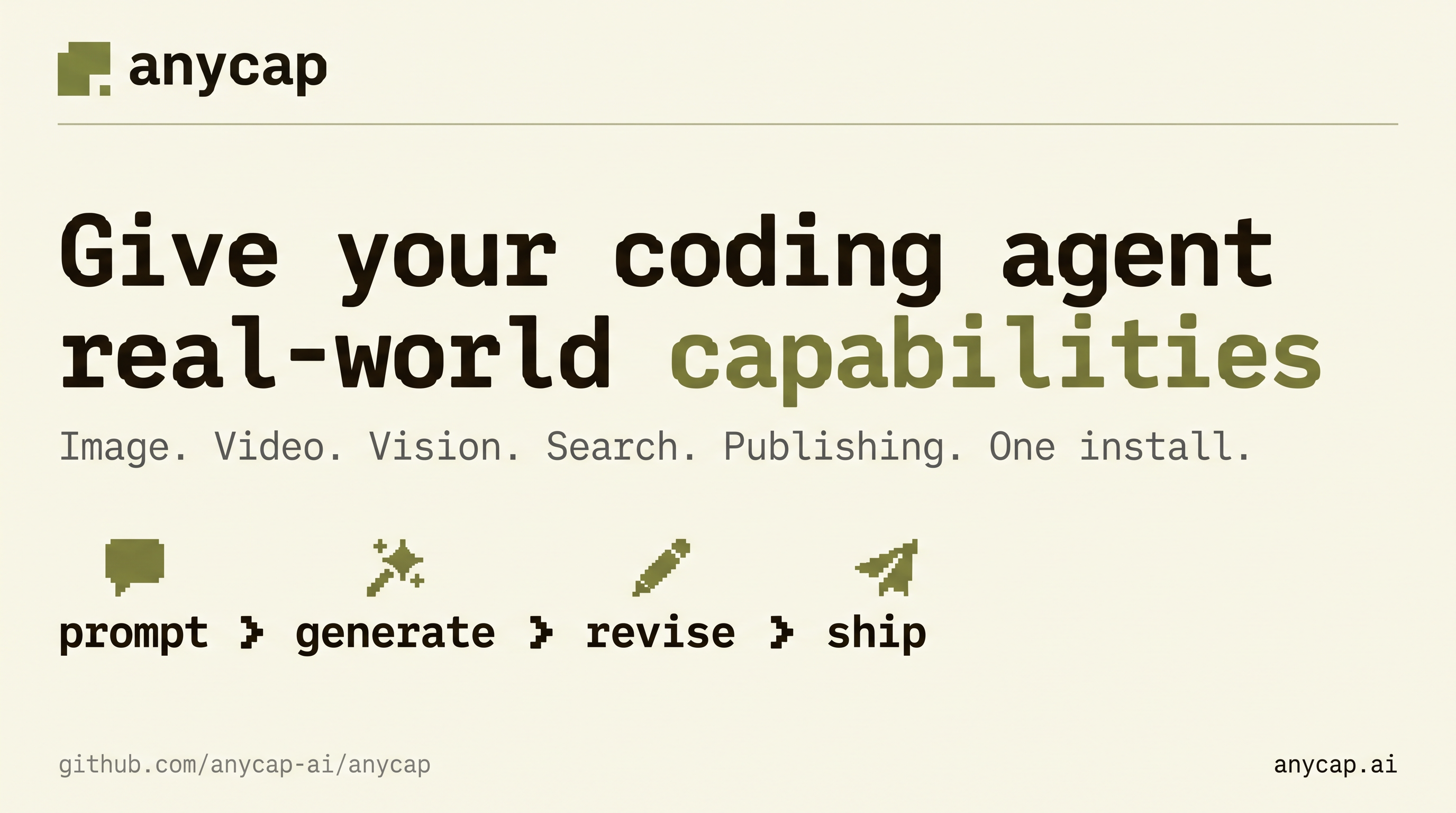
Give coding agents a single CLI, Agent Skill, and local MCP server for creating media, understanding files, researching the live web, and delivering results people can use.
Start here
Give this to Claude Code, Codex, Cursor, or another agent that can run shell commands:
Read https://raw.githubusercontent.com/anycap-ai/anycap/main/llms.txt and follow its
instructions to install and configure AnyCap.
If your agent cannot reach that URL, use the manual setup below.
# Install the CLI (macOS, Linux, or Windows through Git Bash)
curl -fsSL https://anycap.ai/install.sh | sh

# Install the AnyCap Agent Skill
npx -y skills add anycap-ai/anycap -s '*' -g -y

# Authenticate once, then confirm the runtime is ready
anycap login
anycap status
The binary installer is the recommended path. If your environment already uses Node.js,
you can instead run npm install -g @anycap/cli. Platform binaries are also available
from GitHub Releases.
Choose an integration
| Integration | Use it when | Entry point |
|---|---|---|
| Agent Skill | You want an agent to choose the right workflow from a natural-language request. | skills/anycap-cli/SKILL.md |
| Agent plugin | You want to install the complete Skills collection through Claude Code or Codex. | .claude-plugin/plugin.json / .codex-plugin/plugin.json |
| Local stdio MCP | Your agent host needs typed tool discovery. | anycap mcp |
| CLI | You want shell automation or direct control. | anycap <command> |
All integrations use the same installed runtime and authentication state. The Skills and MCP server can be used together.
Install as an agent plugin
The repository declares the complete skills/ tree as both a Claude Code plugin and a
Codex plugin. Both hosts use the marketplace in .claude-plugin/marketplace.json; the
Codex metadata in .codex-plugin/plugin.json points at the same shared Skills collection.
In Claude Code, add the marketplace and install the plugin:
/plugin marketplace add anycap-ai/anycap
/plugin install anycap@anycap
From a shell with Codex installed, run:
codex plugin marketplace add anycap-ai/anycap
codex plugin add anycap@anycap
The plugin installs the Skills collection only. Install the AnyCap CLI, run anycap login,
and verify anycap status before using those Skills.
Connect through MCP
First confirm that the installed CLI exposes the server:
anycap mcp --help
For Codex, add the local server definition:
codex mcp add anycap -- anycap mcp
For a generic stdio MCP client, configure anycap mcp. Add a narrowly scoped
--allow-root only when the server needs to access local media:
{
  "mcpServers": {
    "anycap": {
      "type": "stdio",
      "command": "anycap",
      "args": ["mcp", "--allow-root", "/absolute/path/to/media"]
    }
  }
}
Do not commit personal absolute paths into shared project configuration. Read the MCP setup guide and security guide before granting local file access.
What agents can do
| Area | Examples |
|---|---|
| Create | Generate and edit images, generate video, compose music, and create audio scenes. |
| Understand | Read screenshots, compare images, summarize video, and transcribe or analyze audio. |
| Research | Search the live web and crawl pages into Markdown. |
| Collaborate | Gather visual annotations and work with shared drawing surfaces. |
| Deliver | Upload and share files, publish static sites, and create project snapshots. |
For a first end-to-end workflow, see generate and share an image. Other task-oriented guides cover image-to-video, human feedback, web research, and static-site publishing.
Discover live capabilities
Model availability and input schemas change. Query the installed CLI instead of copying model IDs or parameters from an old example:
# List models available to your account
anycap image models
anycap video models
anycap music models

# Inspect the current modes and schema for a selected model
anycap image models <model-id>
anycap image models <model-id> schema --mode <mode>
Run anycap --help at any level to inspect commands and options:
anycap --help
anycap image --help
anycap image generate --help
Documentation and support
- Documentation — quickstart, capability guides, and reference material.
- CLI reference — command groups, output conventions, and discovery.
- MCP tool reference — current tools and read/write boundaries.
- Authentication and configuration — interactive, headless, and API-key workflows.
- Troubleshooting — installation and runtime diagnostics.
llms.txt— concise installation and usage instructions for agents.- Skills directory — install the Agent Skills collection.
Updating
The CLI checks for updates during normal use. Update it explicitly when needed:
anycap update
npx -y skills update
anycap status
No comments yet
Be the first to share your take.